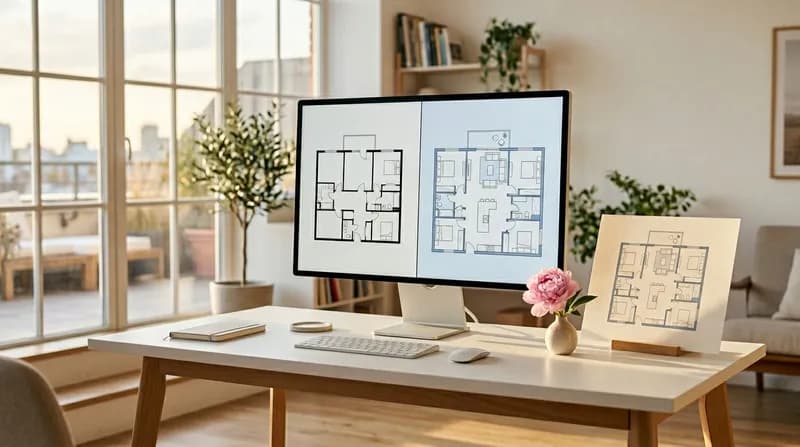

Image upload, AI editing, professional delivery. Upload your floor plan to generate tailored layout solutions via intelligent AI editing, supporting a complete closed-loop process for project, template and result downloads.
Image upload
AI-powered editing
Project-based management
Rapid generation
Powered by Nano Banana
Floor Plan Editor
Workbench
Upload the image and specify your editing requirements, ensuring that the editing instructions are clear and unambiguous.
Portfolio
Explore a variety of image processing effects and experience the formidable capabilities of professional AI technology. Unleash your creativity and discover more possibilities beyond the examples below.
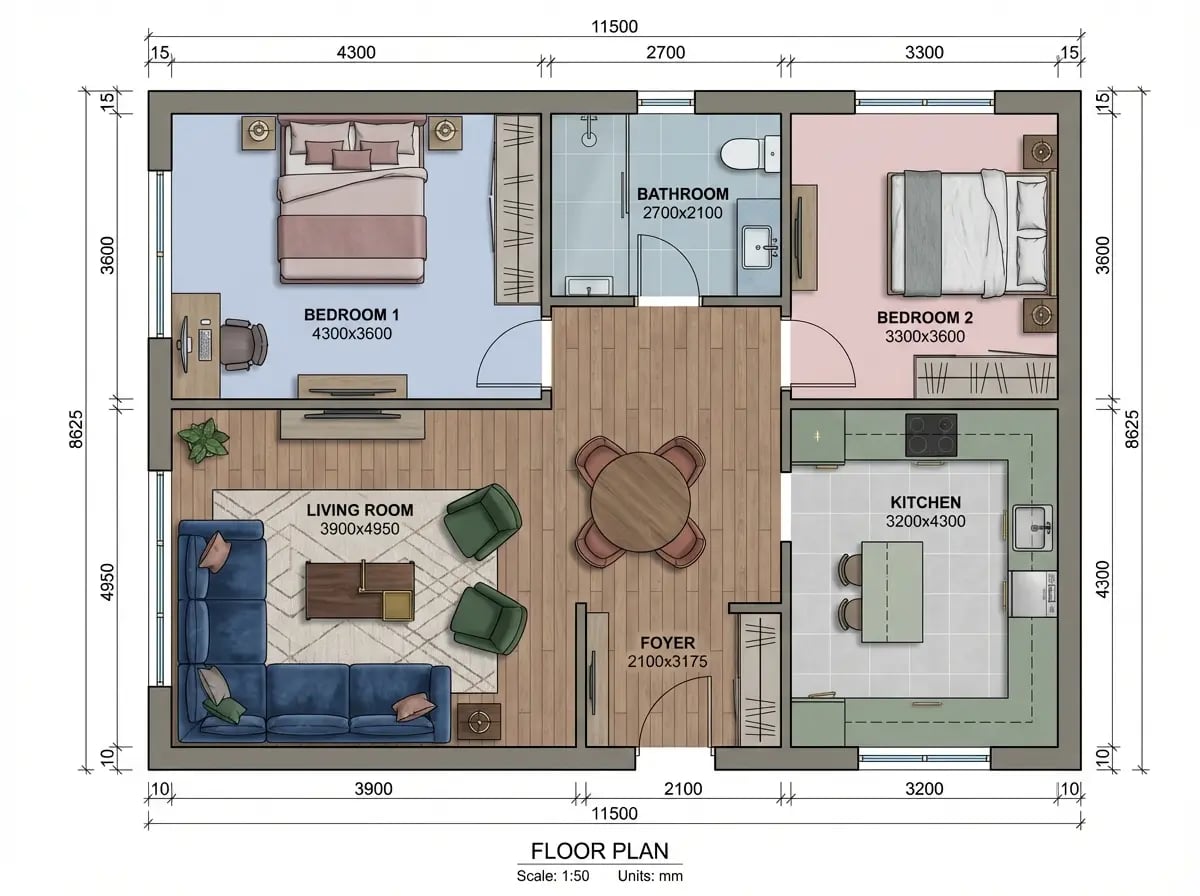
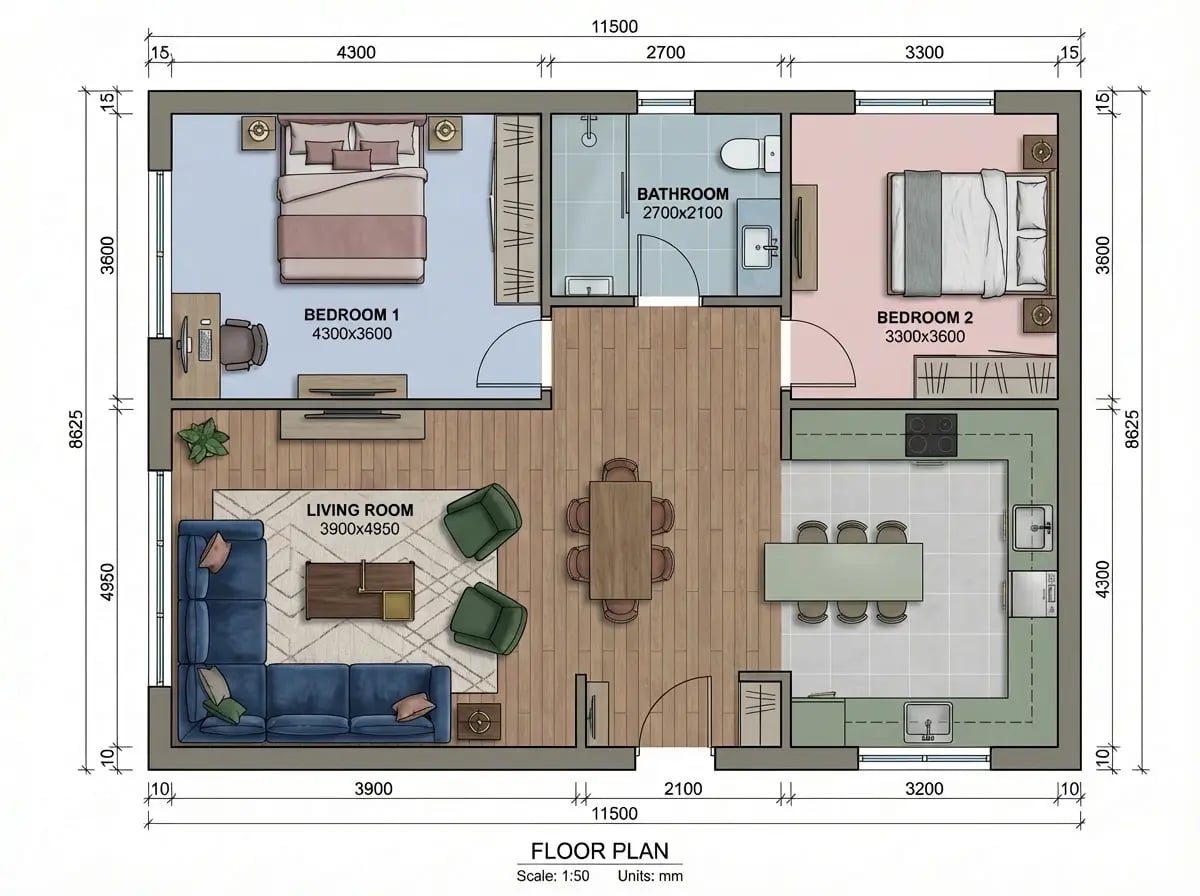
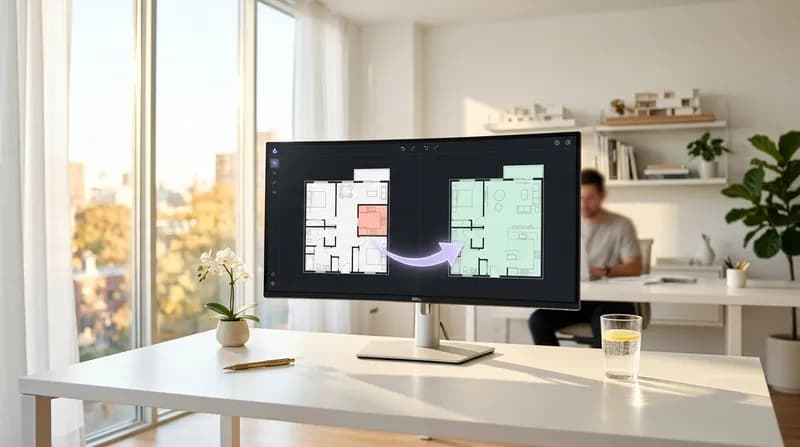
Convert the enclosed kitchen into an open-plan layout, incorporating an island unit to enhance the sense of spaciousness and openness.
Before editing
After editing
How the AI Floor Plan Editor Works
Using the AI floor plan editor is both simple and intuitive. Follow these straightforward steps to edit your professional floor plan.
1
Upload image
First, upload the floor plan image you wish to edit. Supported formats include PNG and JPEG, with a maximum file size of 20MB. Upon upload, the system will automatically generate a thumbnail for convenient previewing.
2
Configuration editing requirements
Select the project and configure editing parameters, including drafting standards, scale, and style. Describe your editing requirements, and the AI will intelligently modify the floor plan layout and design according to your instructions.
3
Generate and download
Click 'Edit', and within seconds, the AI will complete the intelligent editing of your floor plan. Upon completion, you may preview the results, use the comparison view to examine the original image alongside the edited version, and download the edited floor plan file in high quality.
Key Features of the AI Floor Plan Editor
Experience next-generation AI floor plan editing with our powerful, professional and privacy-focused AI floor plan editor.
Image upload
Supports uploading floor plans in PNG or JPEG format, with a maximum size of 20MB. Thumbnails are generated immediately upon upload for convenient previewing.
Intelligent Recognition
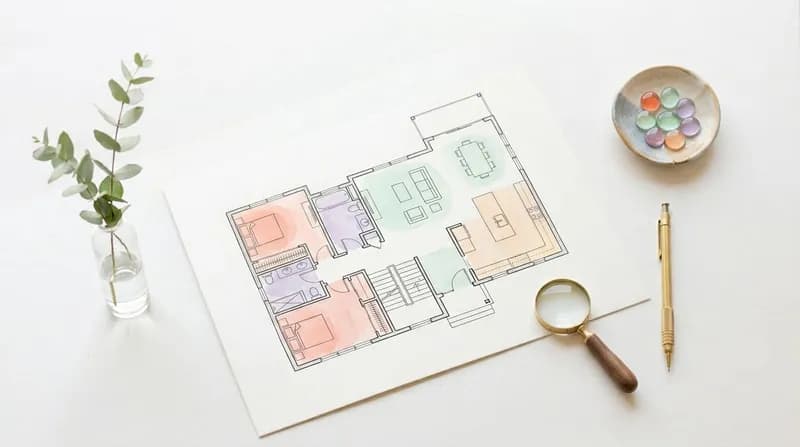
The AI floor plan editor intelligently recognises elements such as rooms, doors, windows, and furniture within floor plans, accurately interpreting the layout structure to provide a precise foundation for subsequent editing.
Quick Edit
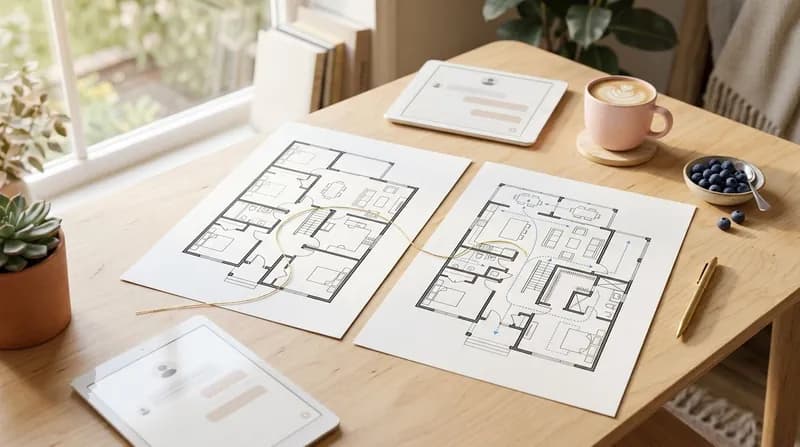
The optimised AI inference pipeline ensures the AI blueprint editor completes editing tasks within seconds, significantly boosting design efficiency and allowing you to focus on creativity rather than repetitive labour.
Multi-style support
The AI floor plan editor supports multiple visual styles, ranging from monochrome CAD and high-contrast blueprints to modern minimalist designs, catering to diverse aesthetic preferences and project requirements.
Professional output
The edited floor plan strictly adheres to international architectural drafting standards and complies with industry norms, making it suitable for direct use in project proposals, construction reference, and commercial applications.
Comparison view
The AI floor plan editor provides a side-by-side comparison of the original image and edited results, enabling you to review the editing effects and make decisions swiftly.
Use Cases for the AI Floor Plan Editor
Suitable for professionals including architects, interior designers, and property developers, this solution leverages AI to enhance design workflows. From image editing to commercial delivery, it comprehensively elevates design efficiency and professional standards.
Quick modification of floor plans
During the design refinement phase, architects upload existing floor plans and describe modification requirements in plain language. The AI rapidly generates revised floor plans.The system supports multiple modification types, encompassing room layout adjustments, functional zoning optimisation, and spatial dimension alterations, swiftly presenting diverse modification proposals for comparative evaluation. Inputting "Convert the master bedroom into an en-suite suite with an additional private bathroom; adopt an open-plan layout for the living and dining areas" enables the AI to generate modified floor plan proposals compliant with building regulations. This liberates designers from tedious CAD modifications, allowing them to focus on scheme optimisation and enhancing spatial quality.
Style Conversion and Rendering
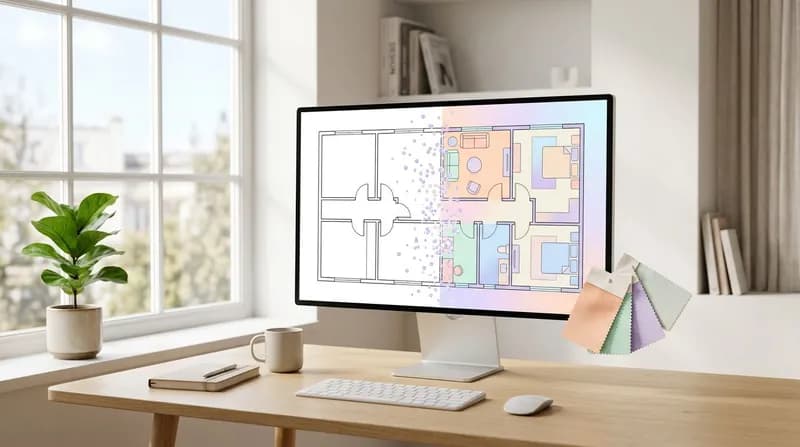
Interior designers upload black-and-white CAD line drawings, which AI intelligently converts into diverse visual styles such as modern colour schemes or high-contrast blueprint aesthetics. The system automatically recognises floor plan elements and applies domain expertise to ensure style transformations preserve original structures while enhancing visual impact.Upload a black-and-white CAD floor plan, input "Convert to modern minimalist style using warm colour palette", and the AI automatically applies colour schemes and rendering styles. This liberates designers from tedious manual colouring, delivering professional visual results swiftly.
Compliant output to drafting standards
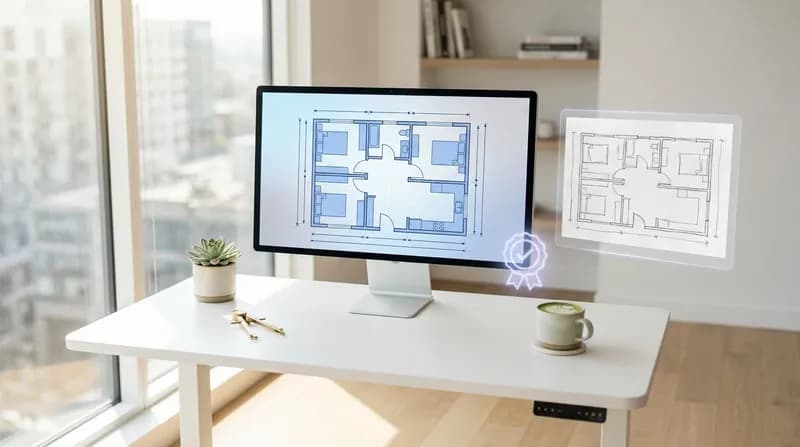
AI automatically converts uploaded floor plans into professional drawings compliant with international architectural drafting standards, incorporating standardised symbols for architectural components such as doors, windows, and staircases, whilst automatically annotating dimensions, room functions, and legend descriptions.Edited floor plans automatically incorporate standardised door and window symbols, dimension annotations, room names, and area markings. Compliant with ISO 128 drafting standards, the drawings feature clear and standardised representation. They are ready for direct use in design presentations, client showcases, and construction drawing development, eliminating the need for secondary drafting and meeting commercial delivery standards.
Intelligent optimisation of spatial layout
Utilise the AI floor plan editor to analyse existing spatial layouts, identifying wasted space and functional conflicts, whilst automatically optimising room configurations, functional zoning, and circulation design. By analysing current floor plan arrangements, the AI identifies issues such as inefficient circulation space and poor kitchen-dining room flow, automatically refining these into more effective spatial solutions that enhance utilisation rates and improve spatial quality. The system proposes optimisation recommendations, ensuring designs meet functional requirements whilst maintaining spatial aesthetics, thereby elevating both spatial efficiency and design quality.
Multi-style Professional Rendering
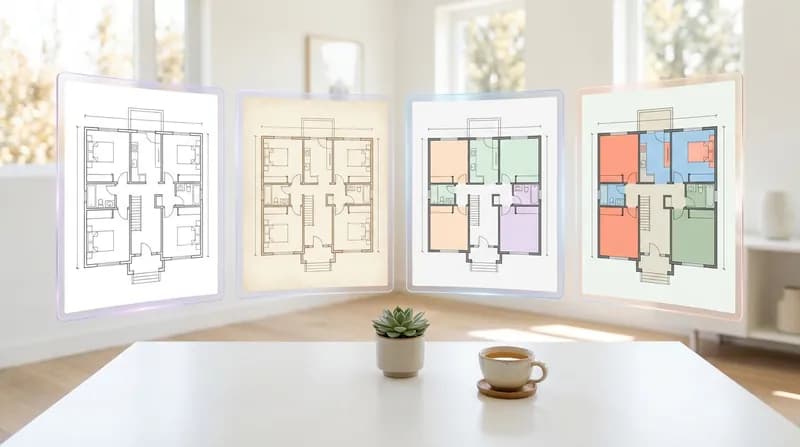
Supports rendering in multiple commercial drafting styles, from monochrome CAD line drawings and high-contrast blueprints to modern minimalist aesthetics, generating high-quality visualised floor plans.A single floor plan can yield black-and-white CAD line art for construction reference, colourful contemporary styles for proposal presentations, and high-contrast blueprint styles for design comparisons. This enables multiple visual representations from a single edit, catering to diverse design phase requirements. Automatically applies various rendering style combinations to meet project-specific demands and client preferences, enhancing delivery efficiency and professional presentation.
Project-based Solution Management
A comprehensive project management system supporting multiple concurrent projects, archiving historical designs, and comparative analysis of edits.AI generates multiple design proposals within seconds, producing 3-5 distinct styles for each project (e.g., monochrome CAD style, colourful contemporary style, high-contrast blueprint style). These are archived in the project library for client proposal comparisons and discussions, enabling rapid iteration and optimisation to significantly boost proposal approval rates. This facilitates efficient, orderly design workflows for proposal presentations and iterations, enhancing team collaboration and design refinement.
AI Floor Plan Editor is trusted by professional designers
Join the community of professional designers using the AI floor plan editor
Active users 200K+ Monthly active users of the AI floor plan editor
User Rating 4.9 Average Quality Score for AI Floor Plan Editor
Frequently Asked Questions
Frequently Asked Questions Regarding AI Diagram Editors
Any further questions? Please feel free to email us.
1
What issues can the AI floor plan editor resolve for me?
Whether you are an architect, interior designer, estate agent, or a homeowner planning your new property, this tool enables you to swiftly edit and modify existing floor plans. There is no need to learn complex CAD software; simply upload an image and describe your editing requirements to receive industry-standard results within seconds. This significantly enhances design efficiency and communication effectiveness.
2
Can the edited floor plan be used directly for commercial projects?
Absolutely. You possess full commercial rights to utilise all floor plans edited with this tool, enabling direct application in client proposals, project tenders, marketing campaigns, property showings, construction references, and any other commercial context. The edited drawings comply with international architectural drafting standards, supporting mainstream specifications including ISO 128, AIA/NCS, and GB/T, thereby meeting professional project requirements.
3
Do I need to have a background in architectural design to use it?
Not required. This tool is specifically designed to lower the design barrier, employing advanced image recognition and natural language processing technologies. Simply upload your floor plan and describe your editing requirements in everyday language (such as "add a room" or "adjust the kitchen layout"), and the AI will automatically complete the edits. Whether you're a design novice or a seasoned professional, it's easy to get started.
4
What are the advantages compared to traditional CAD software?
Traditional CAD systems demand weeks of learning curves and line-by-line modifications, whereas the AI floor plan editor employs an 'intent-driven' approach that boosts editing efficiency by tens of times. You focus on creative expression and requirements, while the AI handles technical implementation, allowing design to return to its essence. It also supports project-based management, version comparisons, and multi-device access – modern workflows better suited to fast-paced design environments.
5
How can one ensure that edited floor plans meet professional standards?
This tool strictly adheres to international architectural drafting standards, supporting mainstream specifications including ISO 128, AIA/NCS CAD Layers, and GB/T 50104. Edited drawings retain standardised layer hierarchies, compliant dimensioning, and professional symbol systems, enabling direct use for conceptual design, client presentations, and preliminary construction reference. All dimensions are expressed in millimetres, meeting architectural drafting precision requirements.
6
What types of floor plans can be edited?
Supports floor plan editing for diverse spatial types including residential, commercial, and office spaces, encompassing flats, villas, offices, retail premises, and restaurants. You may adjust layouts, add or remove rooms, and optimise functionalities within existing floor plans. The AI will intelligently complete edits according to your requirements, ensuring the final design remains both logical and compliant with building regulations.
7
How to manage multiple editing schemes?
Supports comprehensive project management functionality. You may create multiple projects, each capable of storing numerous editing schemes for convenient comparison of different visual outcomes. All editing histories, task statuses, and preview images are preserved within your project library, enabling instant viewing, downloading, and sharing to enhance design workflow efficiency and organisation.
8
What is the precision and accuracy of the edited drawings?
The edited floor plan maintains high dimensional accuracy and scale precision. AI intelligently recognises the original drawing's dimension annotations and proportional relationships, ensuring consistency in the dimension chains of the edited drawings. All annotations adhere to standard CAD formats, expressed in millimetres, to meet professional drafting requirements. For scenarios requiring precise construction, it is advisable to have a final review conducted by a qualified architect prior to commencing actual works.
9
Is my design data secure?
We strictly safeguard user privacy and data security. All your design data, uploaded images, and edited drawings are stored within your private project library and will not be disclosed, shared, or utilised for any other commercial purposes. All data transmission employs industry-standard encryption protocols to ensure information security.
10
On which devices can it be used?
Fully responsive design, supporting all devices including desktop computers, tablets and mobile phones. Whether you're in the office, on a construction site or in a café, you can access and edit floor plans anytime. Compatible with major browsers such as Chrome, Firefox, Safari and Edge, with no software installation required.
11
Which languages and annotations are supported?
Supports room names and dimension annotations in over 20 languages, including Chinese (Simplified/Traditional), English, Japanese, Korean, French, German, Spanish, Portuguese, Italian, Russian, Arabic, and more, catering to international project requirements. Annotations utilise standard CAD fonts to ensure professionalism and legibility.
12
How long does it take to edit a floor plan?
Typically, editing takes only seconds to minutes to complete, with the exact duration depending on the complexity of the edits and the image size. Compared to traditional CAD software requiring hours or even days of manual modifications, the AI floor plan editor boosts editing efficiency by tens of times. You can monitor the editing progress in real time, preview and download the finished product immediately, significantly shortening project timelines and freeing up more time to focus on creativity and scheme optimisation.
Didn't find the answer you were looking for? Please contact our customer service team at [email protected]
Start using the AI Floor Plan Editor
Experience professional-grade floor plan editing immediately, making design simpler and more efficient.