
Wall Design AI
Workbench
Upload wall images and configure design parameters
Upload wall images and configure design parameters

Wall Design AI turns one wall photo into fast wall design concepts. Use Wall Design AI to compare wall finishes, colors, panels, and materials before renovation.
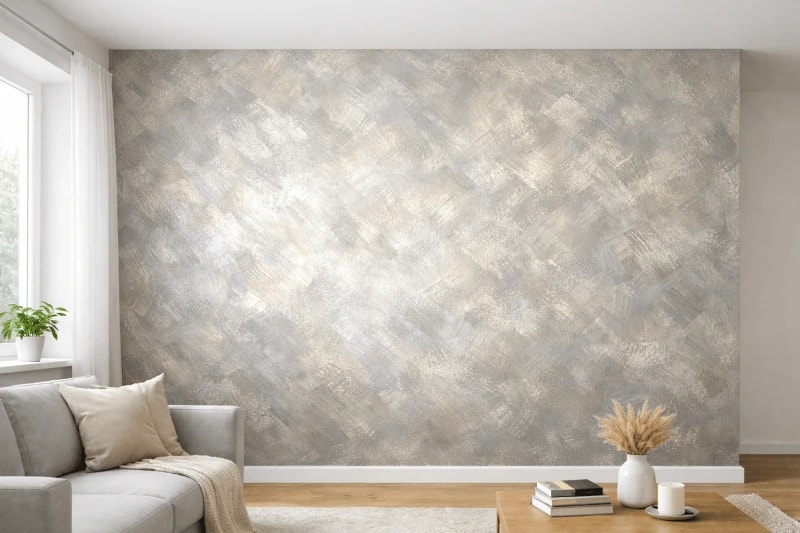
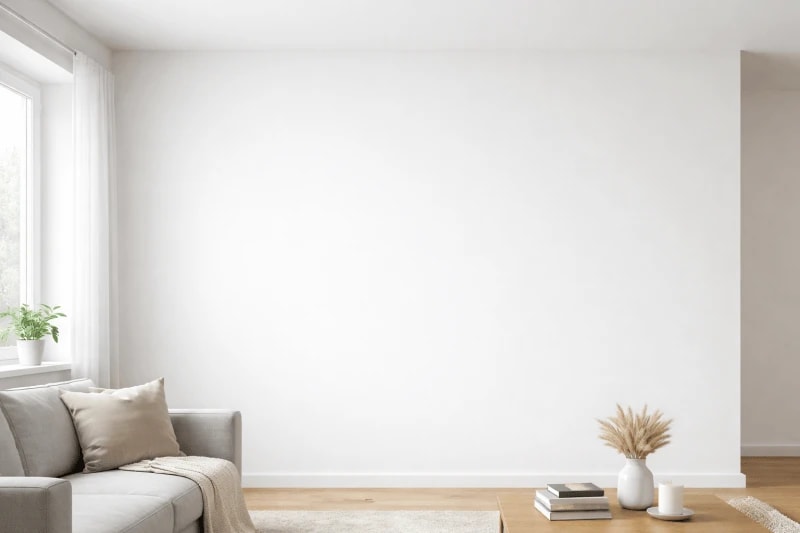
"Transform this wall with art paint finish featuring metallic sheen and dimensional texture"
See how this wall design tool turns a wall photo into clear wall design concepts in a few guided steps.
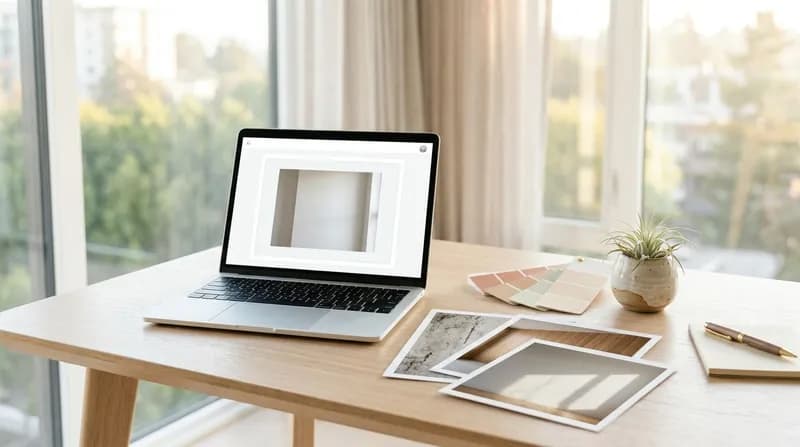
Upload your wall image (PNG/JPEG, maximum 20MB). The AI model will conduct a deep analysis of the wall's structure, materials, and light-shadow relationships, laying the groundwork for subsequent conversion.
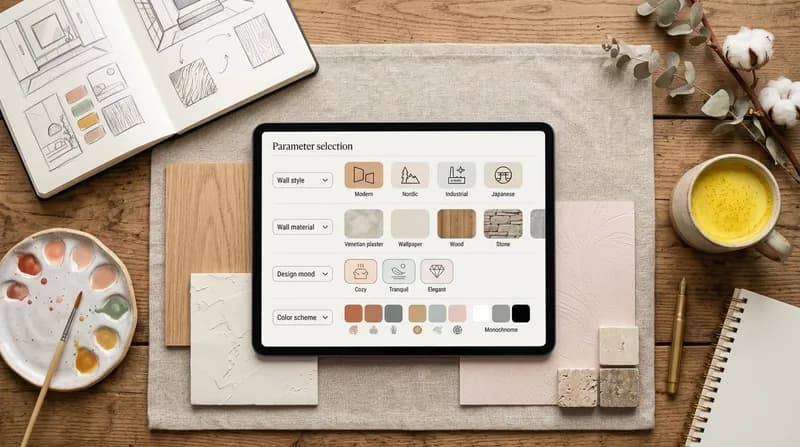
Select wall style, wall material, design ambience, and colour scheme, then supplement specific requirements with additional constraints. Based on the complete parameter configuration, the AI intelligently generates wall design solutions that meet expectations.
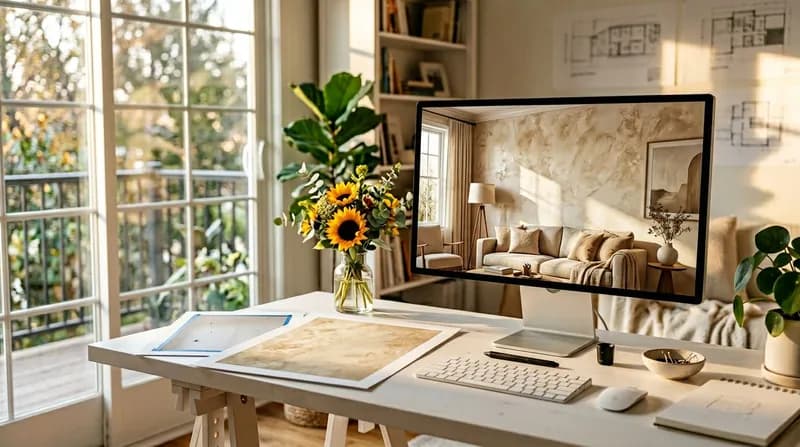
Click 'Generate' and the AI completes the conversion within seconds. Track progress in real time, preview the design until satisfied, then download the high-definition artwork for direct use in client proposals, project presentations and construction reference.
This wall design tool combines fast upload, precise style control, and professional output for design reviews.
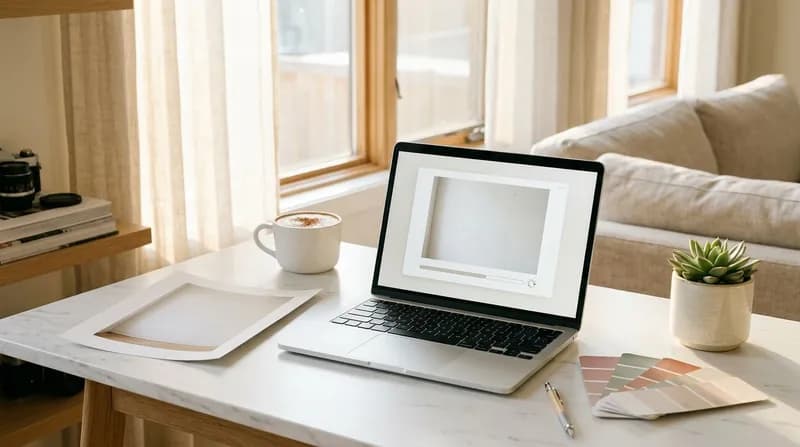
Upload PNG/JPEG images with a single click, up to 20MB in size. Intelligent compression and storage automatically generate thumbnails upon upload, with preview and deletion capabilities for swift management of wall materials.
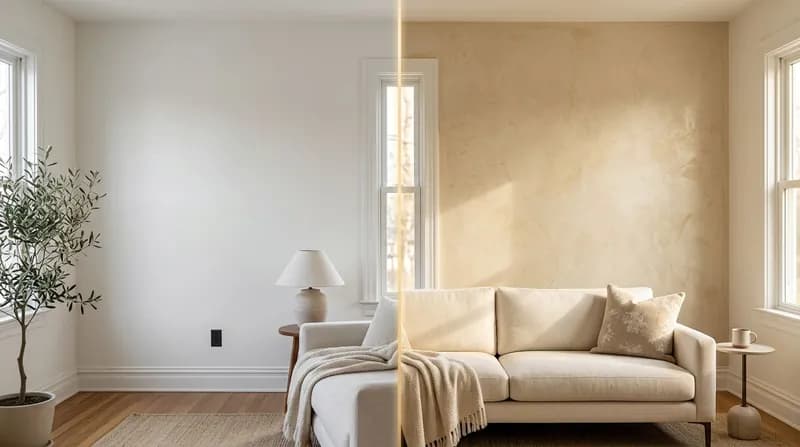
Utilising your original image, our AI-powered wall conversion employs advanced multimodal understanding models to deeply analyse wall structure, materials and lighting, swiftly generating professional wall renderings.
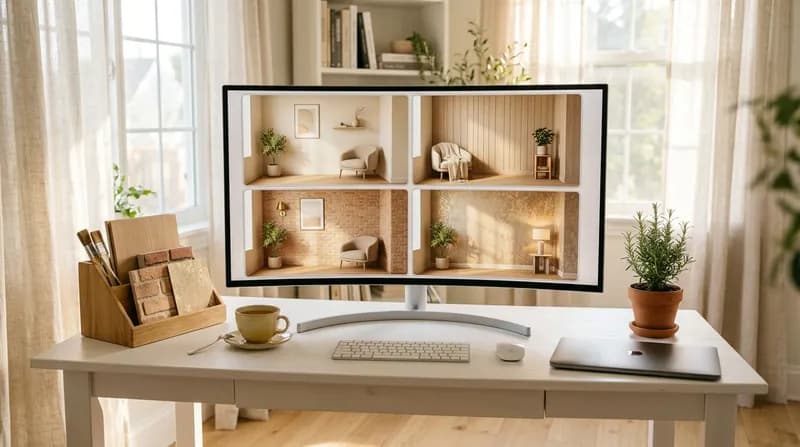
Featuring 20 built-in wall design styles including Modern, Minimalist, Nordic, Japanese, Industrial, and New Chinese, catering to diverse aesthetic preferences and project requirements to help explore more design possibilities.
This wall design tool combines fast upload, precise style control, and professional output for design reviews.
Use this wall design tool for residential, retail, office, and hospitality wall design concepts.
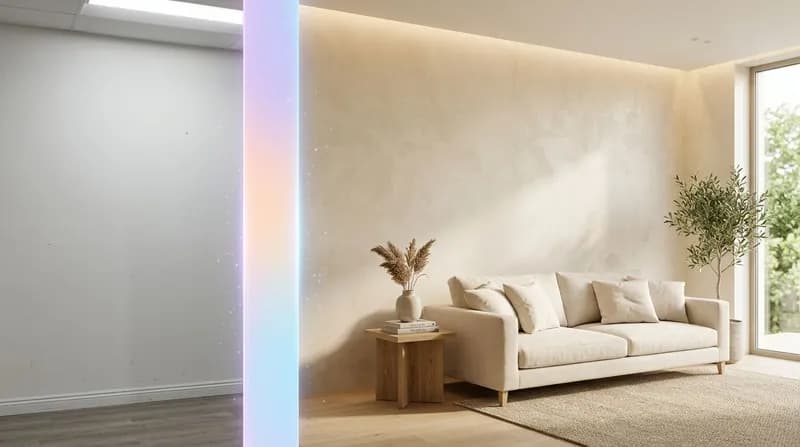
Upload your original wall image, select your desired style (modern, minimalist, Nordic, Japanese, new Chinese, etc.) and preferred ambience (cosy, tranquil, elegant, etc.). Our AI intelligently analyses wall structure and light-shadow relationships to generate professional-grade wall visualisations. Say goodbye to tedious manual rendering and swiftly bring your design concepts to life.
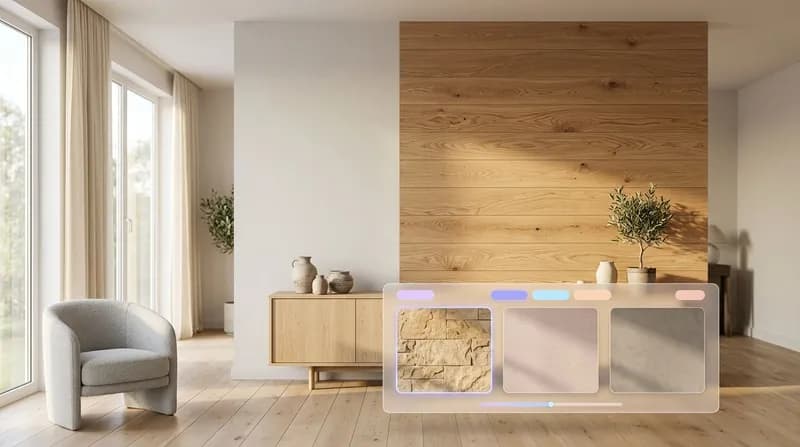
Upload wall images and select wall finishes (latex paint, decorative paint, wallpaper, wood veneer, stone cladding, microcement, etc.). Our AI deeply understands material textures and light-shadow effects to generate photorealistic material visualisations. This facilitates rapid exploration of diverse material solutions and provides clients with an intuitive presentation of outcomes.
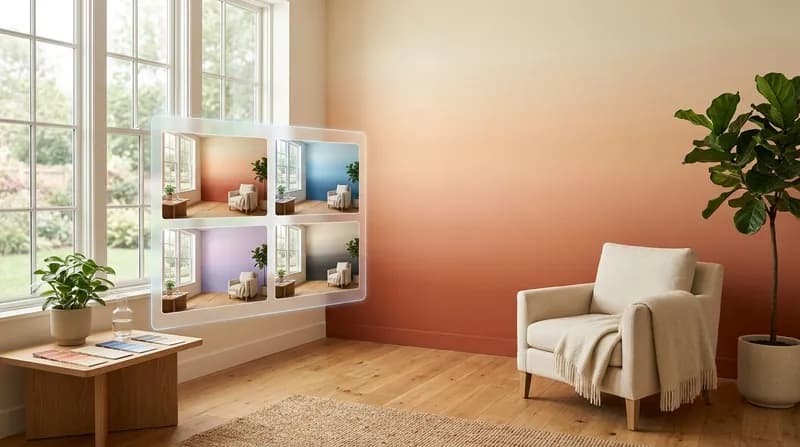
Upload photographs of the existing wall surfaces, select a colour scheme (warm tones, cool tones, high contrast, monochrome, pastel, etc.), and the AI will automatically analyse the room's lighting and existing elements to generate harmonious colour palettes. This assists designers in rapidly producing multiple colour scheme options for comparative analysis.
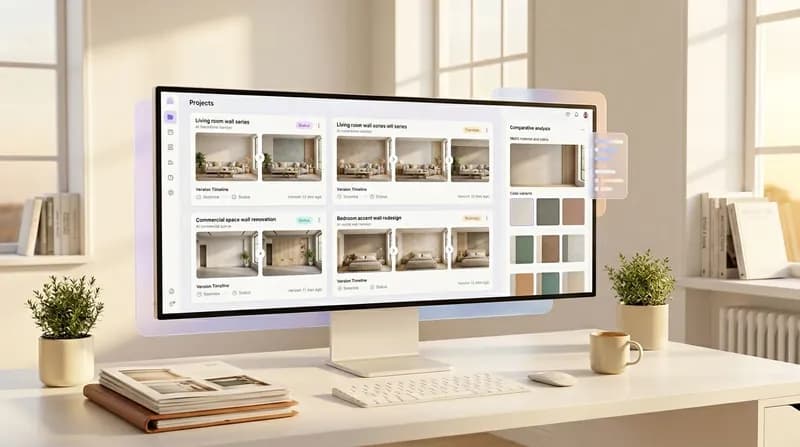
Supports concurrent management of multiple projects, with each project capable of independently managing source images, parameter configurations, and generated outputs. Historical designs are automatically archived for easy traceability and reuse. A single project can generate multiple stylistic variants for comparative analysis, facilitating efficient project advancement.
This wall design tool helps teams compare wall design options faster without rebuilding each mockup.

Visualise your renovation before construction begins, minimising trial-and-error costs and empowering confident design decisions.
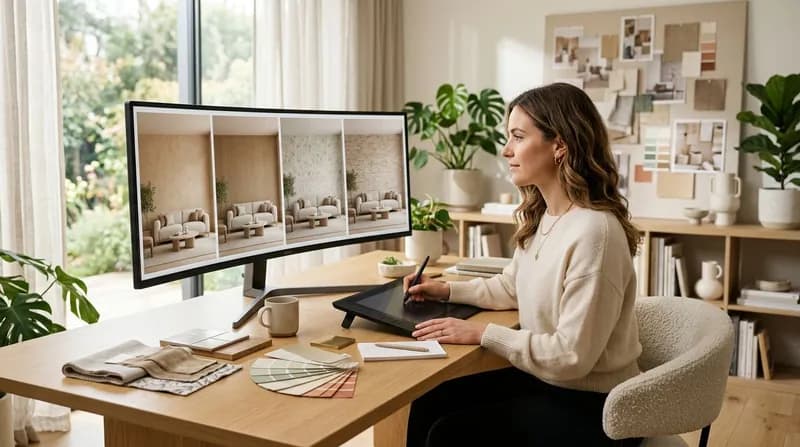
Rapidly produce multiple design iterations to enhance proposal efficiency, and win client trust through professional visual presentation.
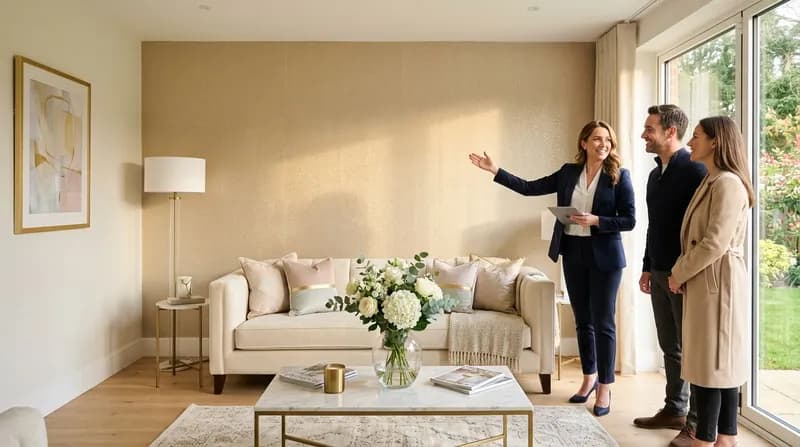
Create eye-catching wall displays for properties to enhance presentation quality and accelerate sales conversions.
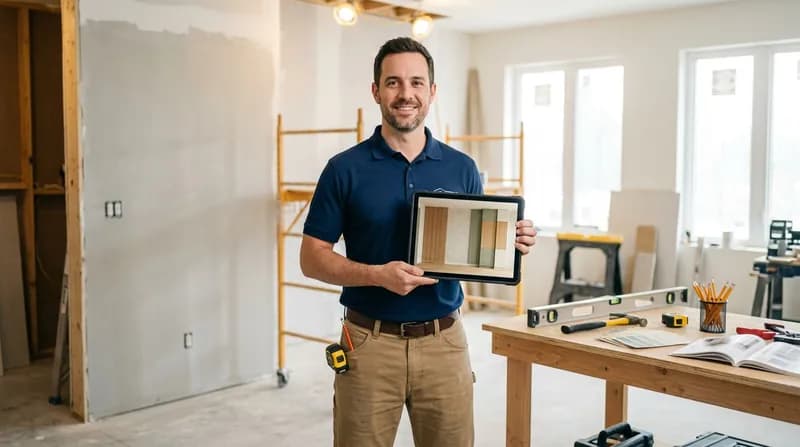
Confirm project details prior to commencement to minimise rework and ensure smooth project delivery.
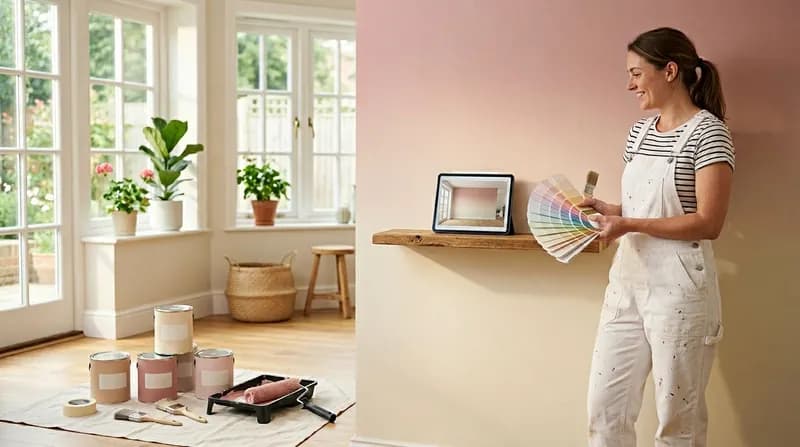
Visually demonstrate colour scheme effects to assist clients in making swift decisions, thereby enhancing the professionalism of our service.
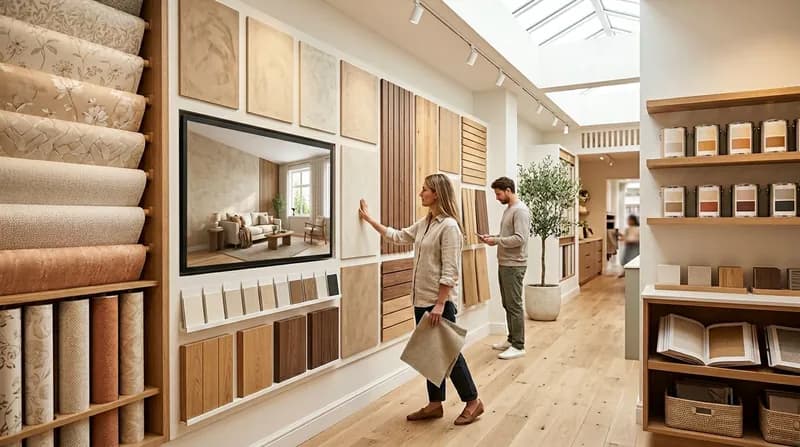
Allow customers to visualise the product's appearance on their walls, thereby boosting purchasing confidence and enhancing conversion rates.
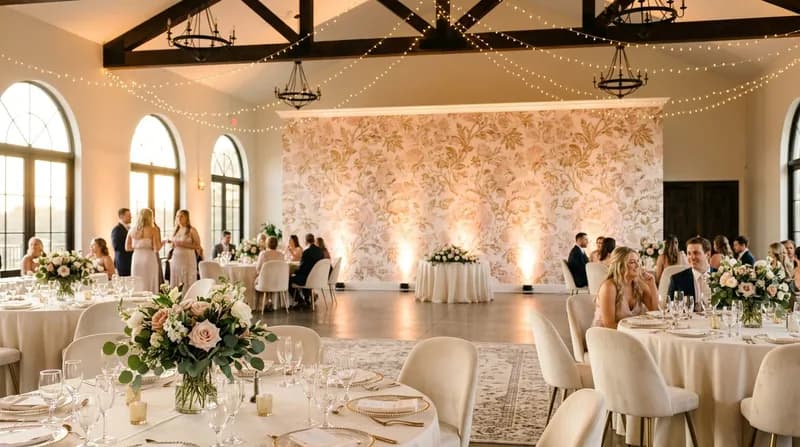
Customised feature wall schemes enhance the visual impact of event spaces.
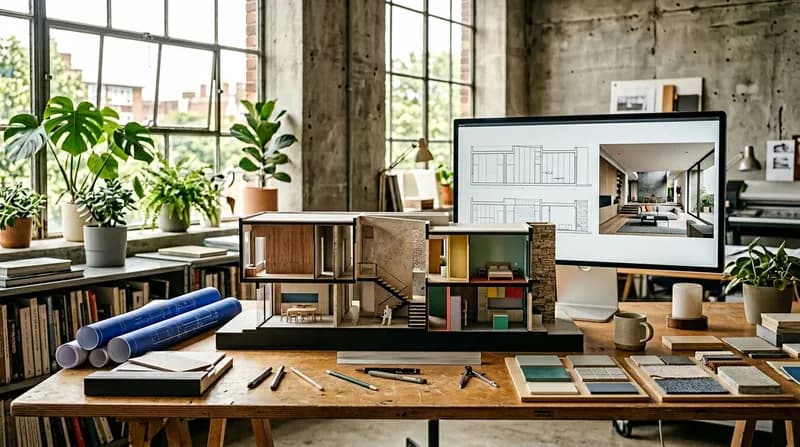
Integrate wall detailing into the overall design to enhance the spatial visual expression.
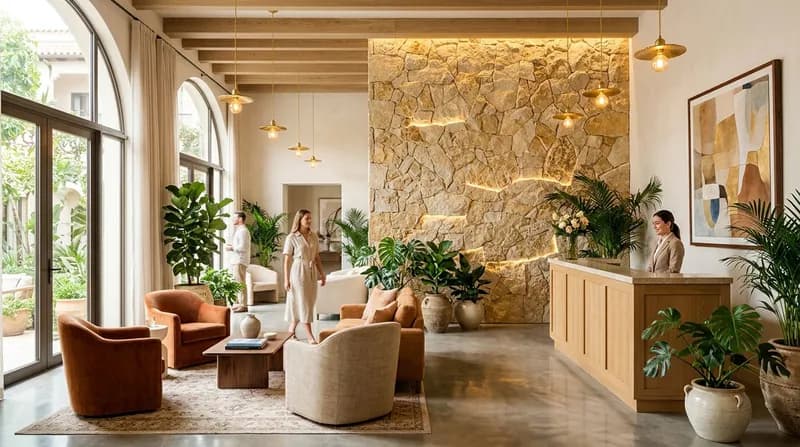
Crafting distinctive spatial experiences, elevating brand value through design-driven aesthetics.
Teams use this wall design tool when they need faster wall design reviews and clearer client communication.
Find answers about Wall Design AI, wall design output quality, privacy, and commercial use.
Whether you are an interior designer, renovation contractor, property developer, or a homeowner planning your new residence, this tool enables you to swiftly transform existing wall photographs into professional design proposals featuring diverse styles and materials. No need to master complex design software – simply upload your image and select parameters to obtain industry-standard wall design solutions within seconds.
Absolutely. You possess full commercial rights to utilise all design proposals generated by this tool, which may be directly employed in client proposals, project tenders, marketing campaigns, property showings, construction references, or any other commercial context.
Supports 20 wall styles (including contemporary, minimalist, Nordic, Japanese, industrial, new Chinese, Mediterranean, etc.) and 18 wall finishes (such as emulsion paint, decorative paint, wallpaper, wood veneer, stone cladding, microcement, 3D textured panels, etc.), catering to diverse design requirements.
Traditional design software demands weeks of learning curves and item-by-item rendering, whereas Wall Design AI employs an 'intelligent conversion' mode that boosts design efficiency by tens of times. You focus on creativity and expressing requirements, while the AI handles the technical implementation, allowing wall design to return to its essence.
Supports comprehensive project management functionality. You may create multiple projects, each capable of storing numerous design schemes for convenient comparison of different styles and material options. All generation histories, task statuses, and preview images are preserved within your project library.
The generated design proposals demonstrate exceptional visual accuracy and professional standards. Having been trained on extensive professional design datasets, the AI model accurately interprets design intent and produces wall design solutions that meet industry benchmarks.
We strictly safeguard user privacy and data security. All your design data, input parameters, and generated design solutions are stored within your private project library and will not be disclosed or utilised for any other commercial purposes.
Fully responsive design, supporting all devices including desktop computers, tablets and mobile phones. Whether you're in the office, on a construction site or in a café, you can access and generate design proposals at any time.
Typically, generation takes only seconds to minutes, with the exact duration depending on design complexity. Compared to traditional design software requiring hours or even days of manual rendering, Wall Design AI boosts design efficiency by tens of times.
Not required. This tool is specifically designed to lower the design threshold, utilising advanced AI technology. Simply upload an image and select design parameters (such as style, material, colour, etc.), and the AI will automatically generate professional design solutions.
Didn't find the answer you were looking for? Please contact our customer service team [email protected]
Use Wall Design AI in AI Floor Plan to create wall design concepts faster.