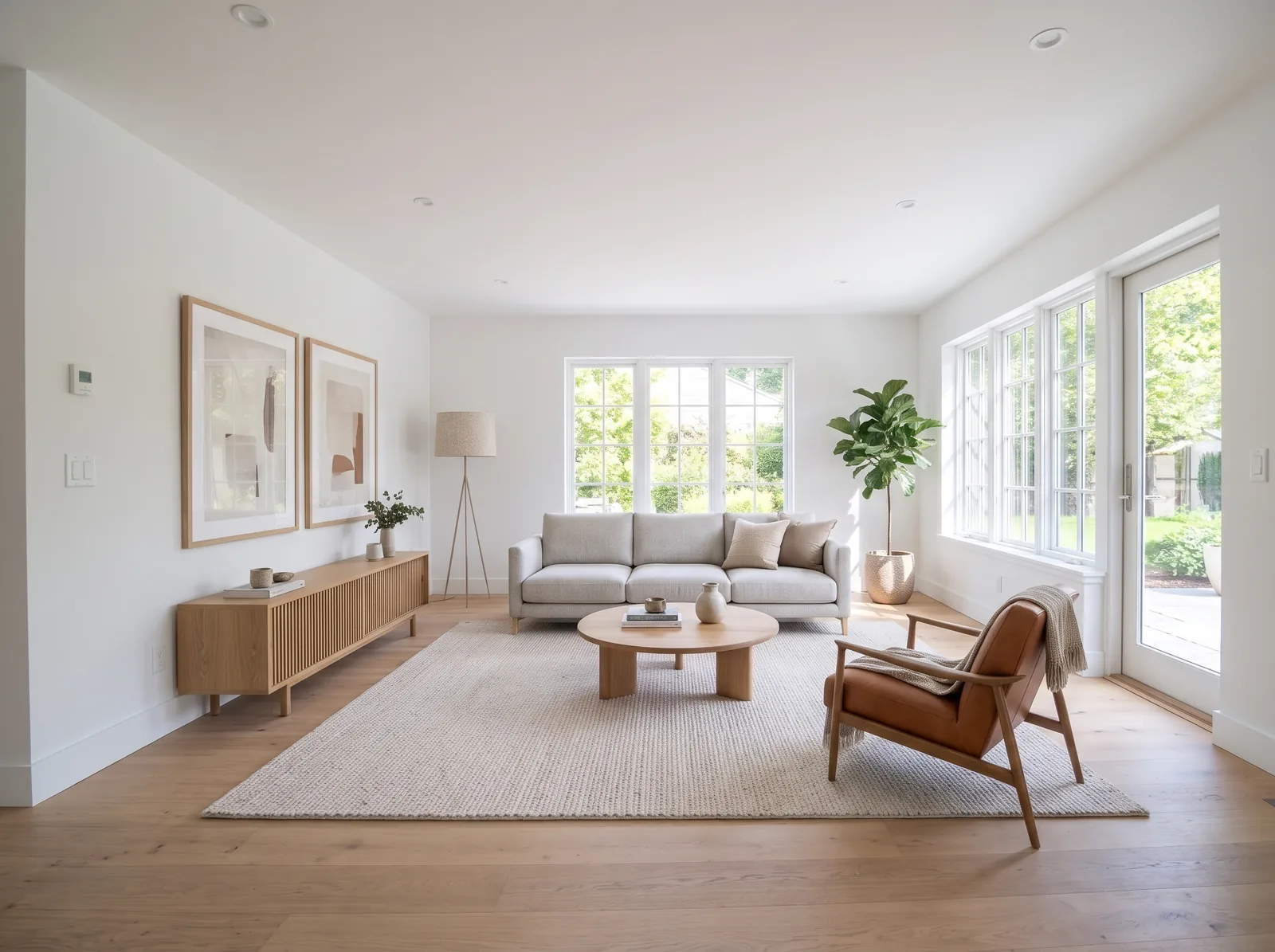
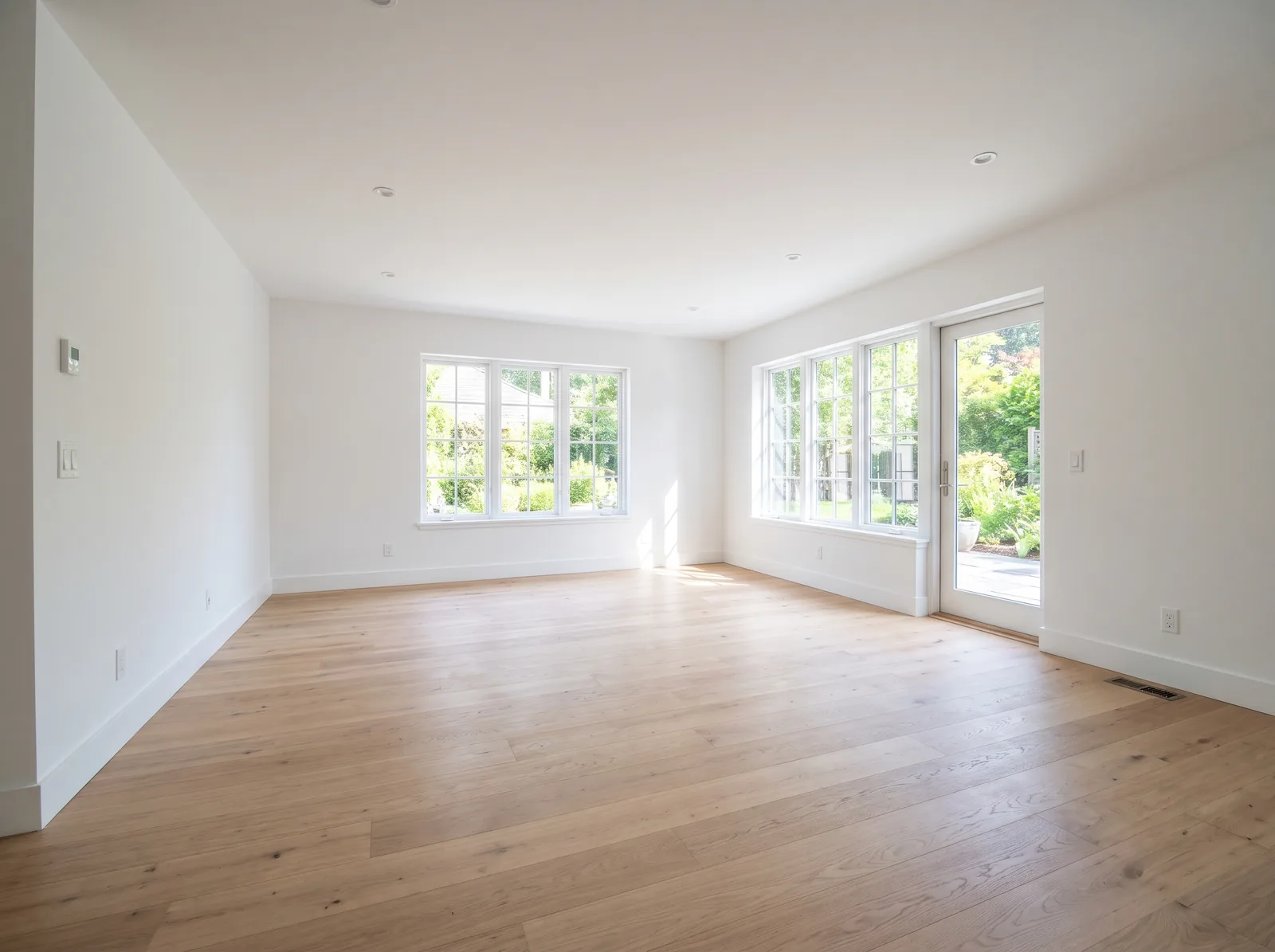
Empty Living Room to Scandinavian Staging
Stage this empty living room in Modern Scandinavian style with a grey sofa, wool rug, oak coffee table, leather lounge chair and plants.

Turn empty listing photos into warm, furnished rooms buyers can picture living in, with real-world scale furniture and the room itself left exactly as photographed.
Before & After
Drag across each transformation to inspect structural fidelity, or load any instruction directly into the studio above.
Stage this empty living room in Modern Scandinavian style with a grey sofa, wool rug, oak coffee table, leather lounge chair and plants.
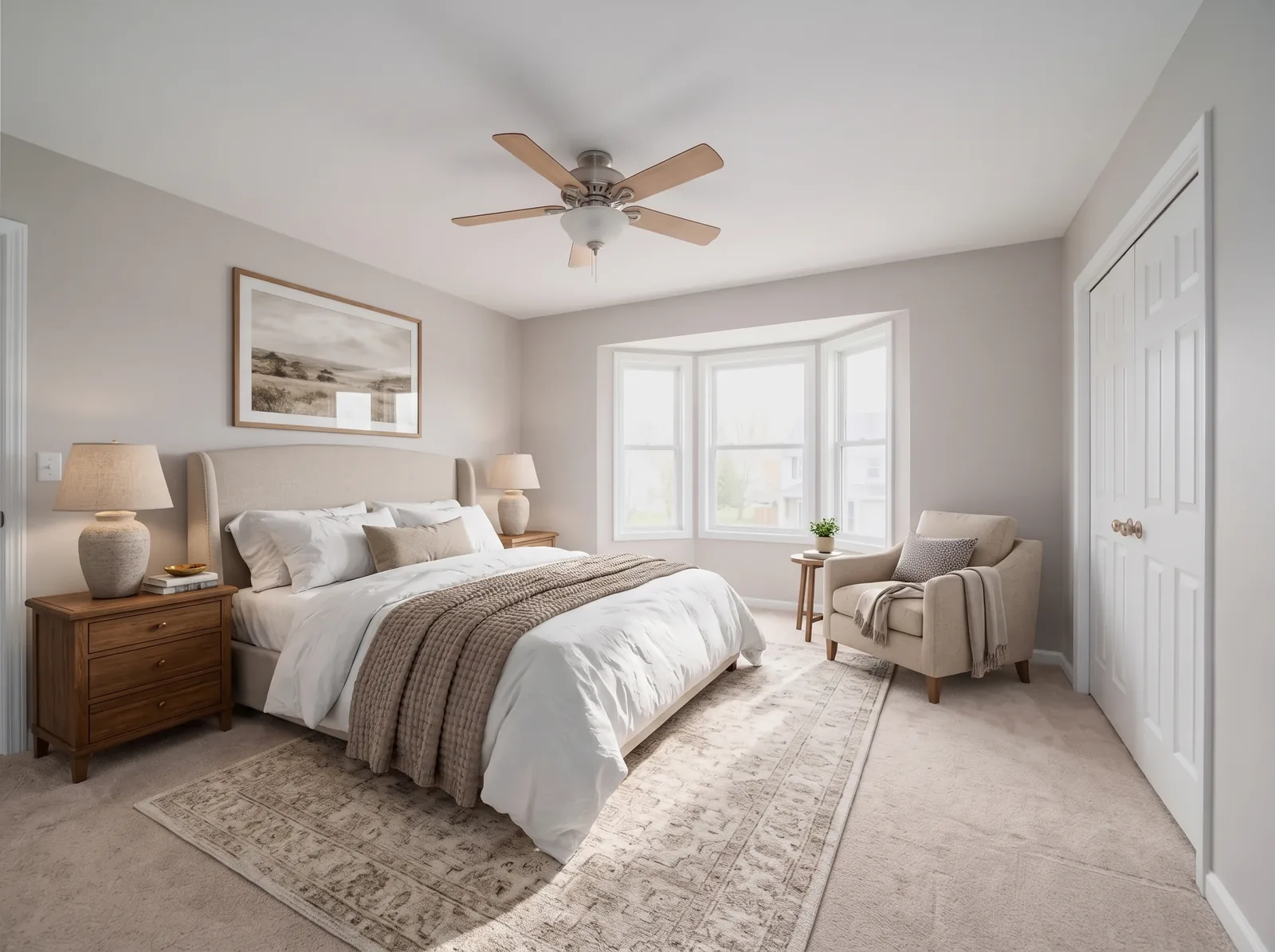
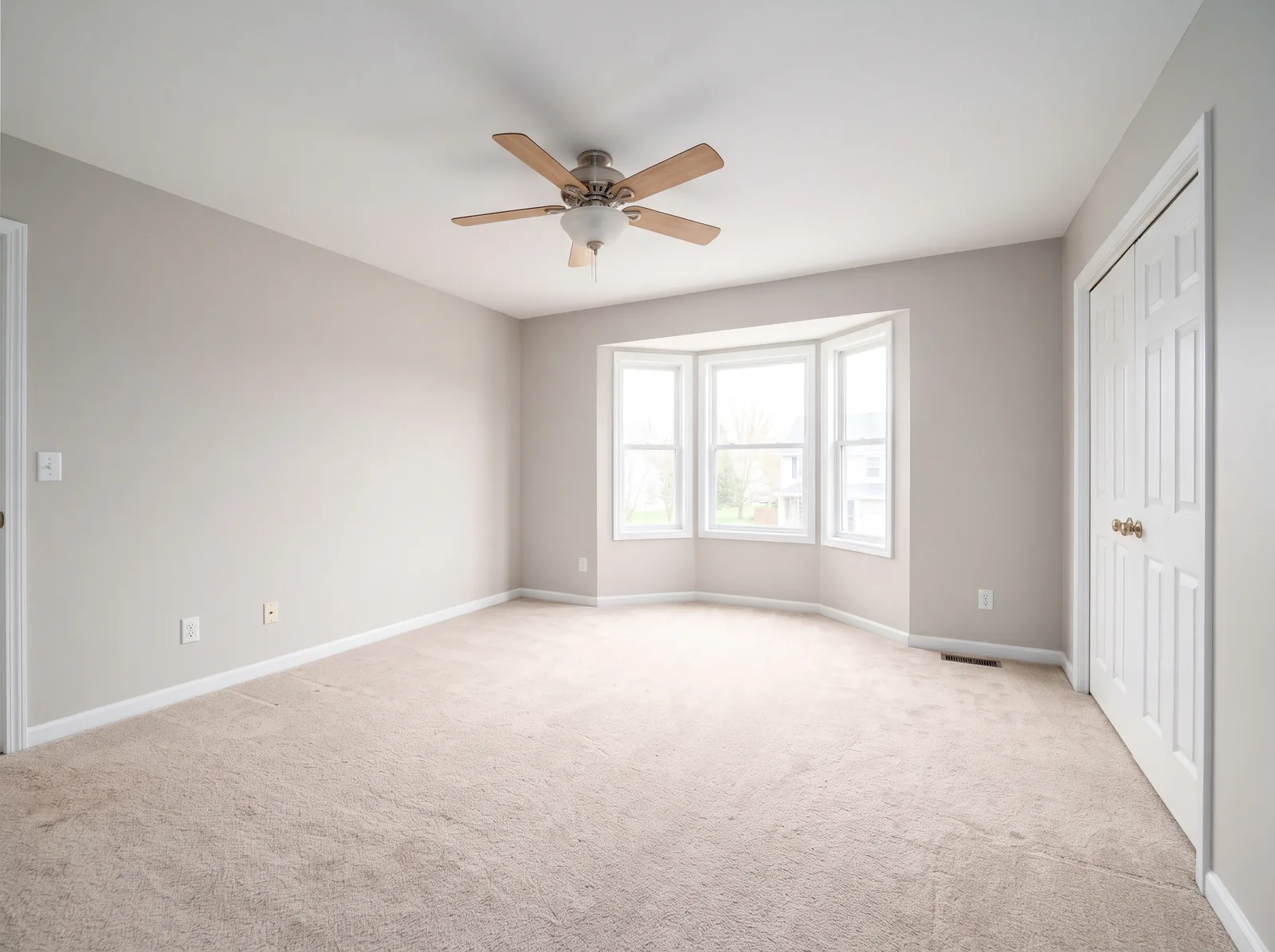
Stage this empty bedroom with a king upholstered bed, white bedding, matching nightstands, a rug and a reading chair in the bay window.
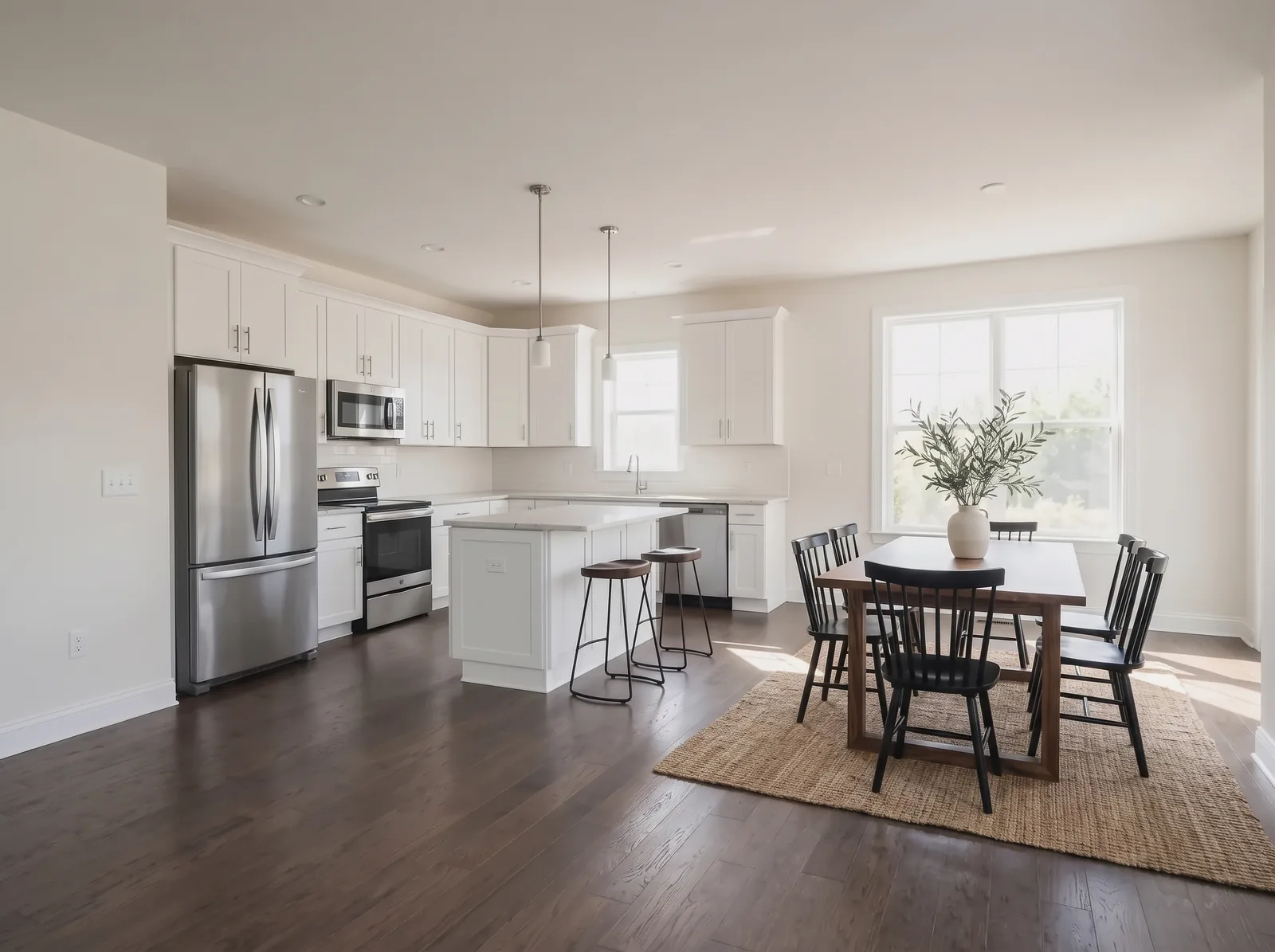
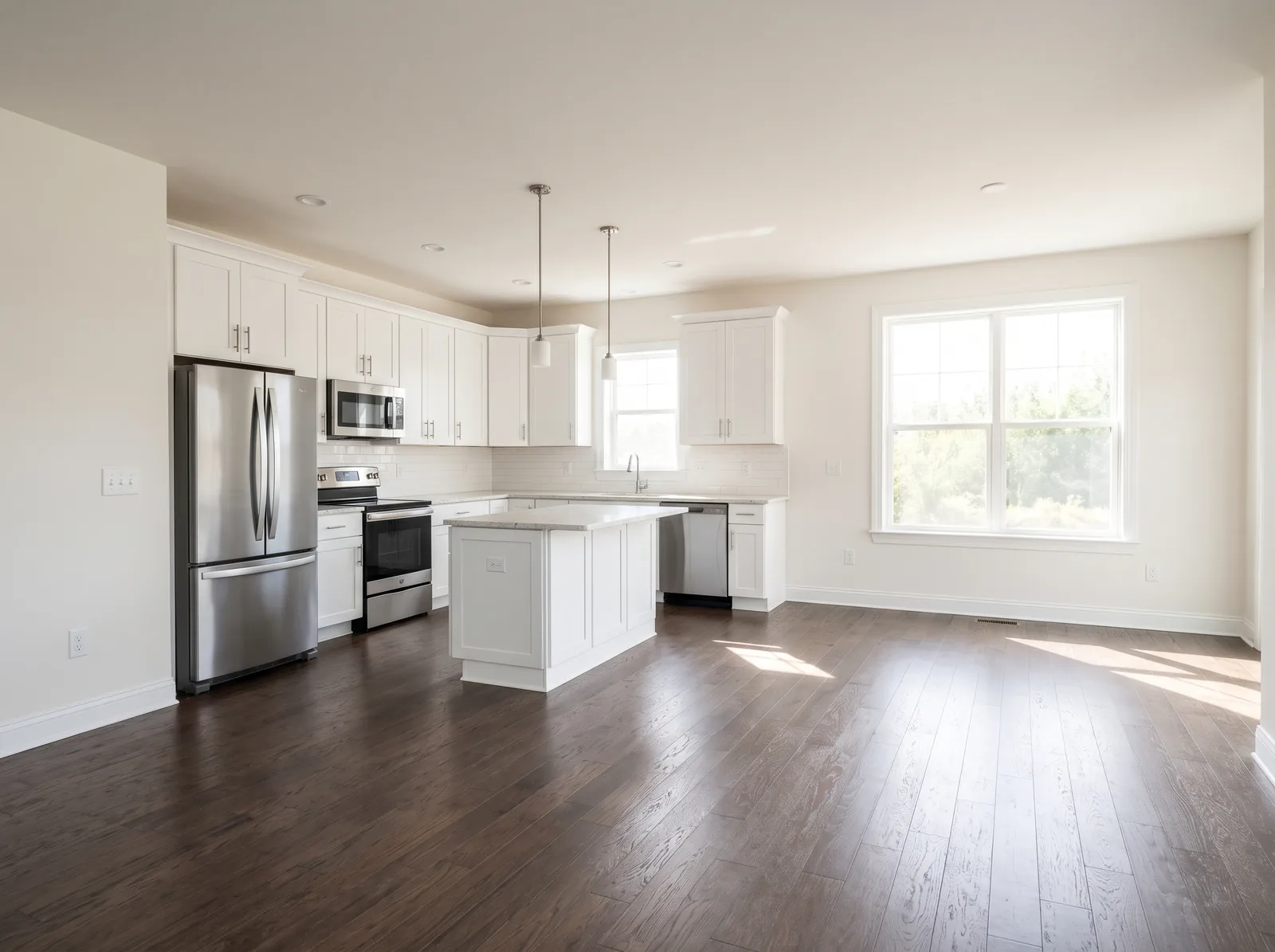
Stage only the empty dining area with a walnut table for six, black chairs, a jute rug and counter stools, leaving the kitchen as is.
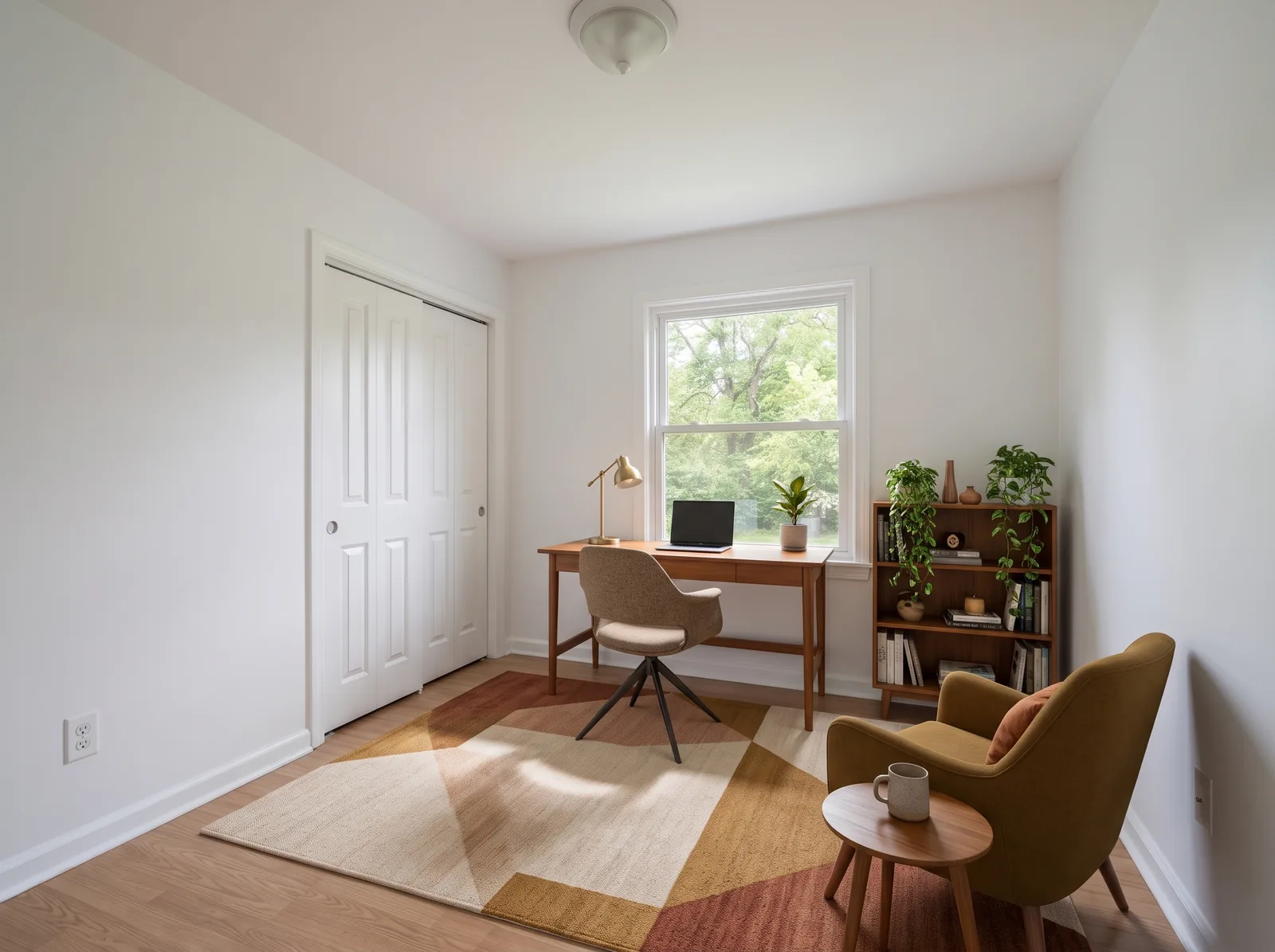
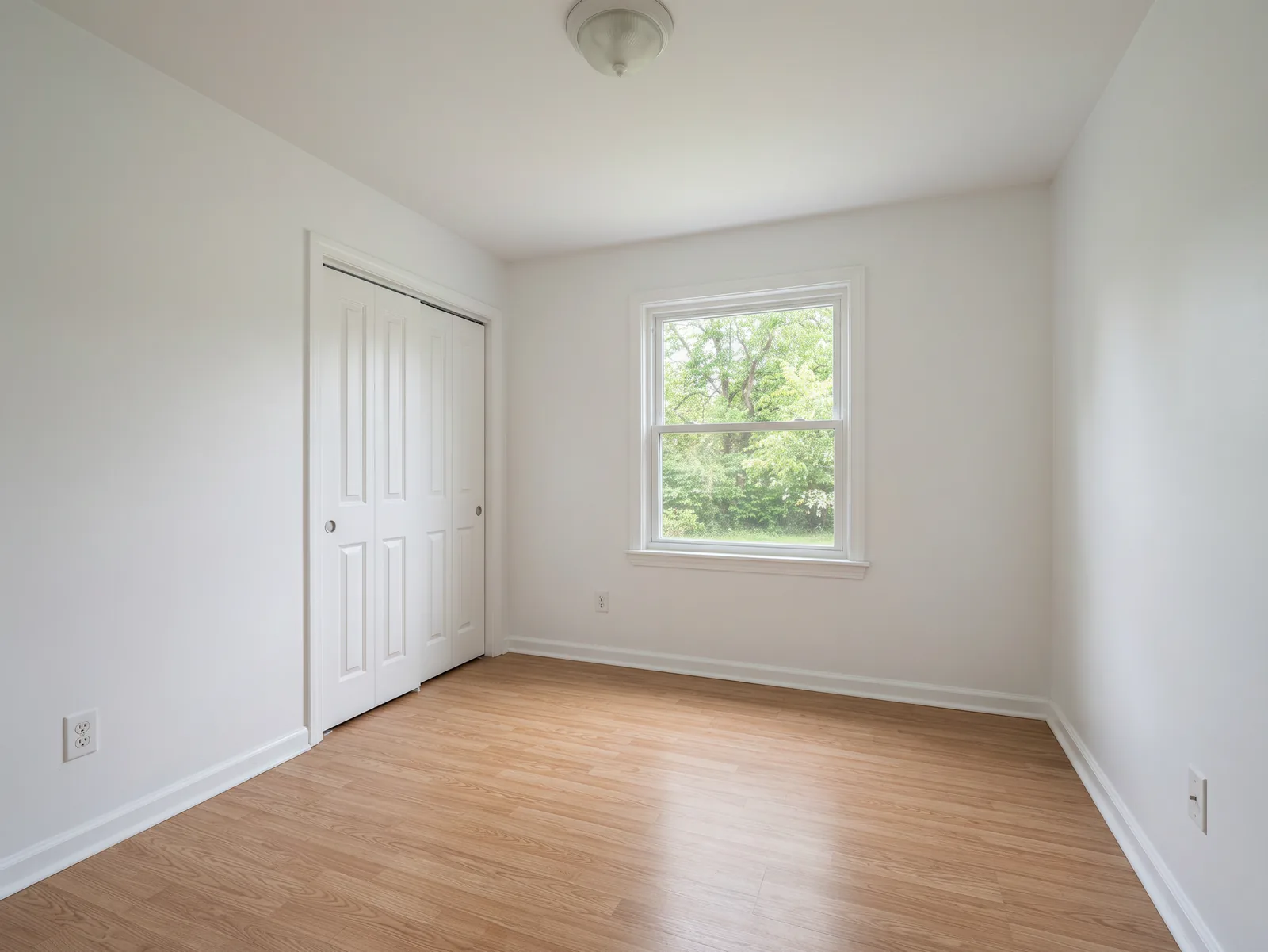
Stage this spare room as a Mid-Century Modern home office with a teak desk, ergonomic chair, bookshelf and reading chair.
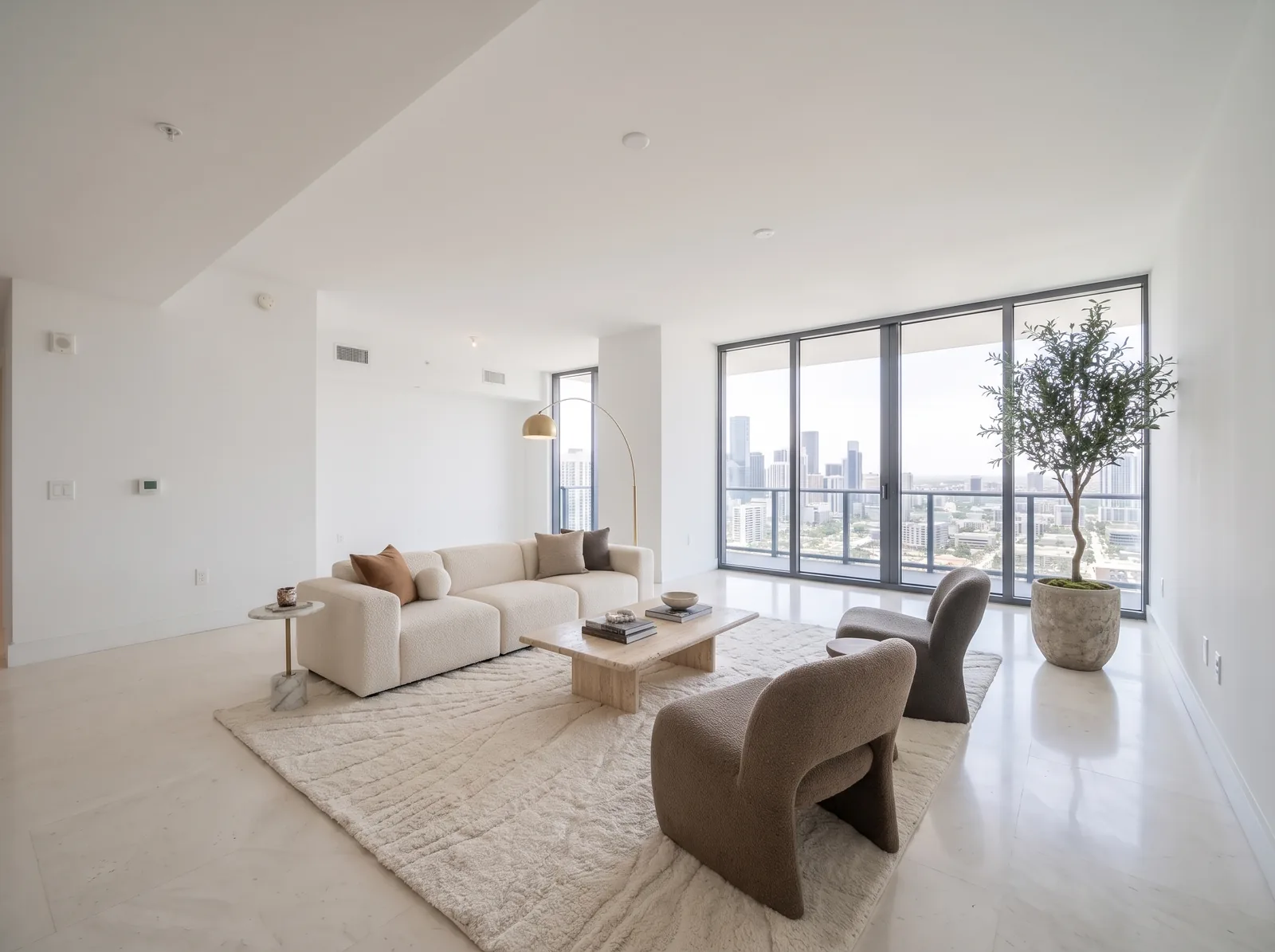
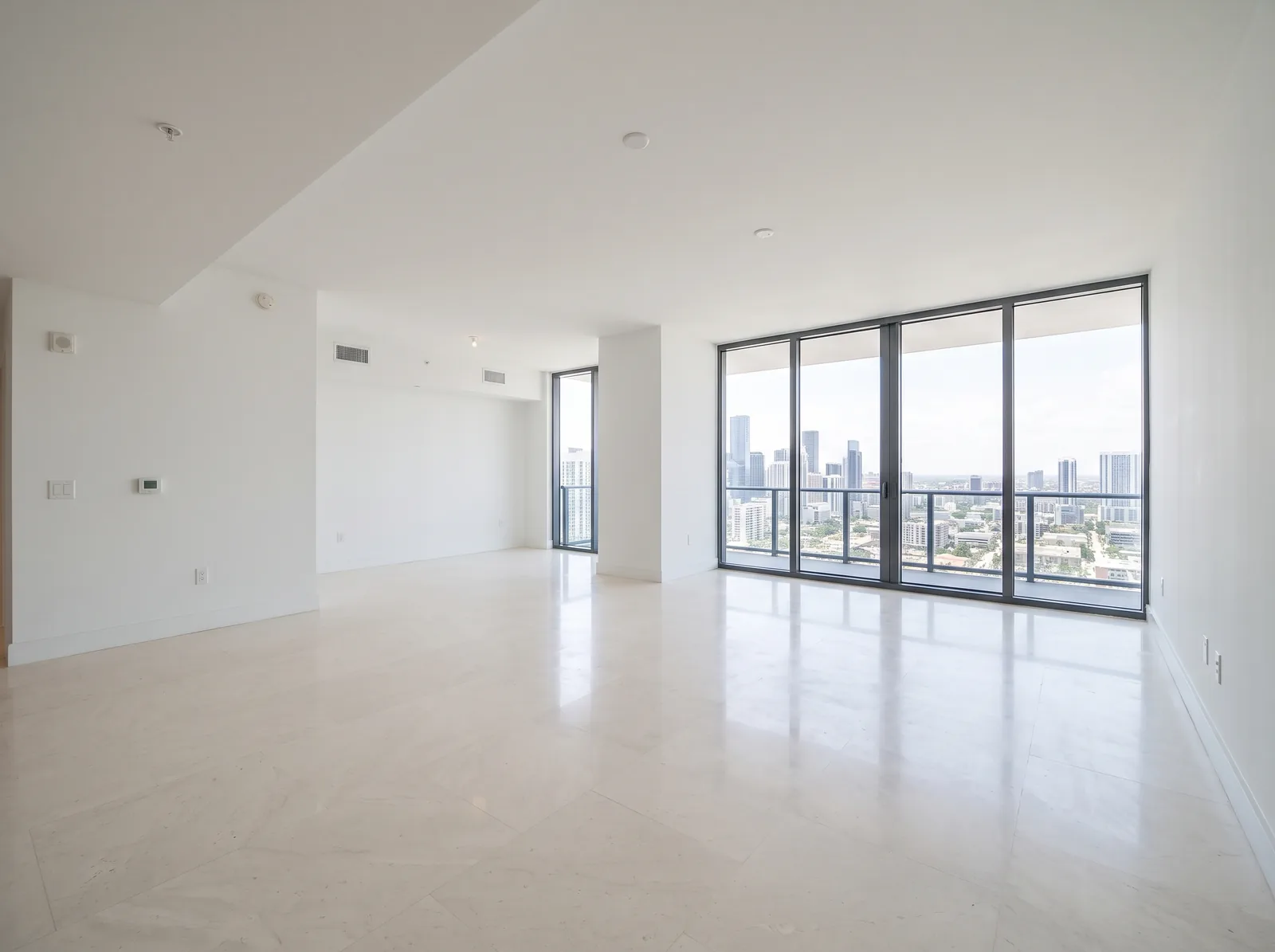
Stage this high-rise condo in Contemporary Luxury style with a boucle sofa facing the view, a travertine table and sculptural chairs.
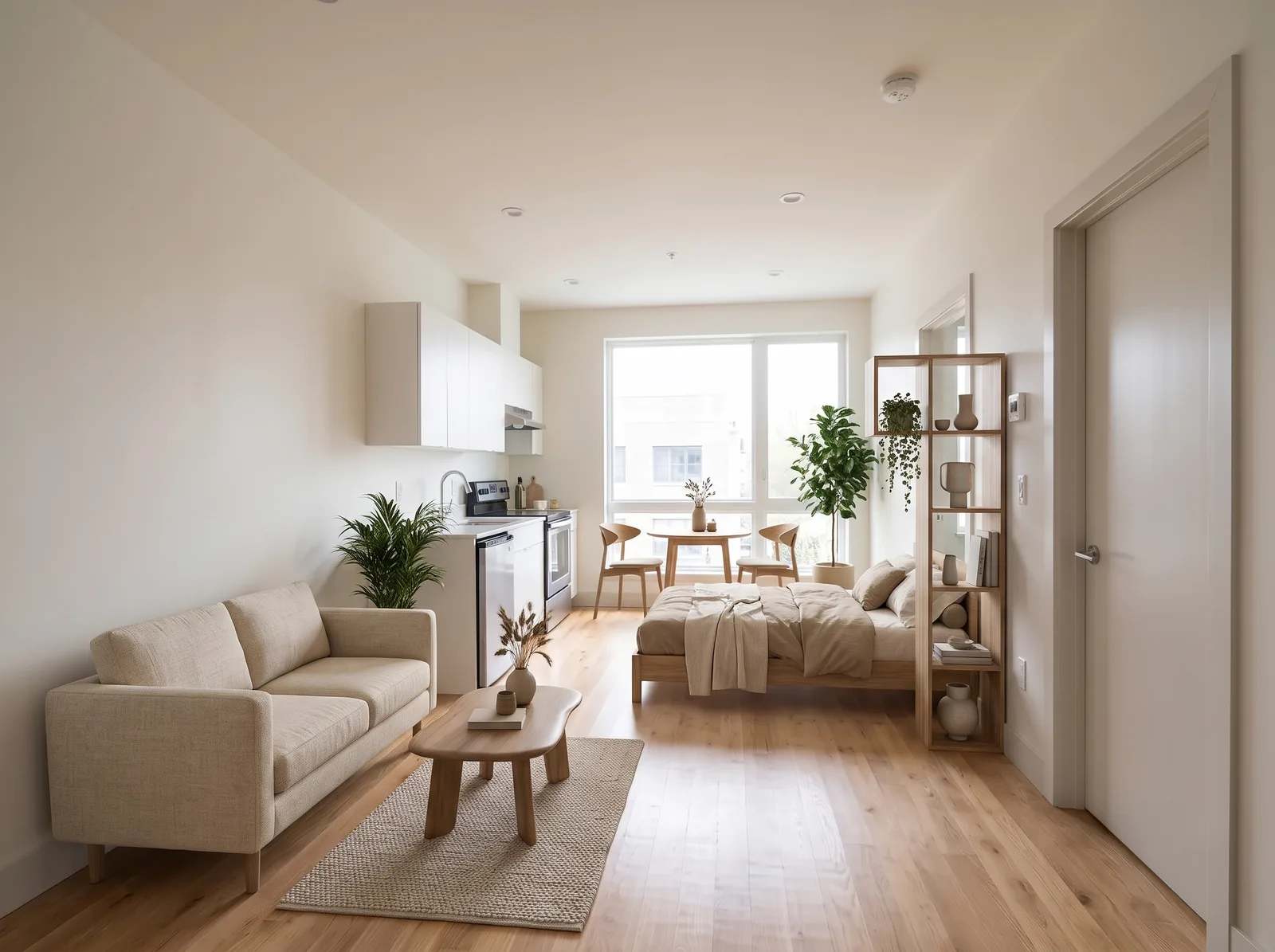
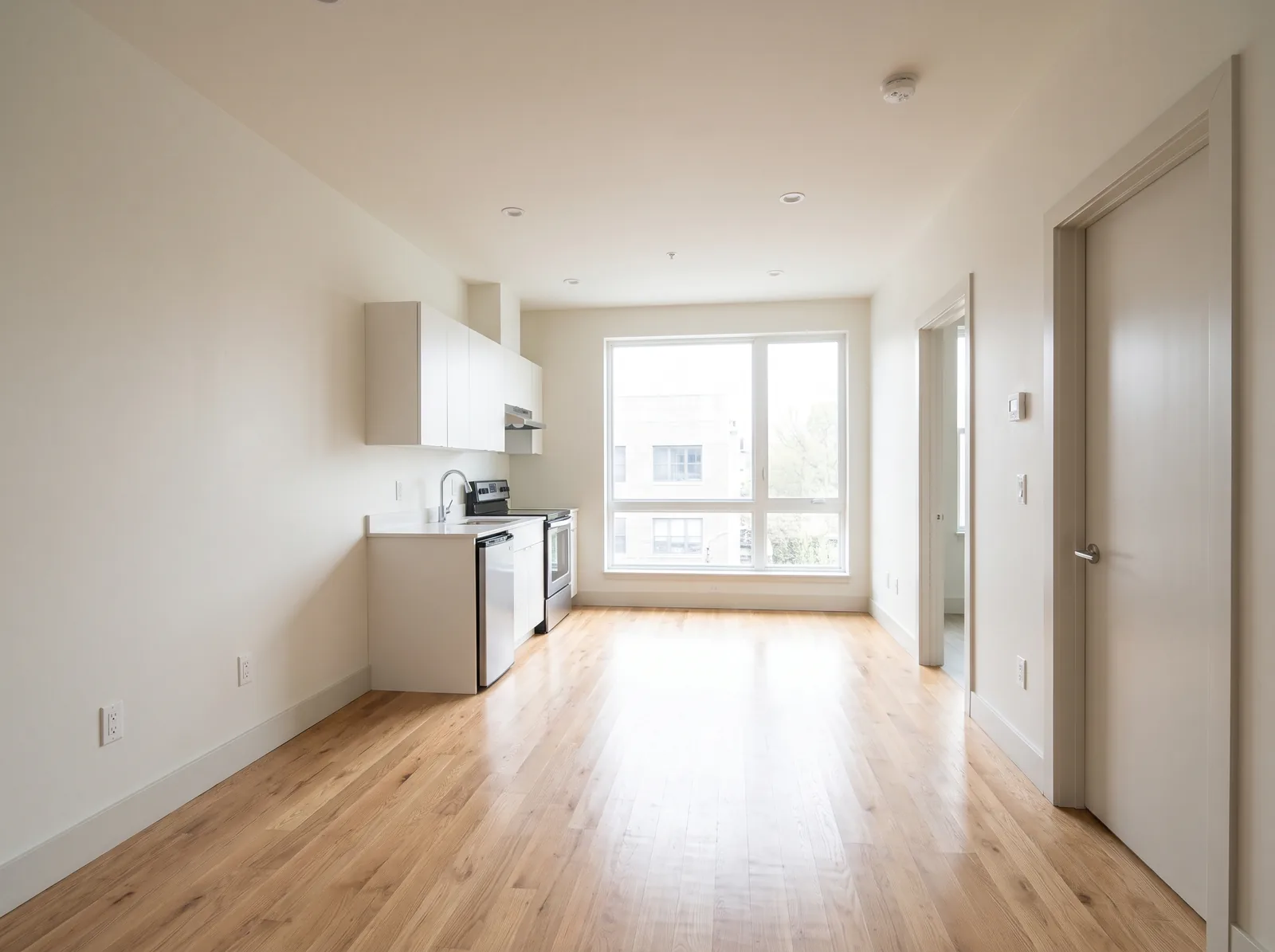
Stage this empty studio apartment with a platform bed, a shelf divider, a compact sofa and dining for two, keeping a clear walkway.
Capabilities
Every render locks structural geometry and natural lighting so materials and furnishings read accurately before remodeling.
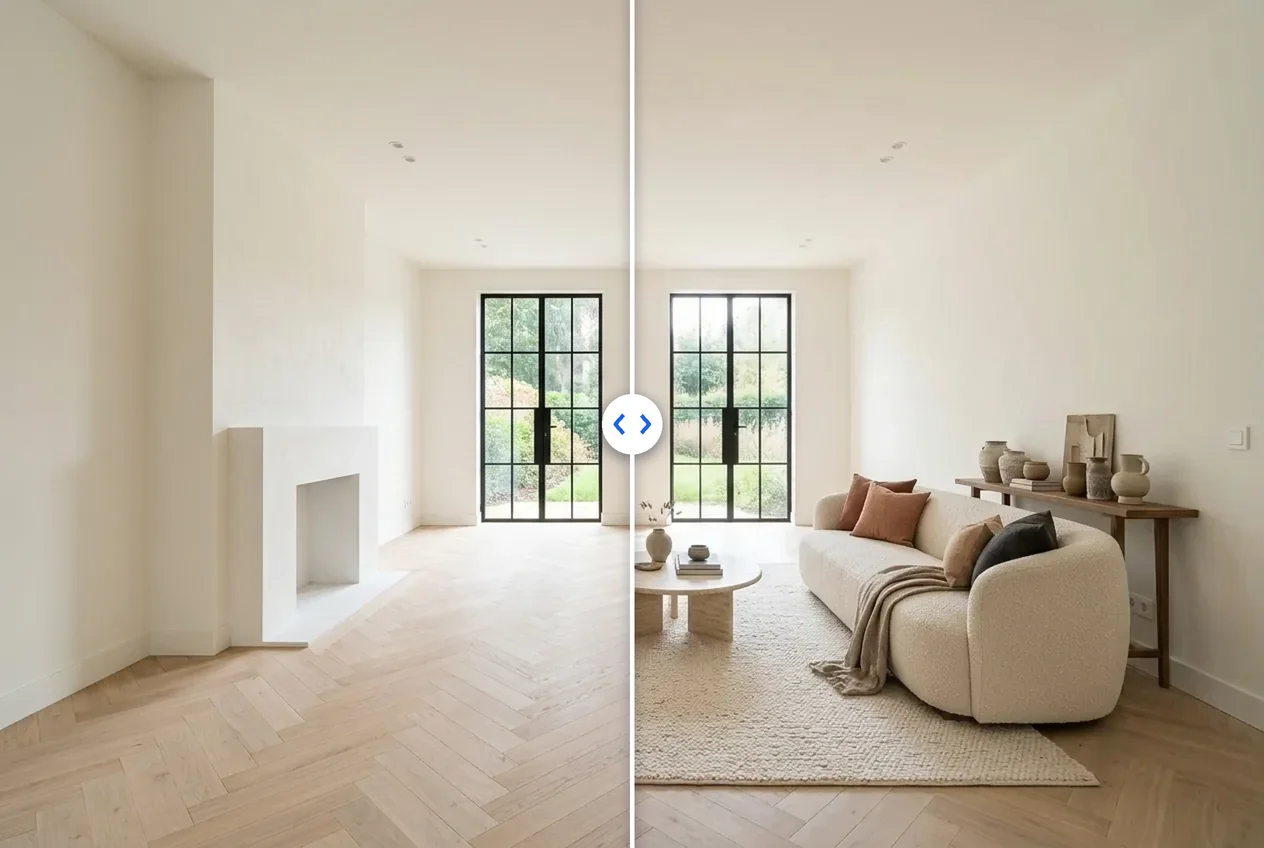
Buyers lose trust when windows or floors change. Virtual staging AI keeps walls, windows, flooring, ceilings and light identical and only adds furniture, so staged photos stay faithful to the property.
Try this in the studio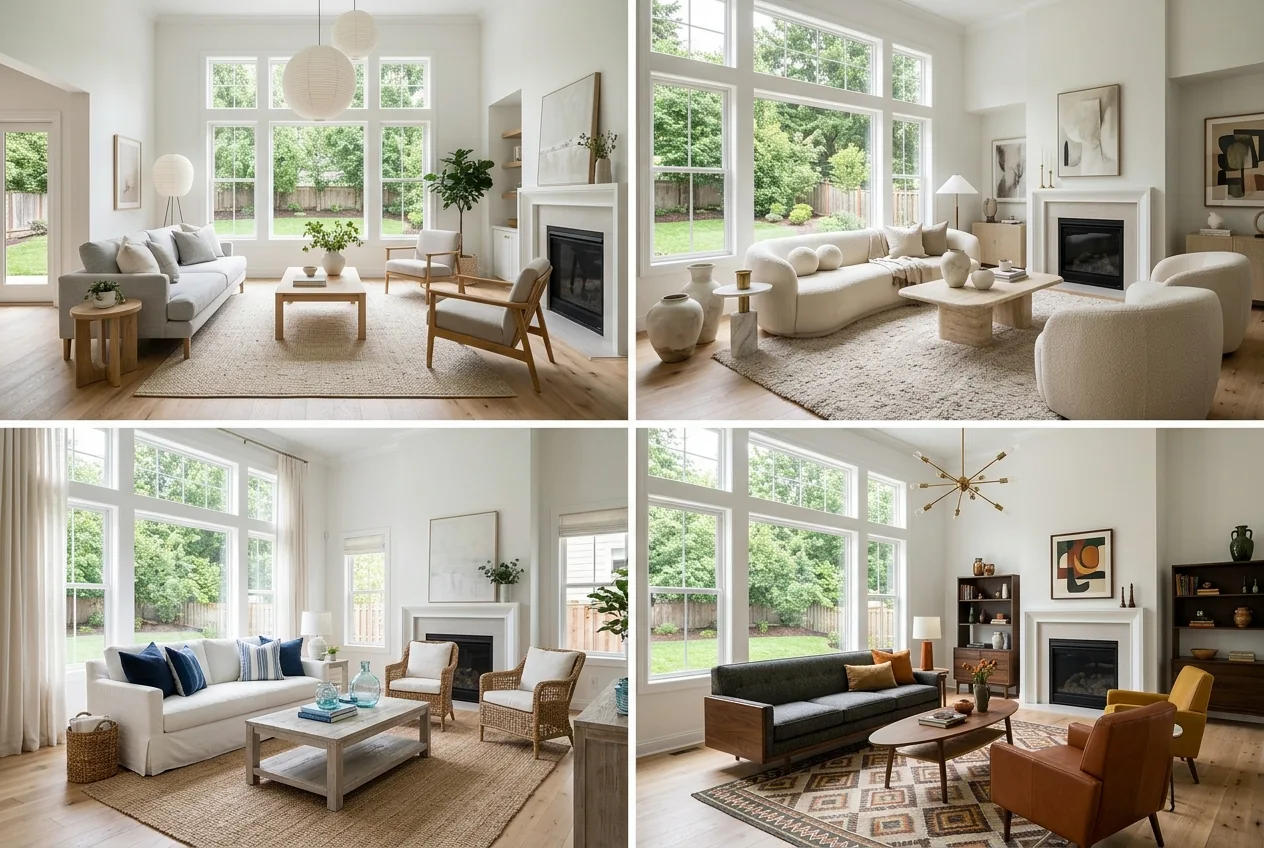
One look never fits every listing. Stage the same room in Scandinavian, Contemporary Luxury, Transitional, Mid-Century, Coastal or Japandi and pick the style that suits the neighborhood and price point.
Try this in the studio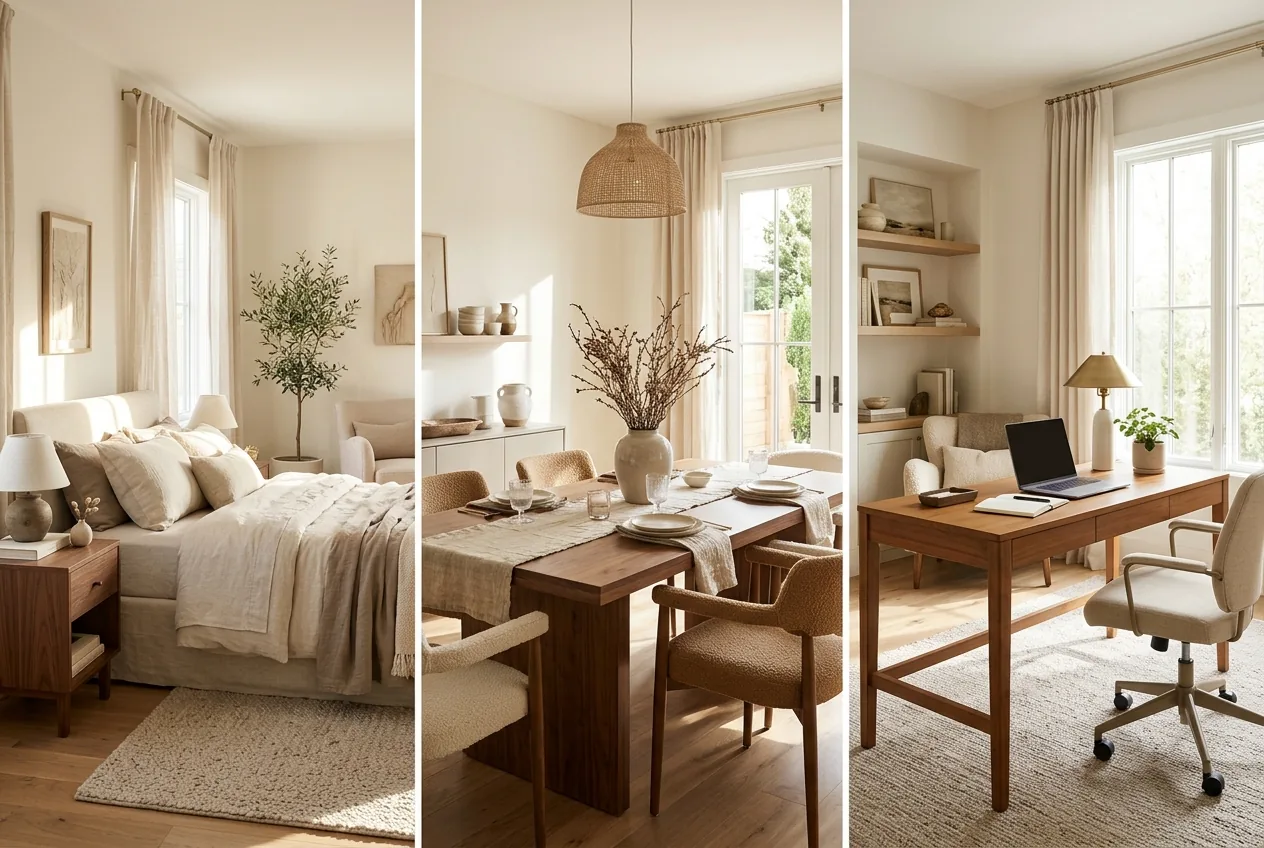
A listing needs more than a staged living room. Stage bedrooms, dining rooms, home offices, studios and patios with furniture sized to real dimensions and walkways left clear.
Try this in the studioUse Cases
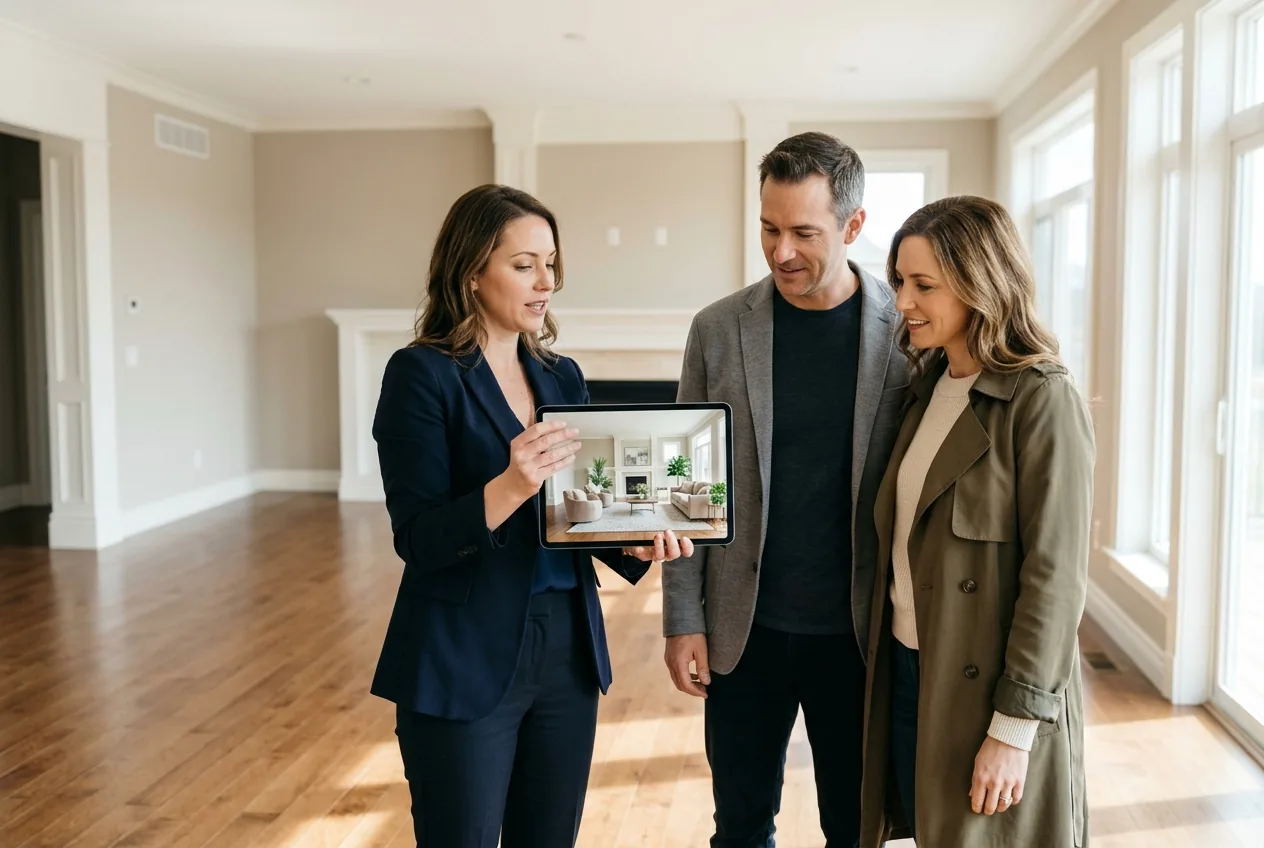
Use virtual staging AI on vacant listings before photos go live to earn more clicks and showings.
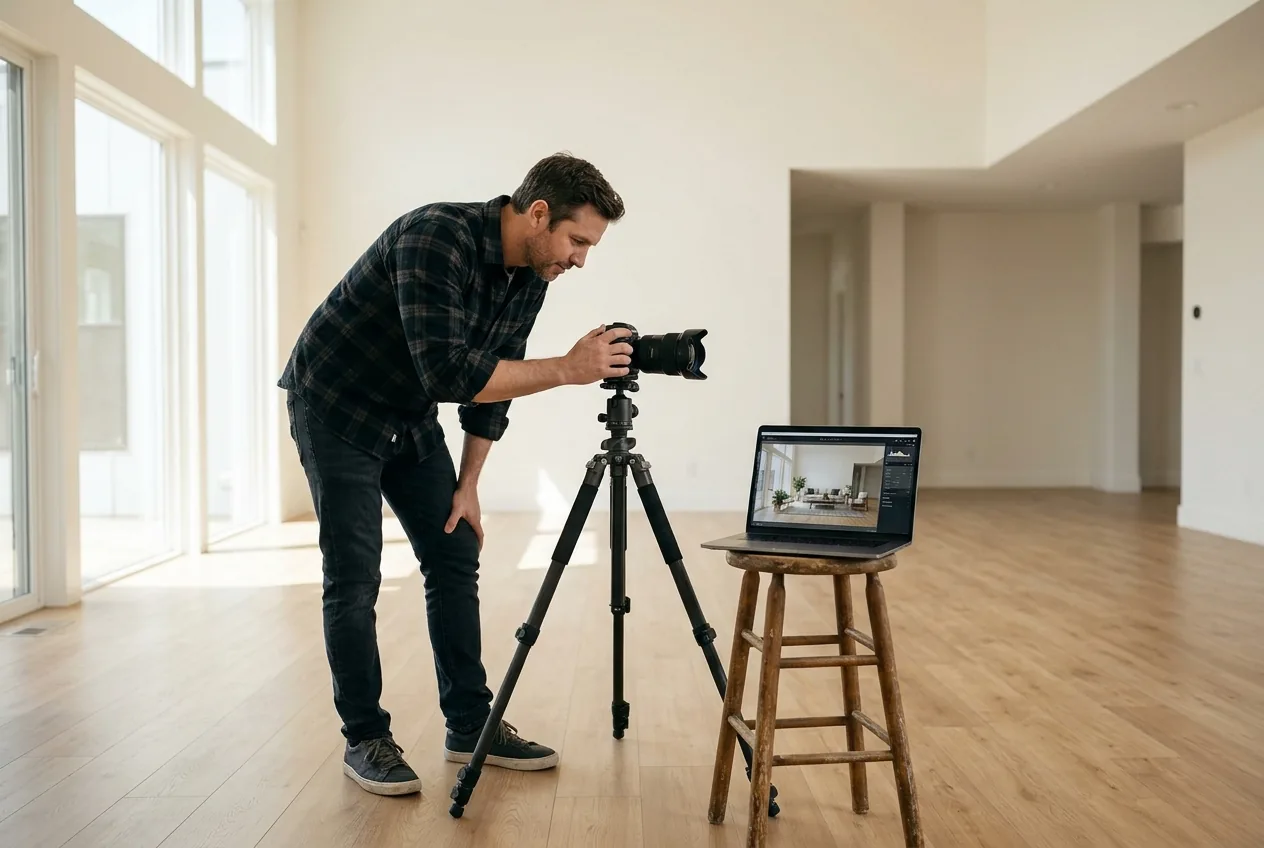
Offer virtual staging as an add-on and deliver staged and empty sets together.
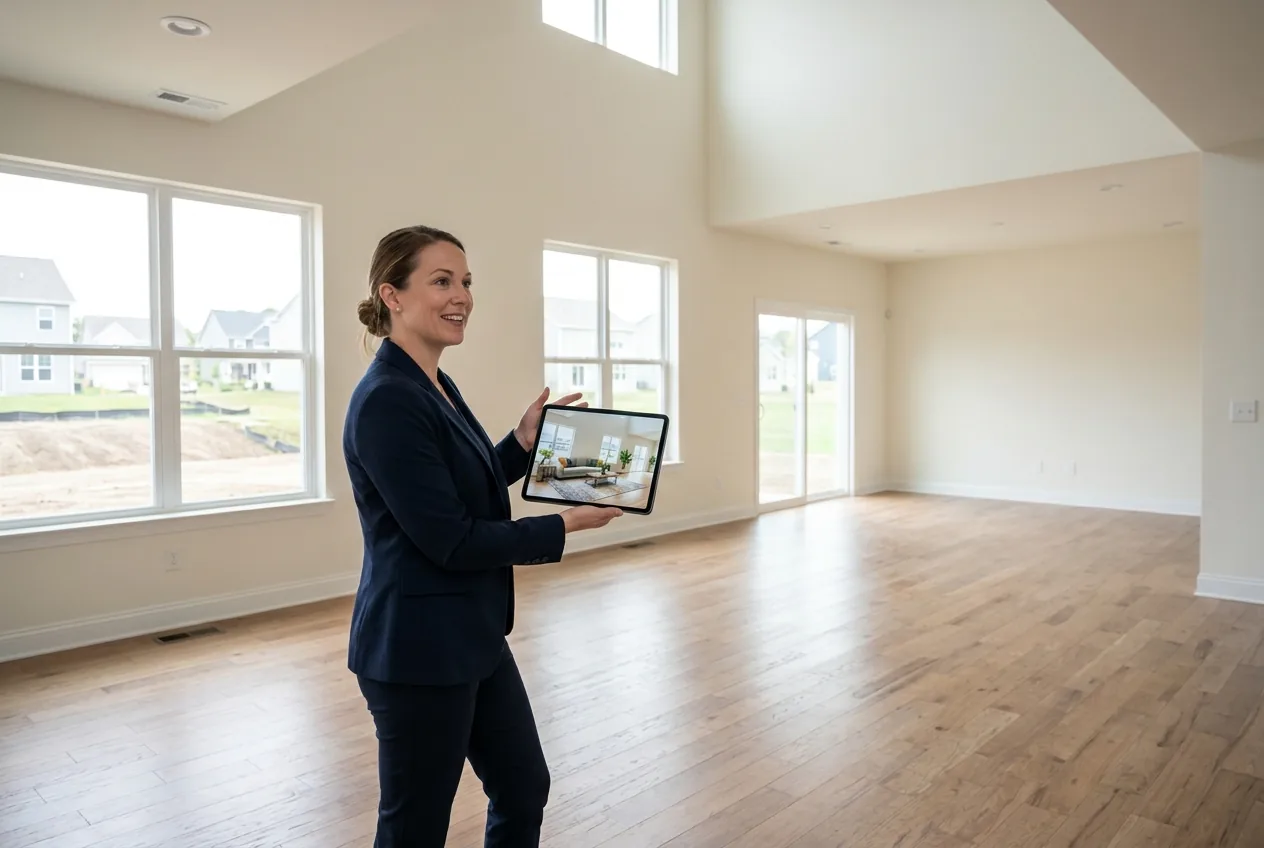
Show furnished new builds with virtual staging AI before the model home is finished.

Plan furniture layouts and preview a style before buying a single piece.

Make an emptied home feel warm again for your listing photos.
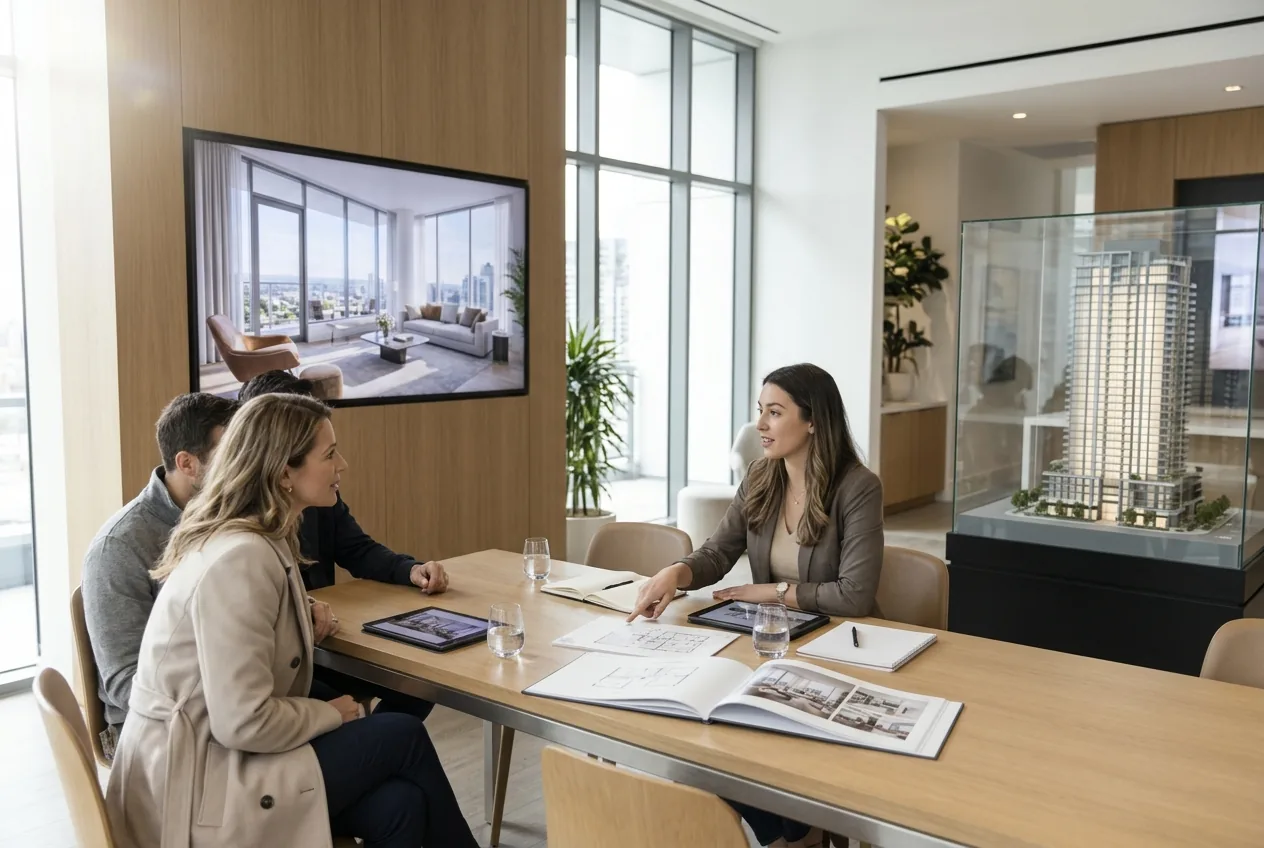
Market vacant or newly finished condos with furnished, lifestyle-ready imagery.
Workflow
Three streamlined steps from your site photo to photorealistic 2K presentations.
Use a straight, bright listing photo of a vacant room as PNG, JPG or WebP up to 15 MB. Wide shots with plenty of visible floor work best.
Choose the room, one of six staging styles and a finish palette, or describe the exact furniture you want.
Slide between the empty and staged photo, then download a 2K image for your listing, flyer or social post.
Virtual staging AI works from the photo you give it, so a well-shot empty room is half the result. Shoot from a corner or doorway at about chest height, 4 to 5 feet off the floor, with the camera level so vertical lines stay straight. A wide lens, around 16 to 24 mm full-frame equivalent or the 0.5x lens on many phones, shows enough floor for furniture to sit naturally.
Turn on every light, open the blinds and shoot on a bright day so the staged furniture has clear light to match. Clear out boxes, tools and cords; fully empty rooms stage best. Take one wide shot per room plus a second angle of key spaces like the living room and primary bedroom.
Industry surveys of buyer agents consistently rank the living room as the most important room to stage, followed by the primary bedroom and the kitchen or dining area. Start there, then add a home office if the listing targets remote workers and a bedroom set if a spare room could be mistaken for storage.
Match the style to the buyer rather than personal taste. Modern Scandinavian and Transitional suit most suburban listings, Contemporary Luxury fits high-end condos with views, Coastal works near the water, and Mid-Century or Japandi appeal to design-minded urban buyers. Keep furniture to scale, leave 30 to 36 inch walkways, and size rugs so at least the front legs of seating rest on them.
Virtual staging shows potential, and clear presentation keeps buyers confident. Most MLS rules and real estate regulators expect virtually staged photos to be labeled as such and keep permanent features like walls, windows, flooring and views unchanged. That is exactly why this virtual staging AI adds only movable furniture and decor.
A simple routine works well: caption each staged image as virtually staged, include the original empty photo next to it, and keep the furniture realistic for the room size. Buyers who walk in will recognize the space instantly.
Clear answers on structural preservation, commercial downloads, private vaults, and credits.
Upload a photo aboveUpload a photo of an empty room, choose the room type, a staging style and finishes, and generate. Virtual staging AI reads the floor, walls, windows and light in your photo and adds furniture and decor at the correct scale and perspective.
Yes. Paid plans unlock watermark-free 2K downloads for listings, flyers and social posts. Label them as virtually staged and pair them with the empty originals, as most MLS rules expect.
Virtual staging AI is set up to keep the architecture, flooring, windows, ceiling and lighting exactly as photographed and to add only movable furniture and decor.
Modern Scandinavian, Contemporary Luxury, Transitional, Mid-Century Modern, Coastal and Japandi, plus three finish palettes. You can also describe any furniture you want in the custom prompt.
Empty rooms give the cleanest result. For furnished rooms, Furniture Replacement AI swaps existing pieces, and the AI Home Designer handles a full redesign.
Physical staging often costs thousands of dollars a month in furniture rental and moving. Virtual staging AI uses credits per generated photo, so you can stage every room and try several styles for a small fraction of that.
Upload an empty room photo above and get a warm, furnished, listing-ready image with the room left exactly as shot.
Generate Redesign