Pink 1950s Tile Bath to Modern Spa
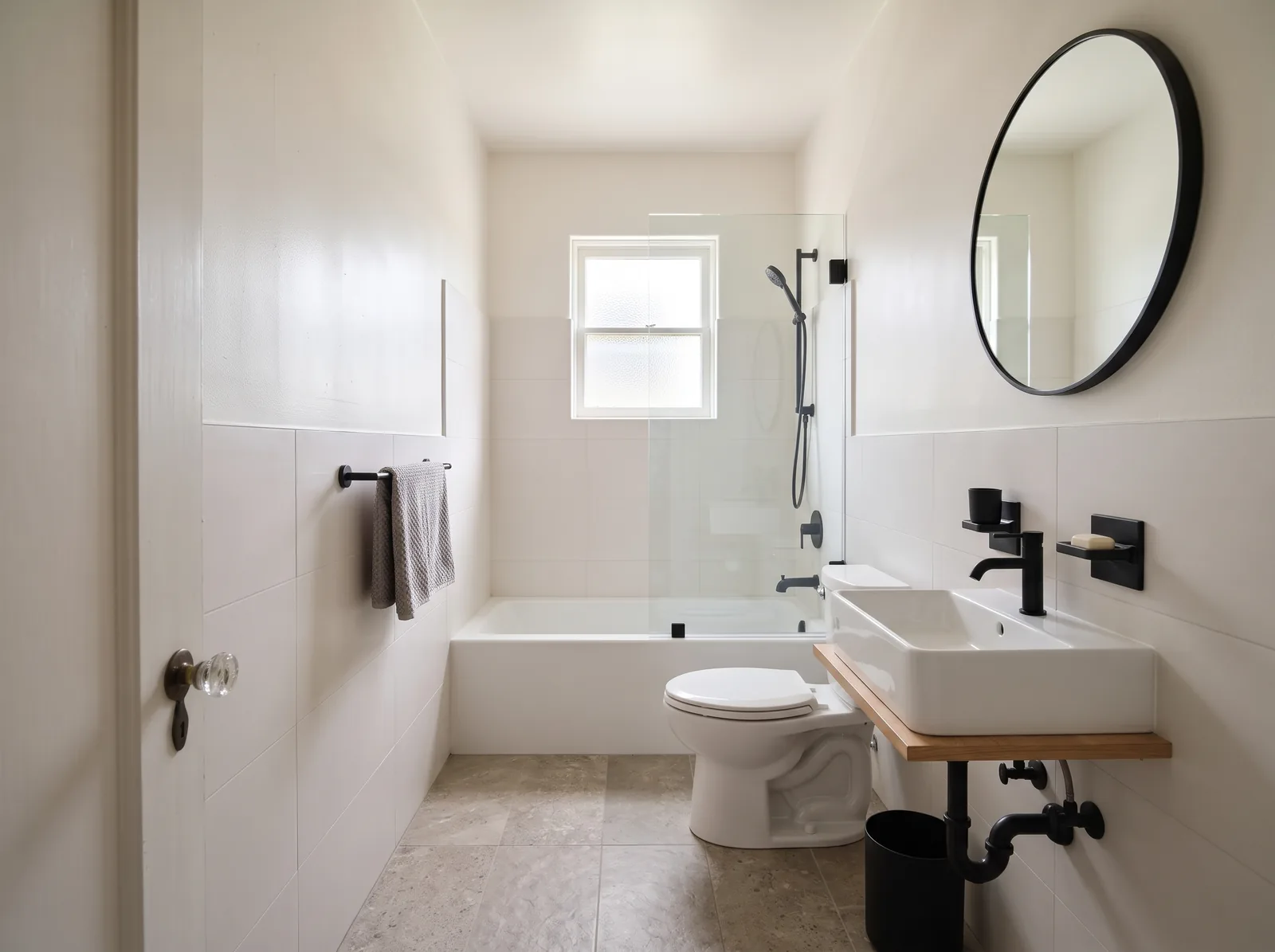
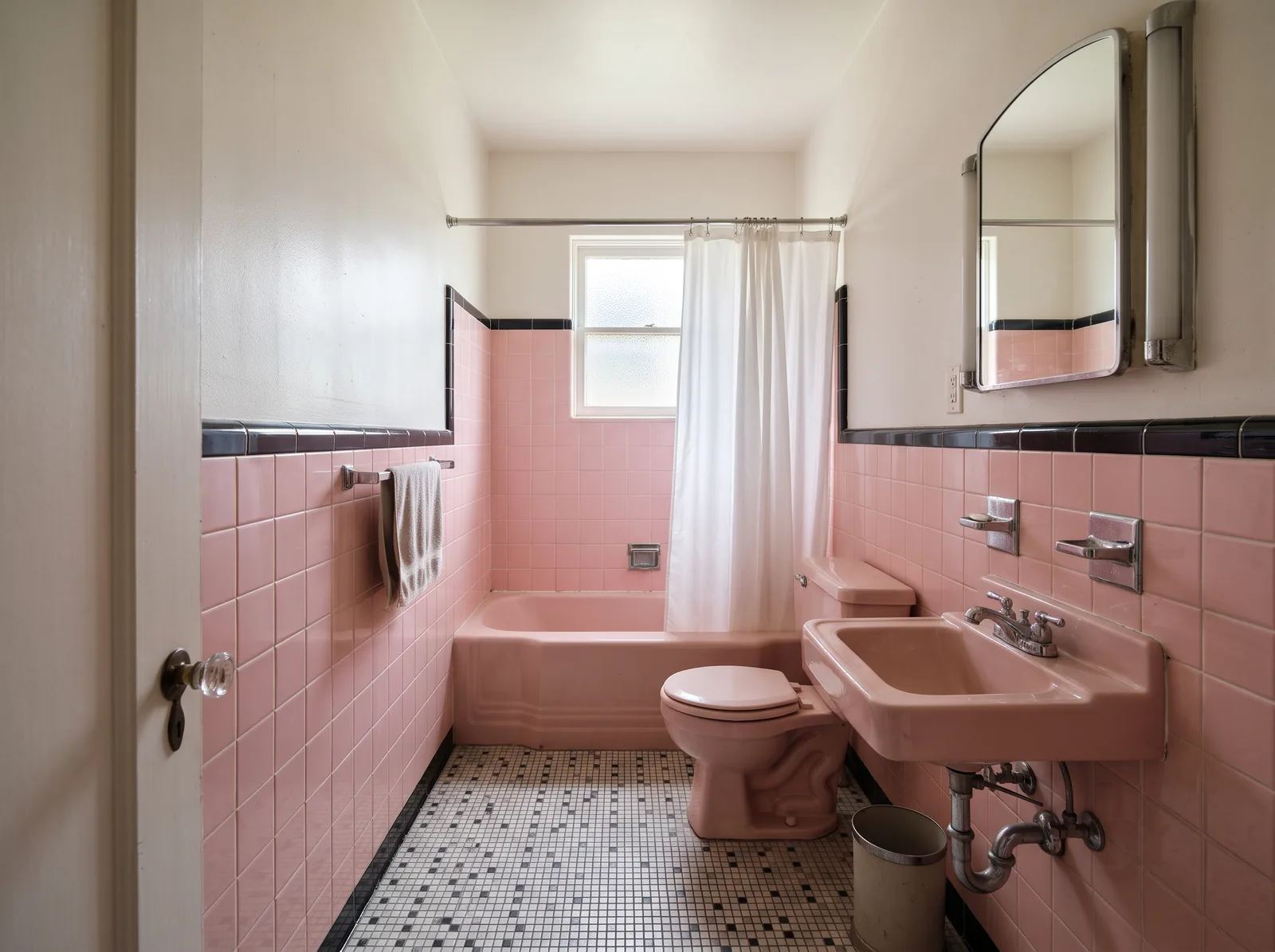
Replace the pink tile with warm white large-format porcelain, swap the pink tub, basin and toilet for white ones in the same spots, add a slim oak shelf under the basin and use matte black fixtures.

Walk into your finished bathroom before the first tile comes off: AI bathroom remodel keeps your toilet, vanity, tub and shower where they are and redesigns every surface around them.
Before & After
Drag across each transformation to inspect structural fidelity, or load any instruction directly into the studio above.
Replace the pink tile with warm white large-format porcelain, swap the pink tub, basin and toilet for white ones in the same spots, add a slim oak shelf under the basin and use matte black fixtures.
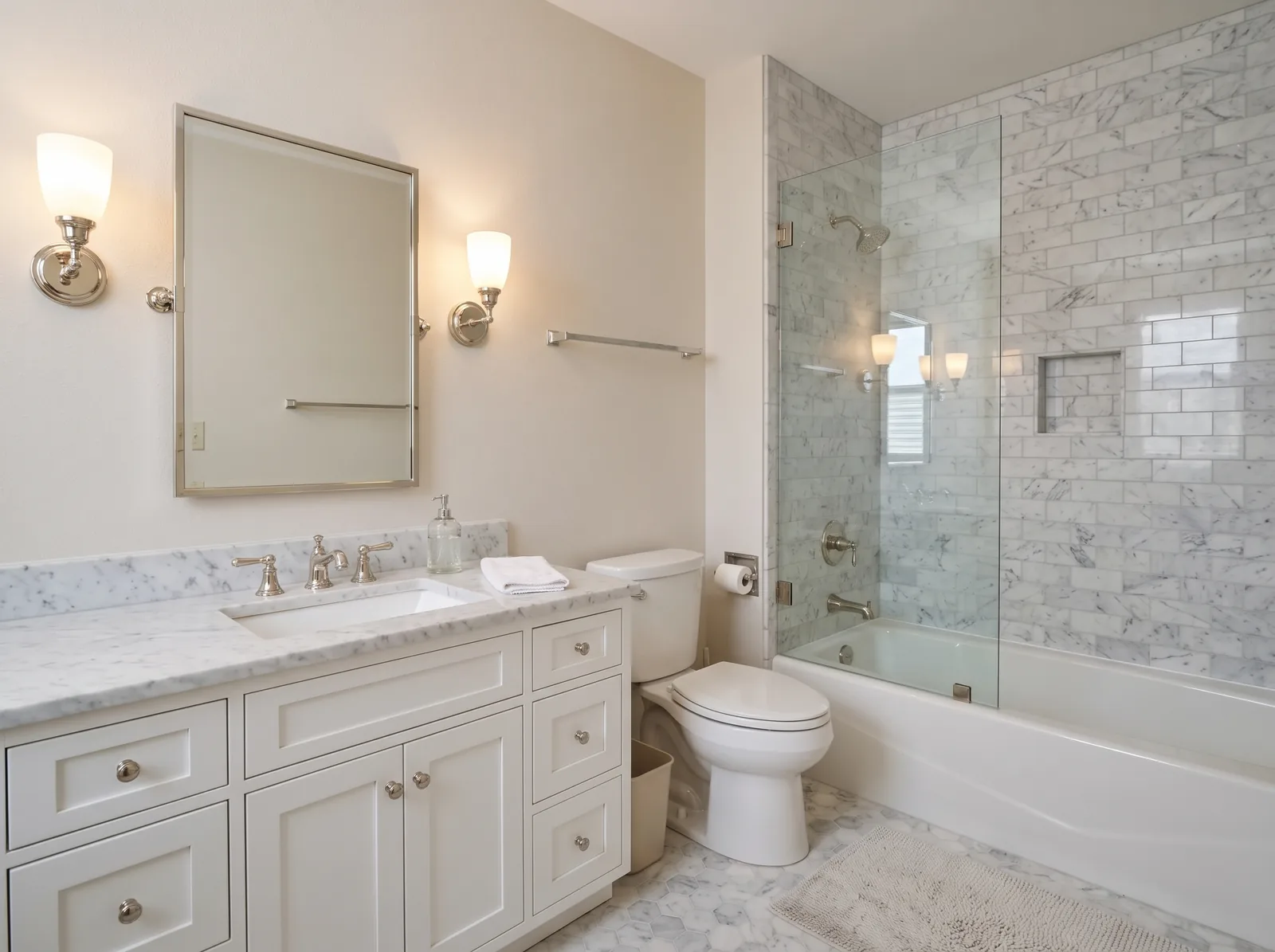
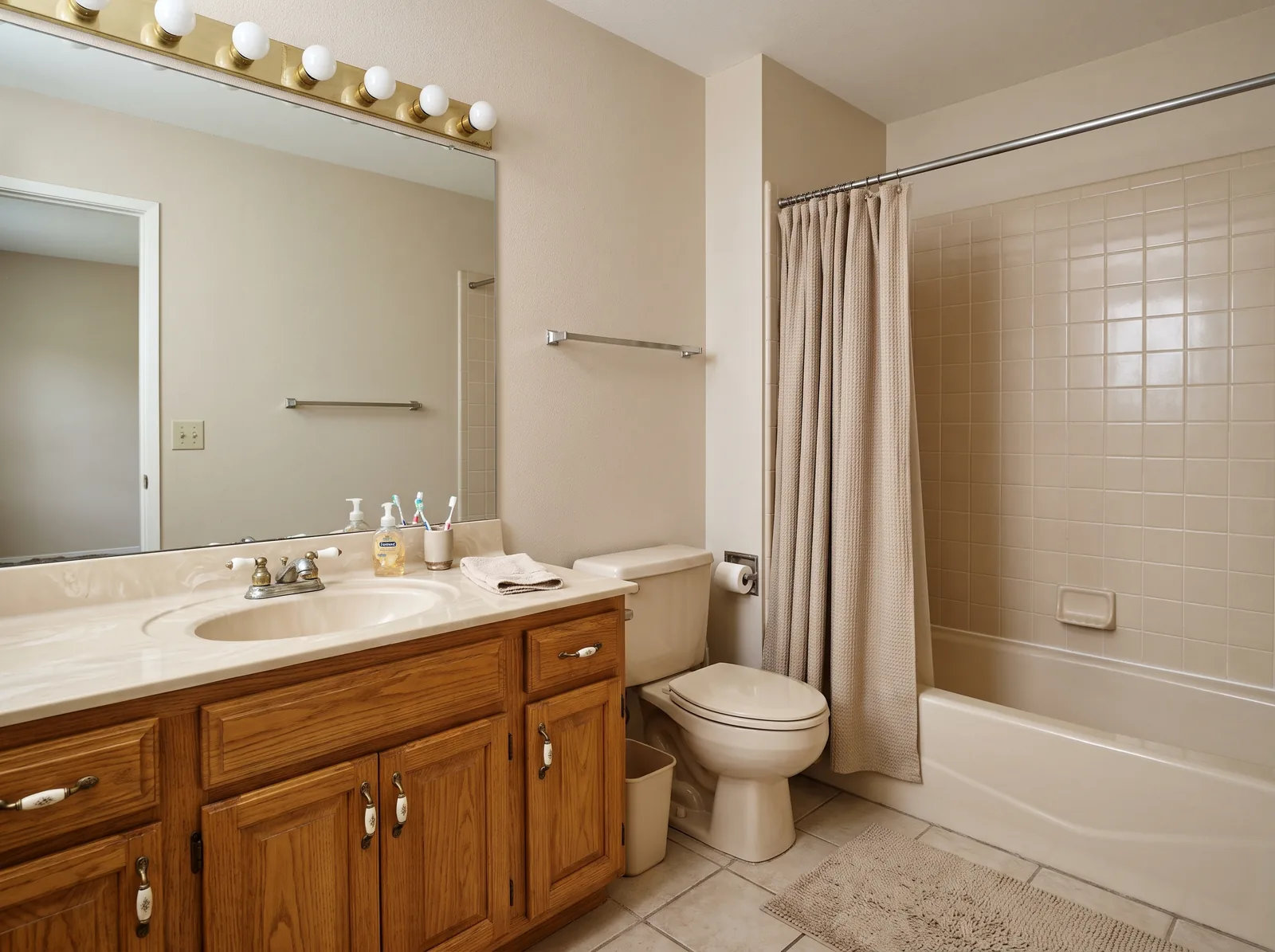
Change the oak vanity to a white Shaker vanity with a Carrara marble top, retile the tub surround and floor in Carrara marble and replace the bulb strip with two polished nickel sconces. Keep the tub, toilet and vanity positions.
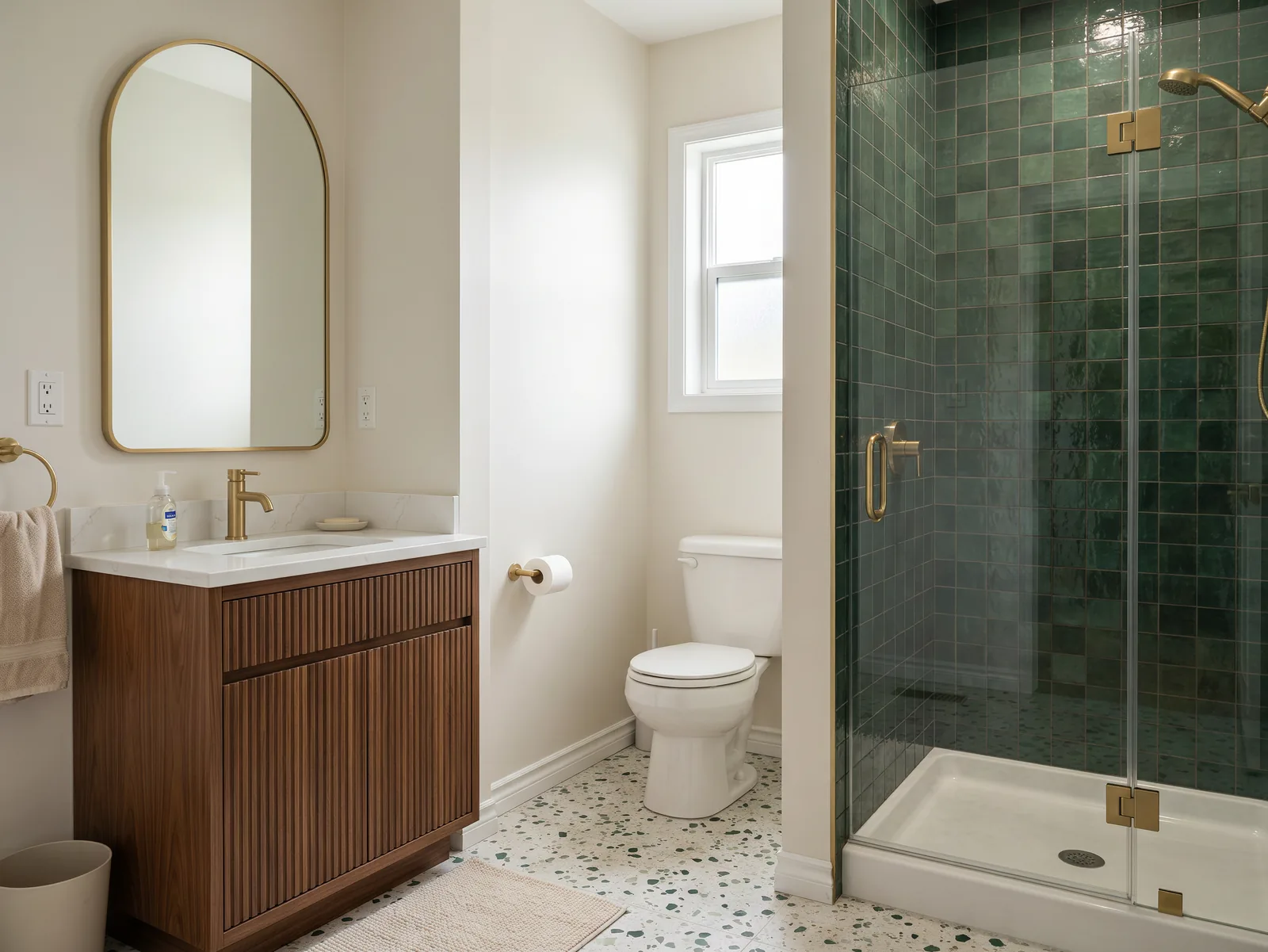
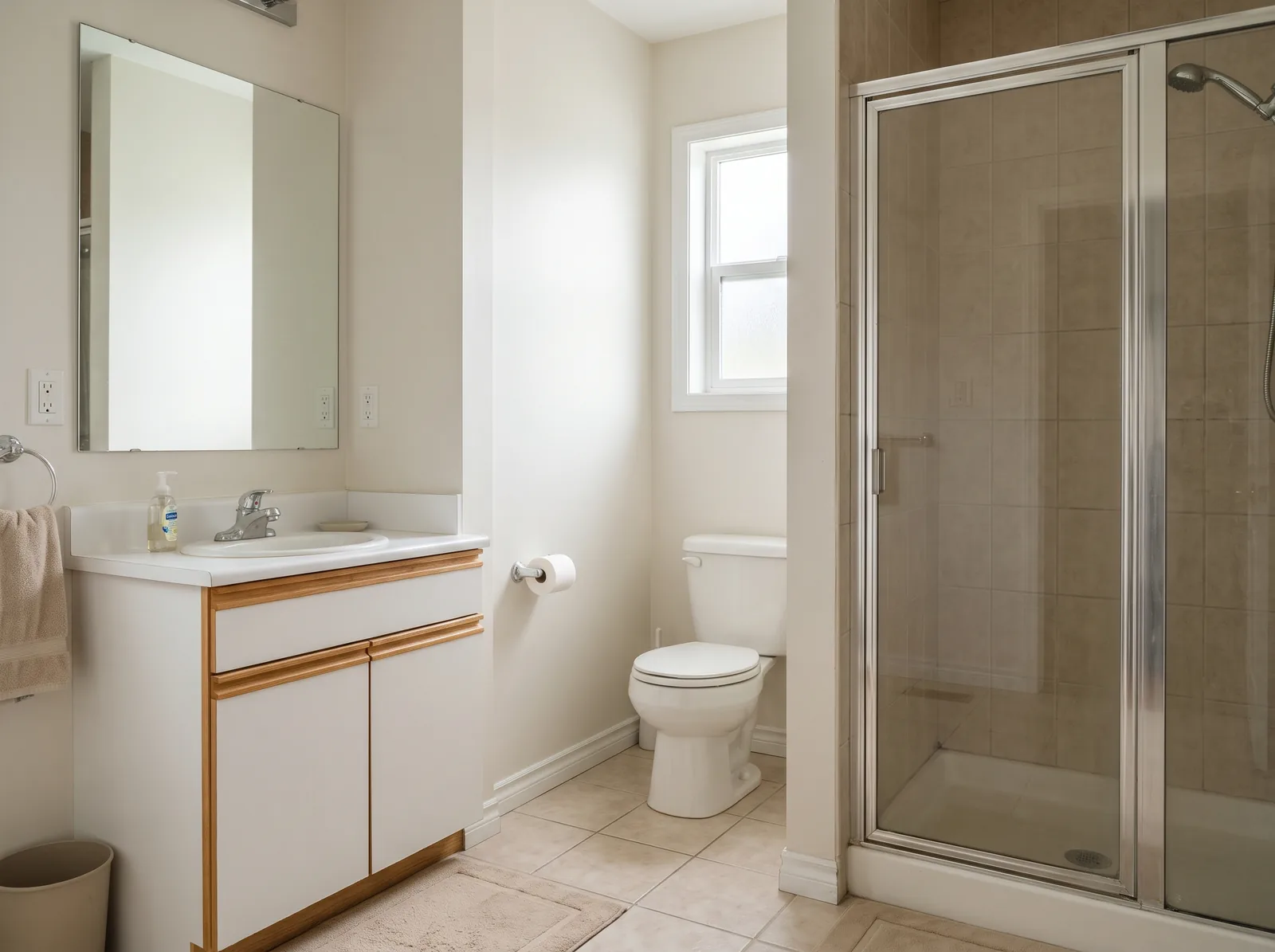
Tile the shower walls in green zellige, swap the framed door for frameless glass, lay a terrazzo floor and fit a fluted walnut vanity in the same place. Keep the shower size and drain.
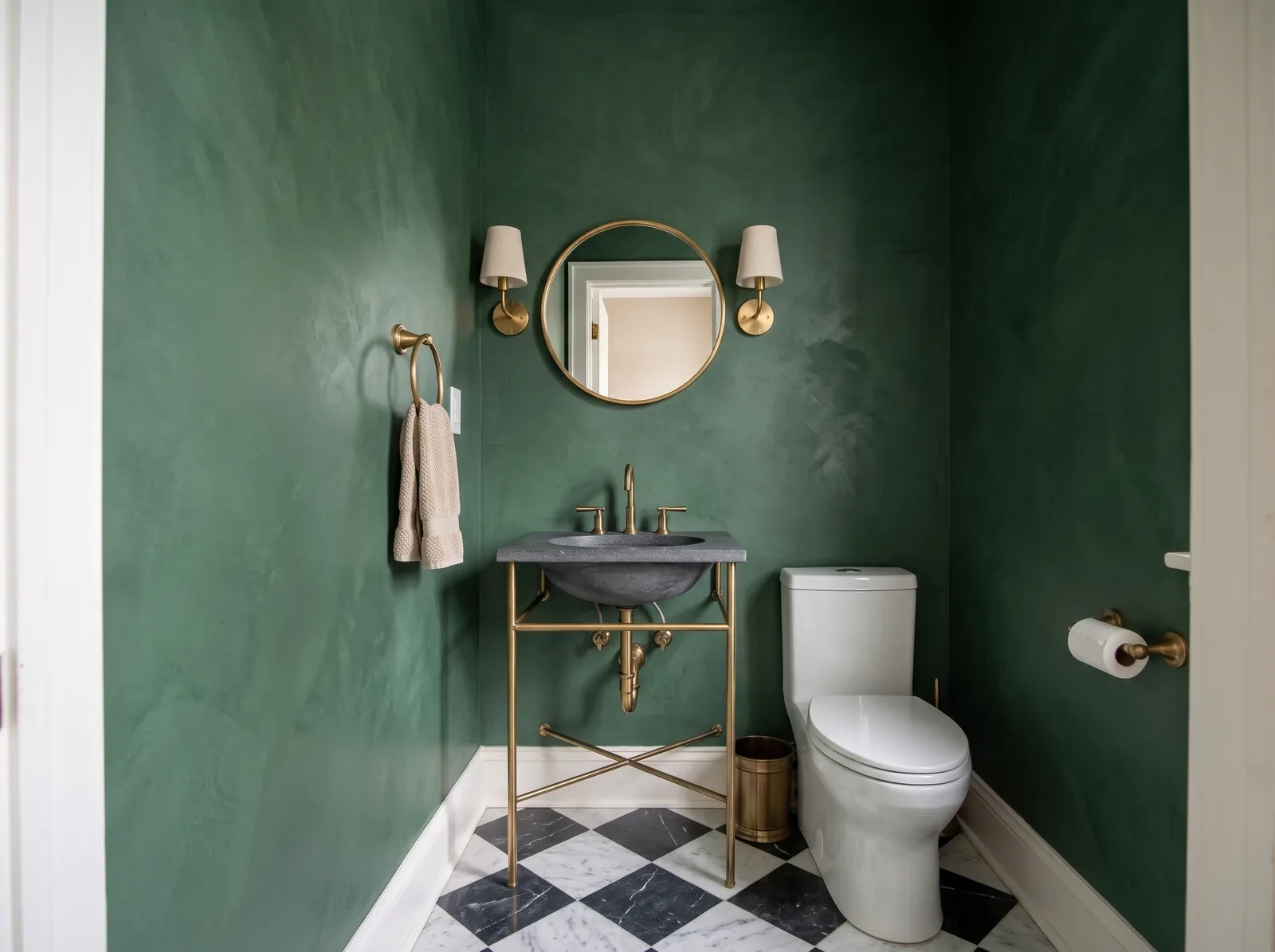
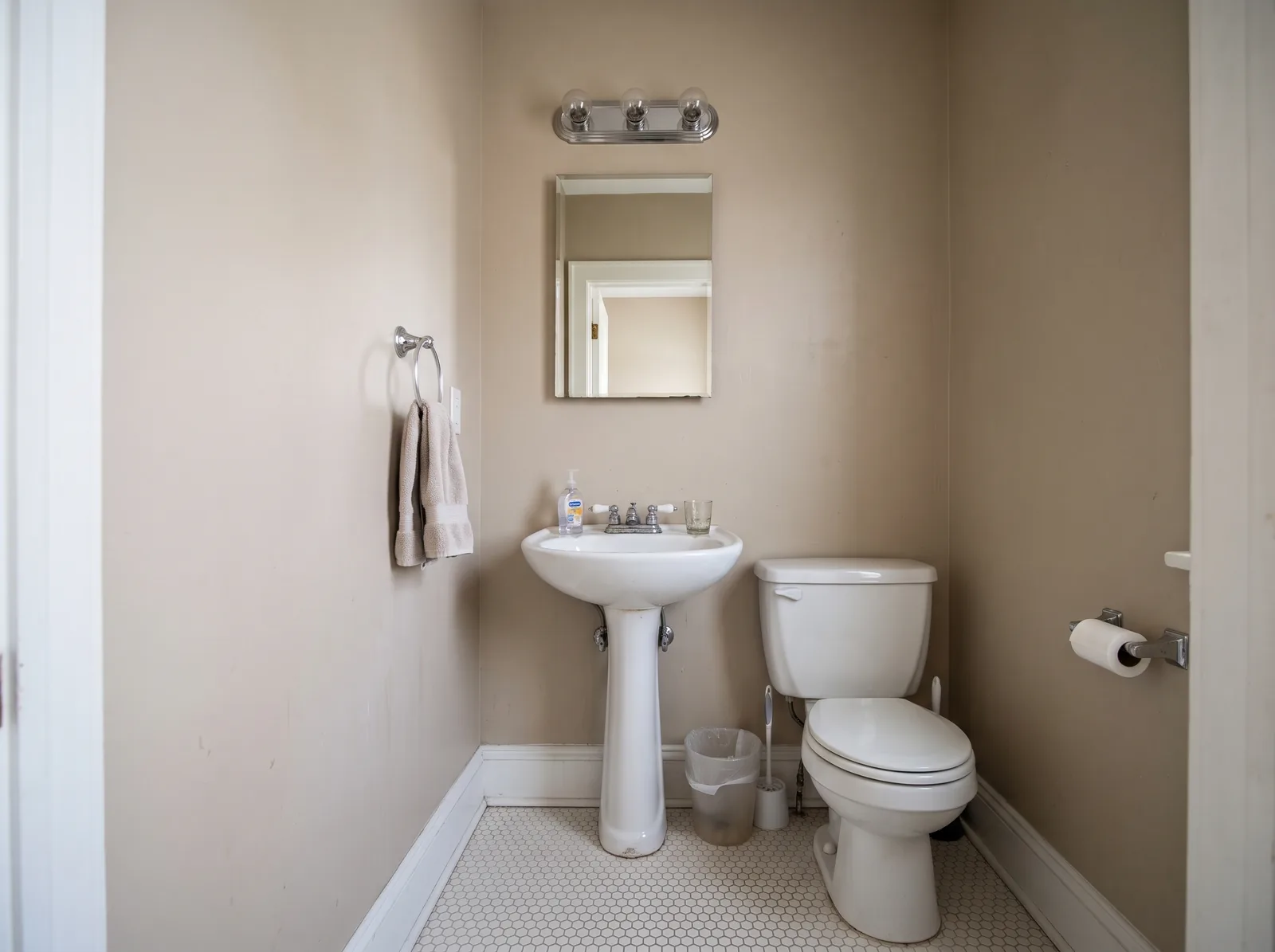
Paint this powder room deep green limewash, replace the pedestal sink with a stone basin on a brass console in the same spot, and add a round brass mirror and two sconces.
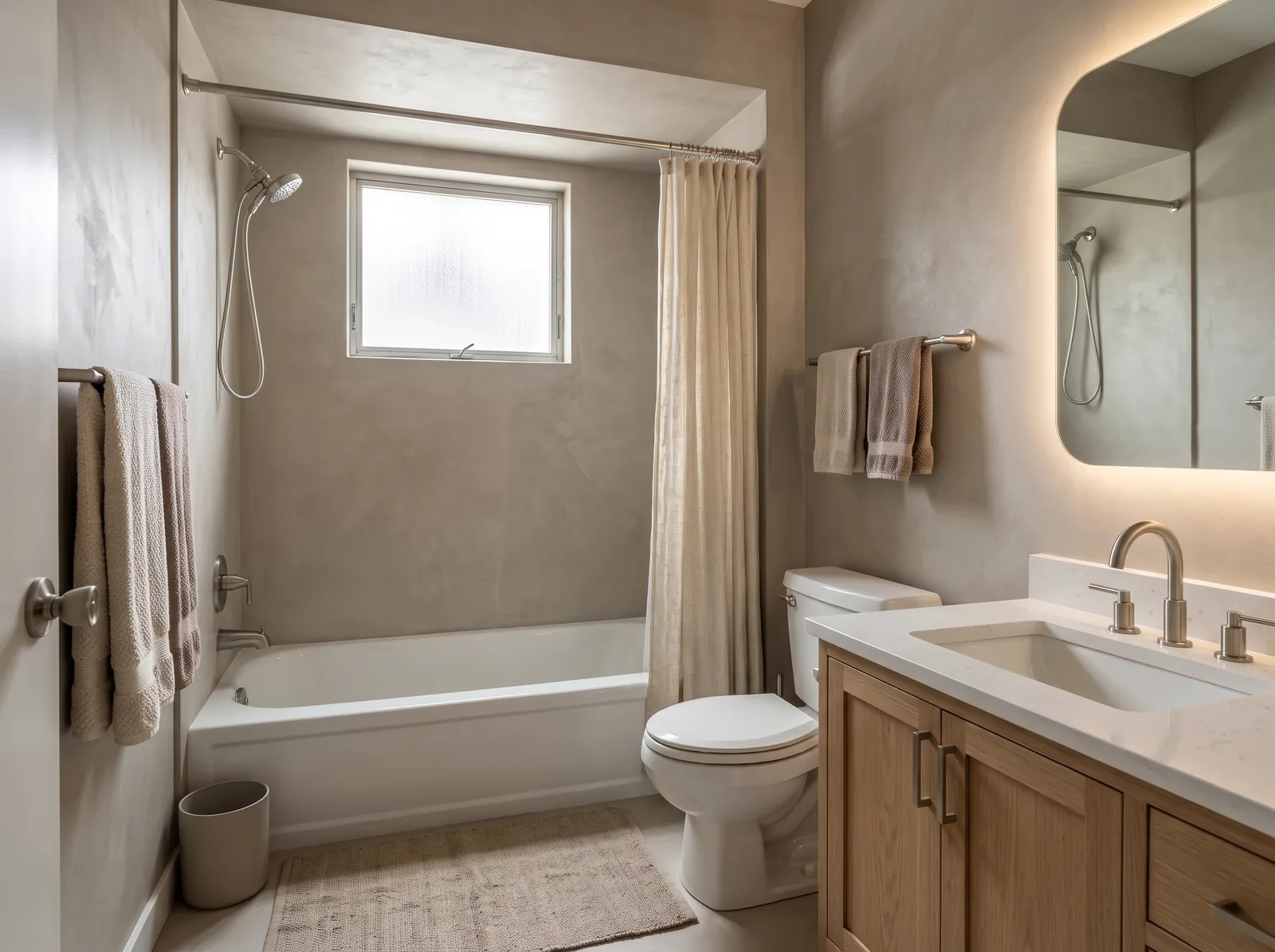
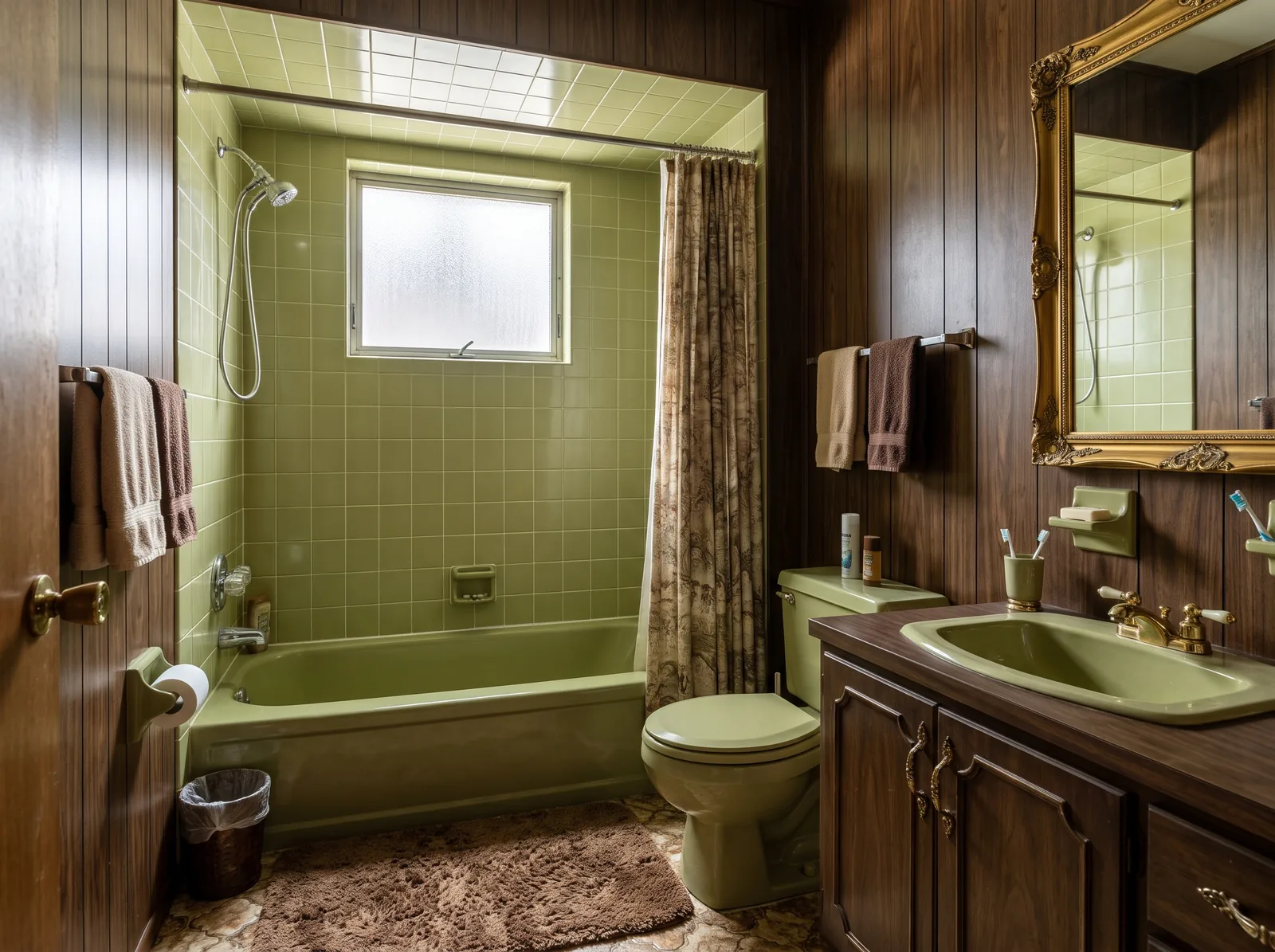
Replace the avocado tile and tub with warm greige microcement walls, a white tub in the same alcove, an oak vanity and soft warm lighting. Keep the window, toilet and tub positions.
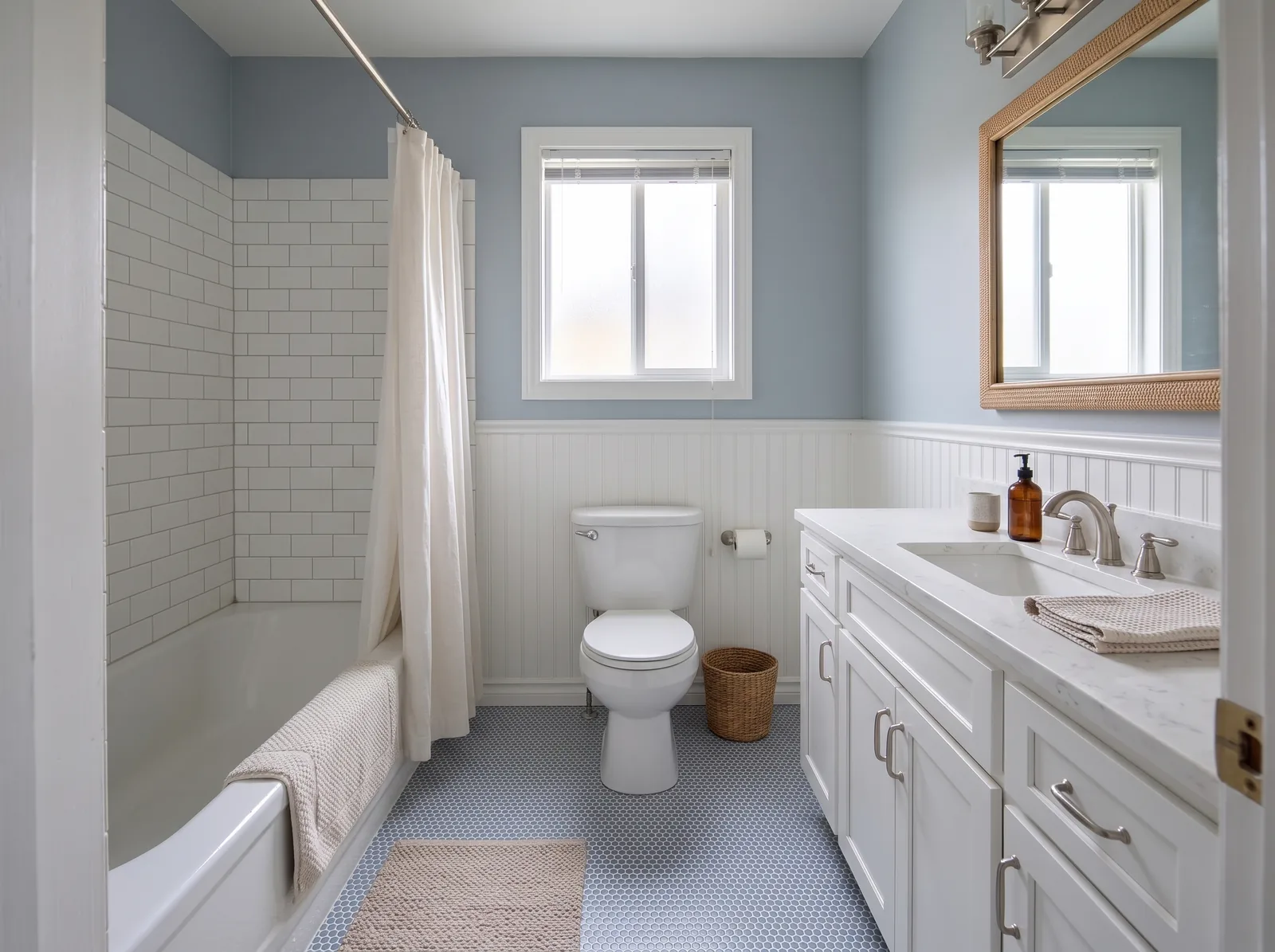
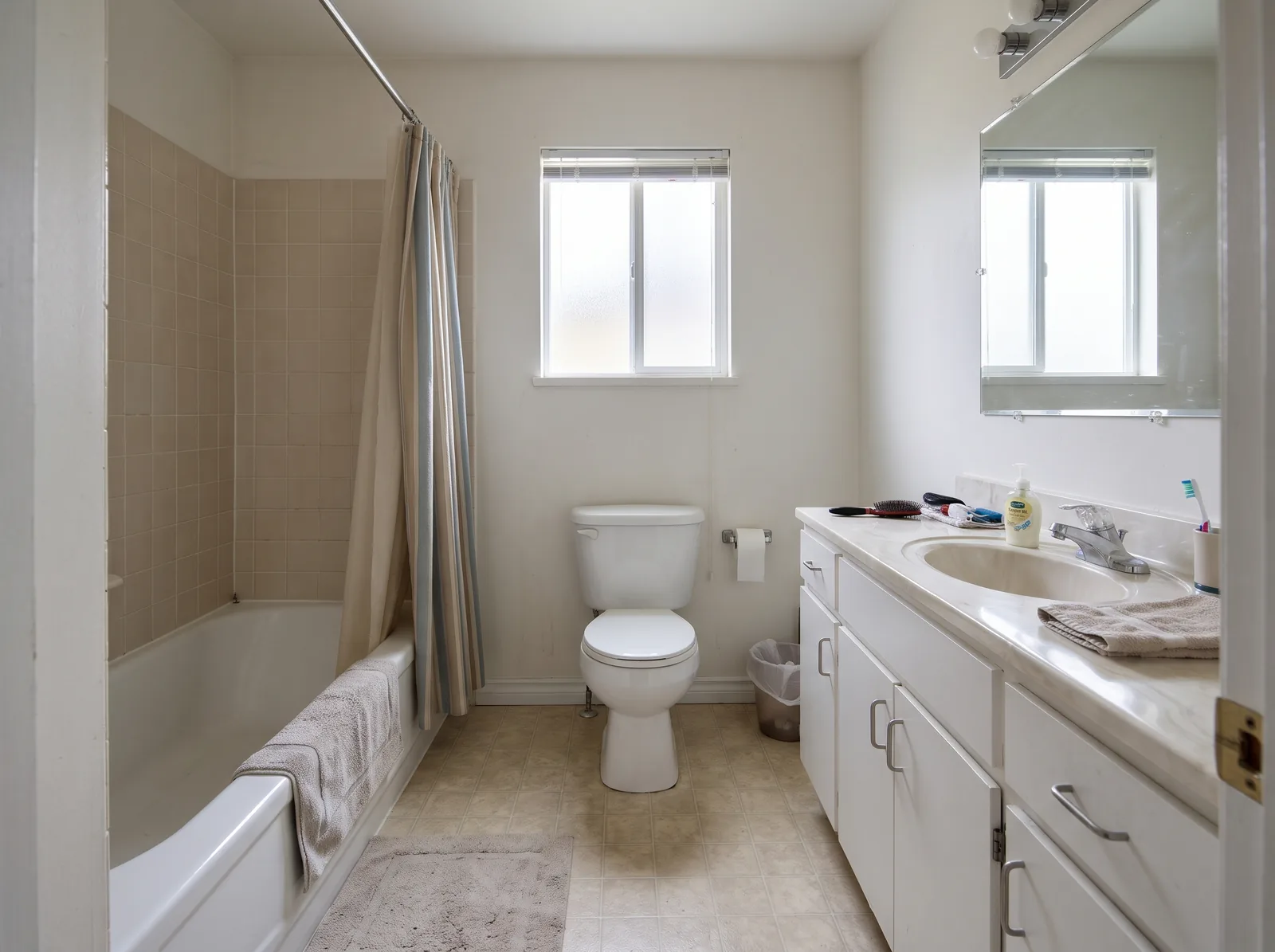
Restyle this family bathroom with white beadboard wainscoting, a blue hexagon tile floor, a white Shaker vanity and brushed nickel fixtures. Keep the tub, toilet and vanity where they are.
Capabilities
Every render locks structural geometry and natural lighting so materials and furnishings read accurately before remodeling.
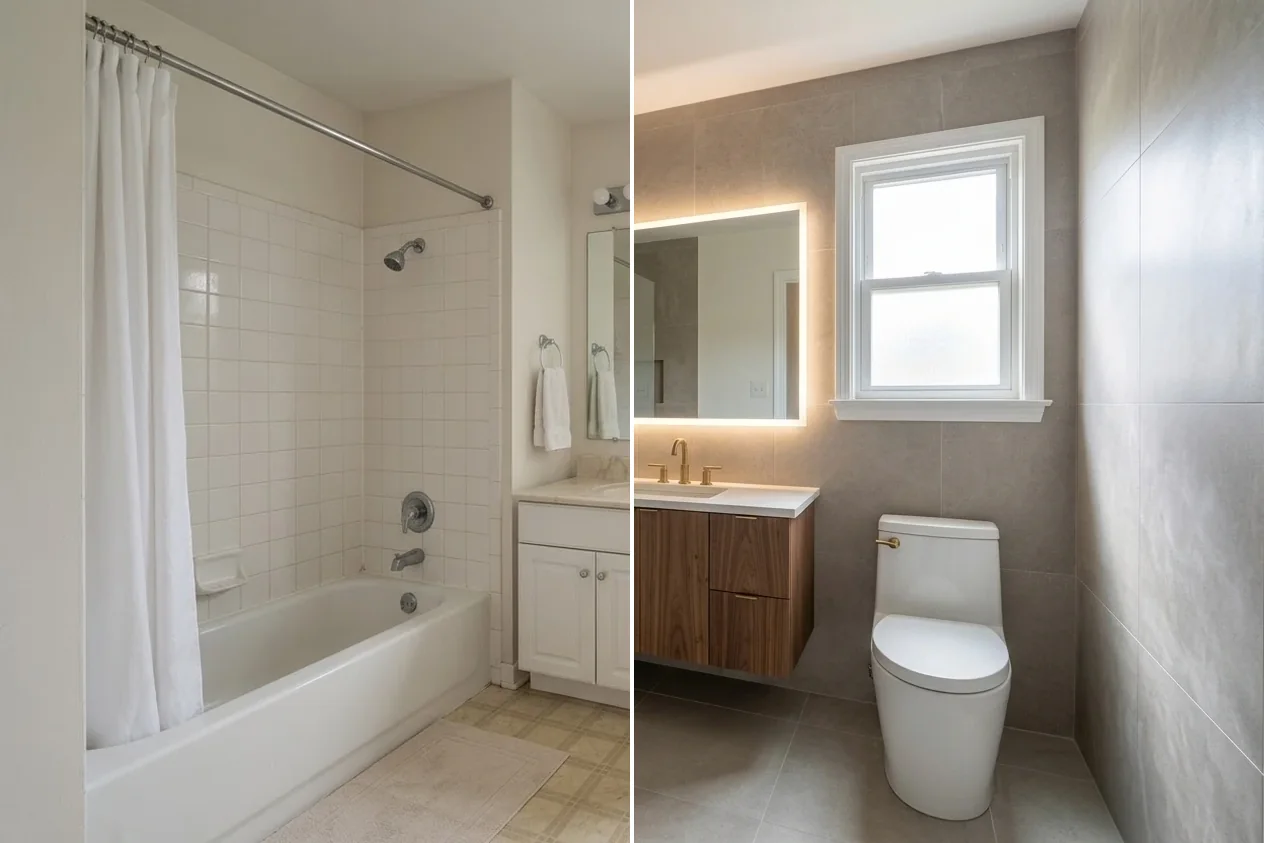
Moving a toilet or drain can double a bathroom budget. Our studio locks the toilet, vanity, tub, shower and window in your photo, so every new tile and fixture lands where the plumbing already is.
Try this in the studio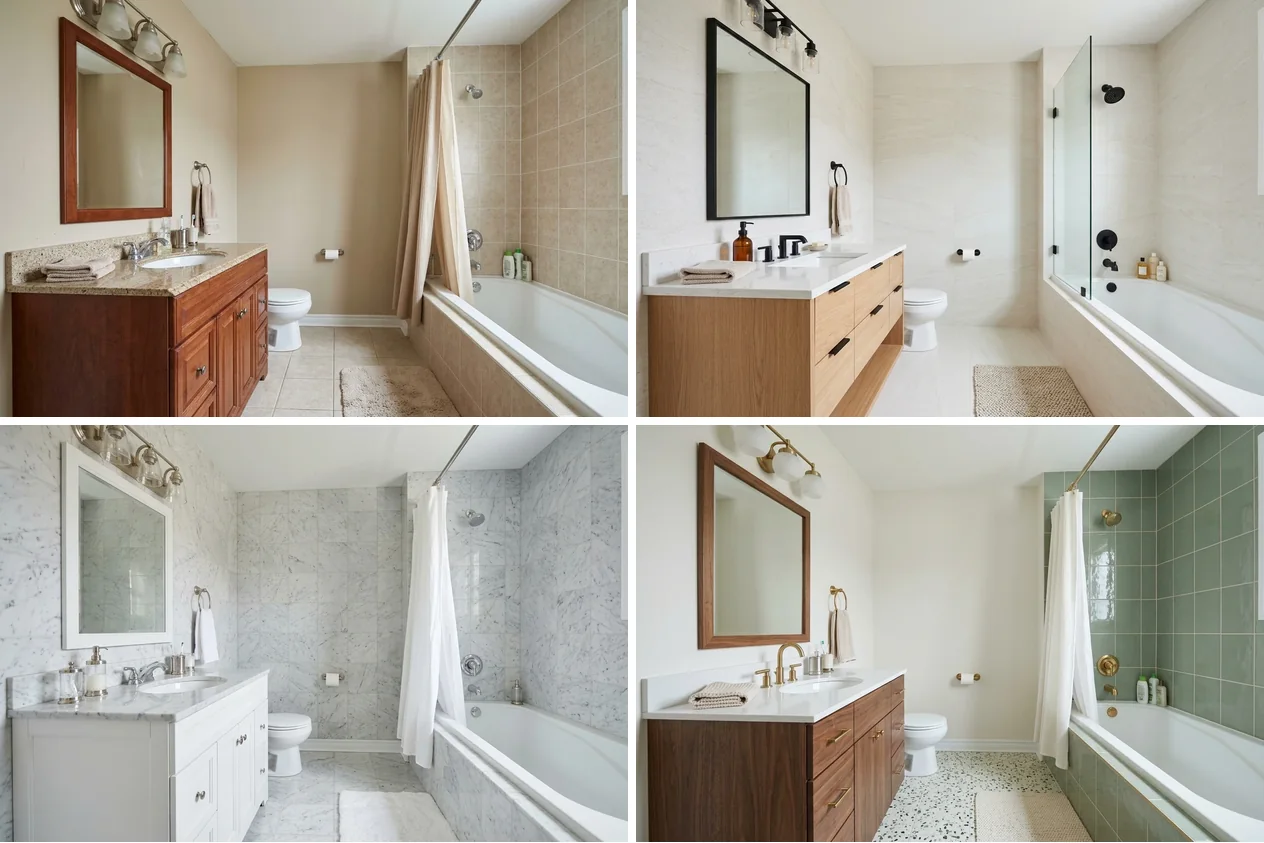
Spa, marble or retro is hard to judge from someone else’s bathroom. Upload one photo and switch between 8 bathroom styles and 6 vanity looks to compare them in your real room and light.
Try this in the studio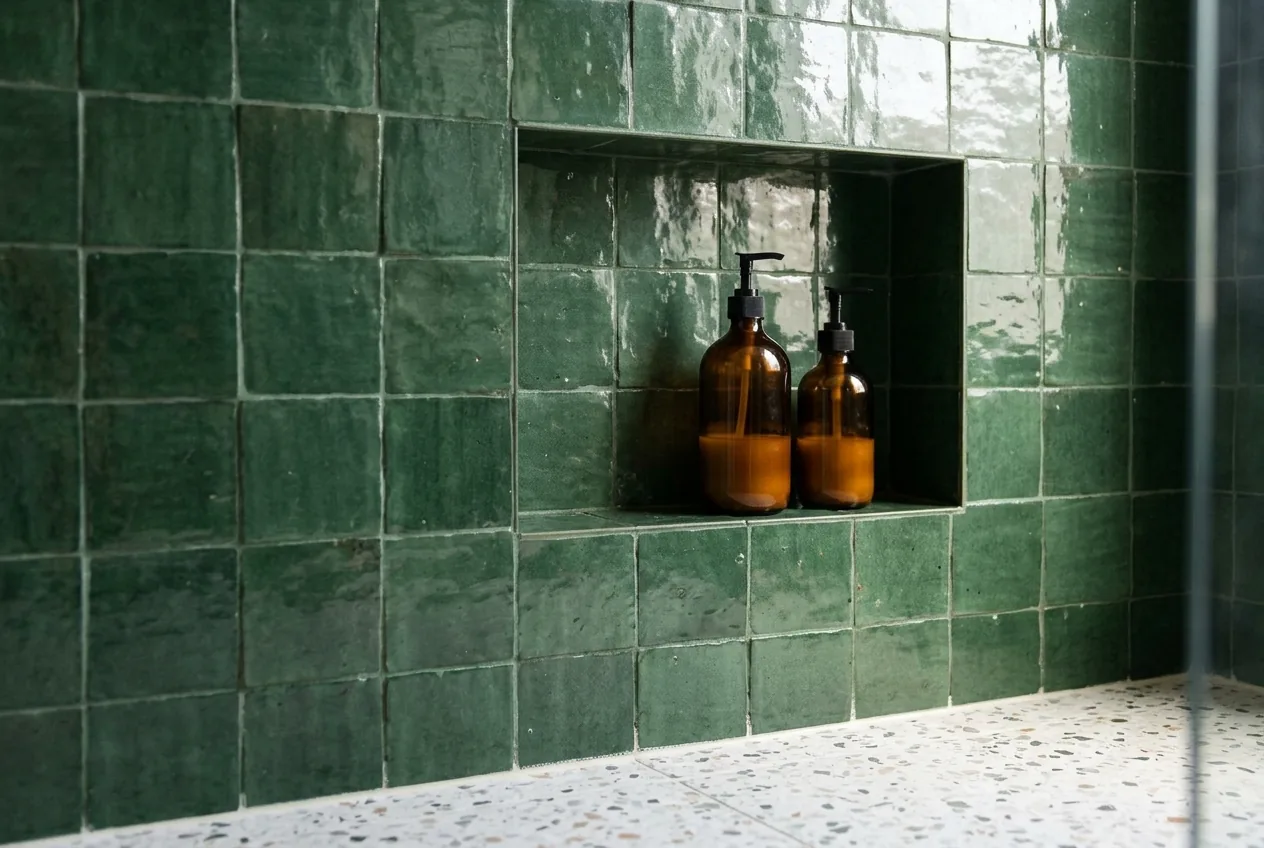
Tile is the biggest decision in a bathroom. Choose from 8 surfaces, including large-format porcelain, Carrara marble, zellige, terrazzo, microcement and hexagon mosaic, and see grout lines wrap corners, niches and tub edges at true scale.
Try this in the studio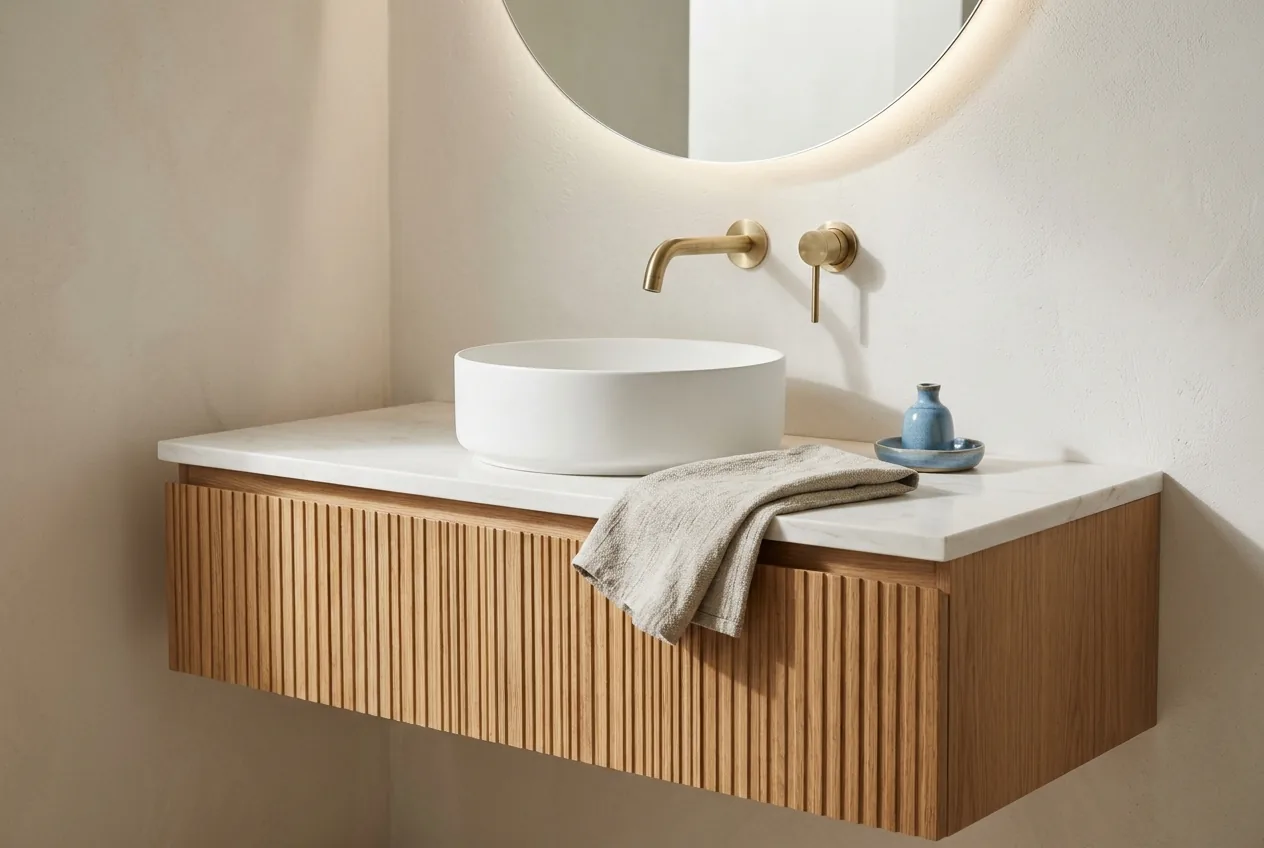
A new vanity changes the whole room, yet the drain never moves. The bathroom visualizer swaps vanities, basins, faucets and mirrors for floating oak, fluted walnut, brass or matte black versions in exactly the same position.
Try this in the studio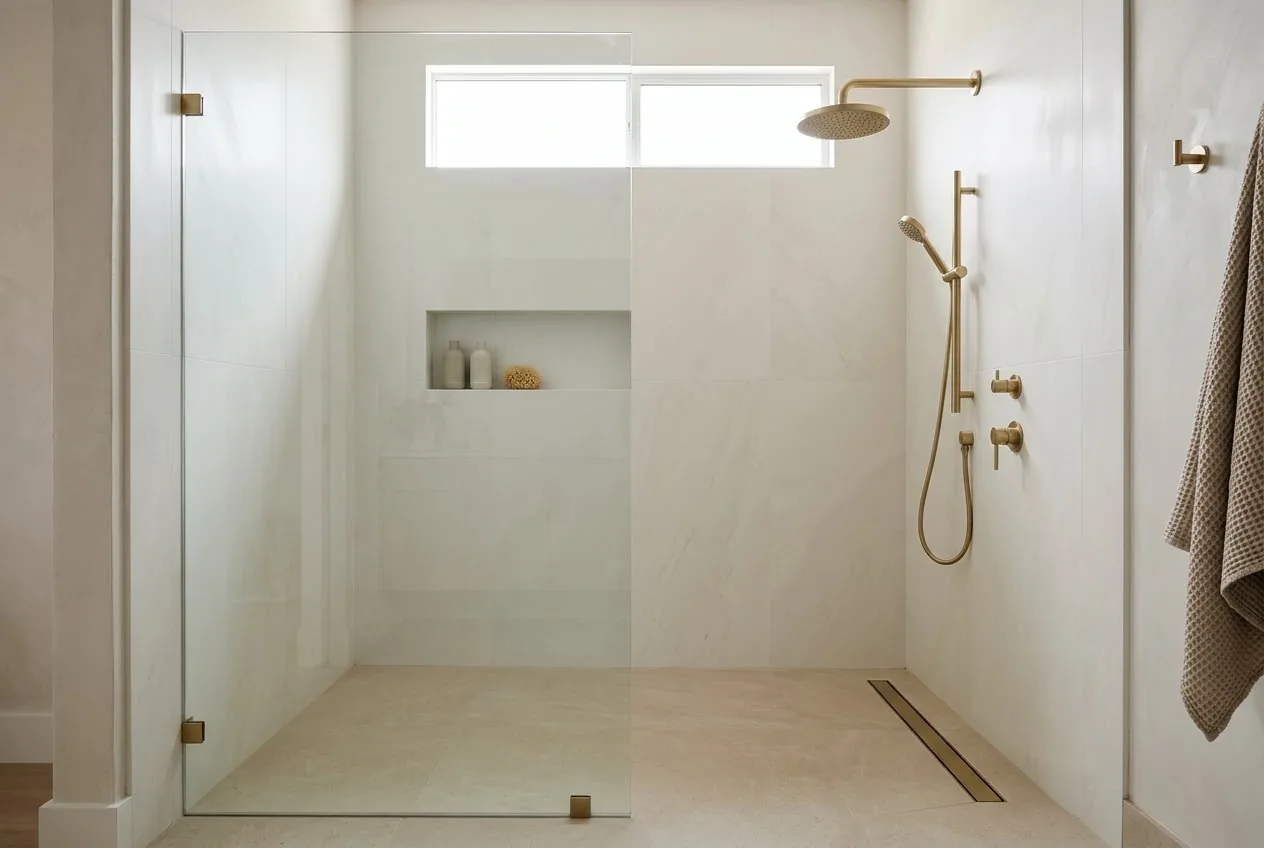
Glass is where fake renders give themselves away. Frameless panels, rain heads and linear drains are drawn with correct reflections inside the same shower footprint, so the preview reads like a finished photo.
Try this in the studio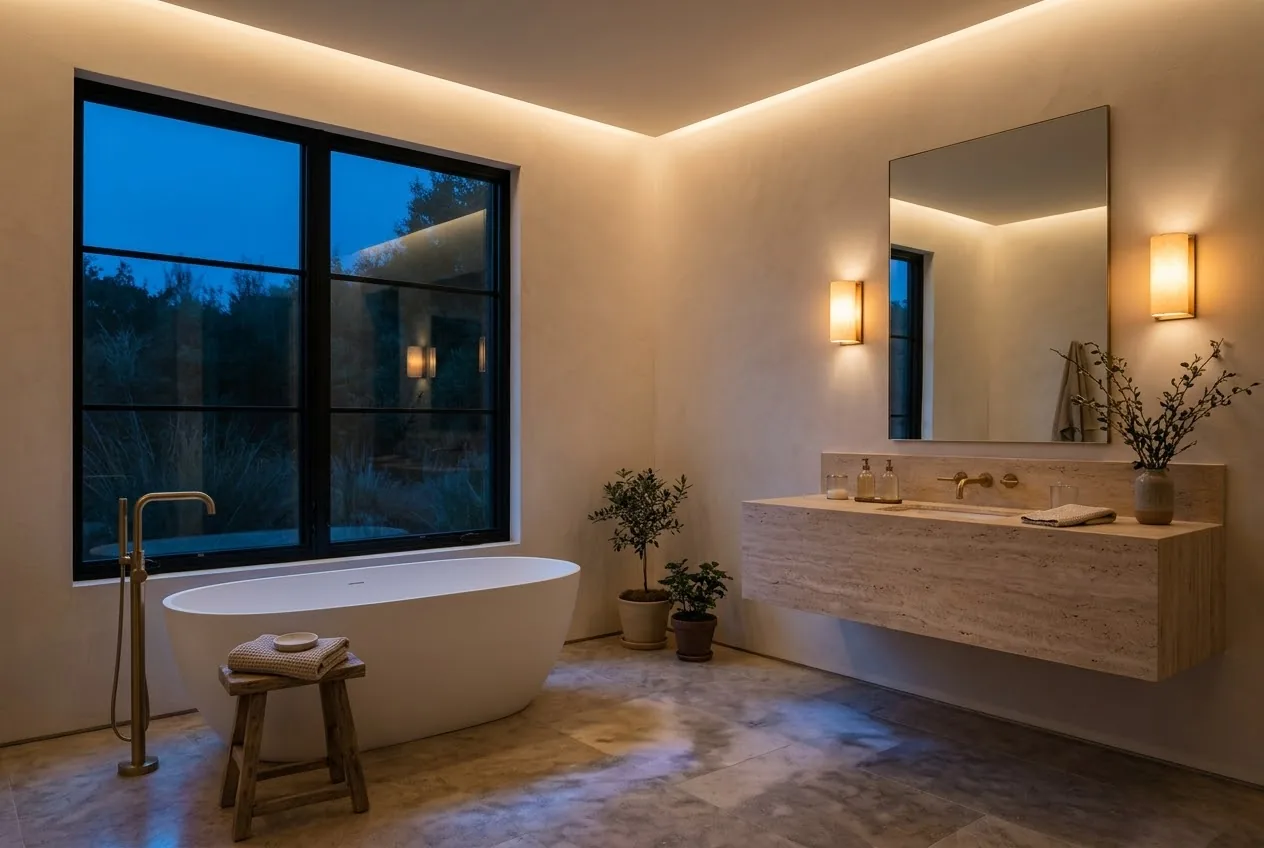
Bathrooms are used at dawn and late at night. Preview backlit mirrors, sconces and warm cove light, and compare natural daylight with a soft evening mood before you choose fixtures.
Try this in the studioUse Cases
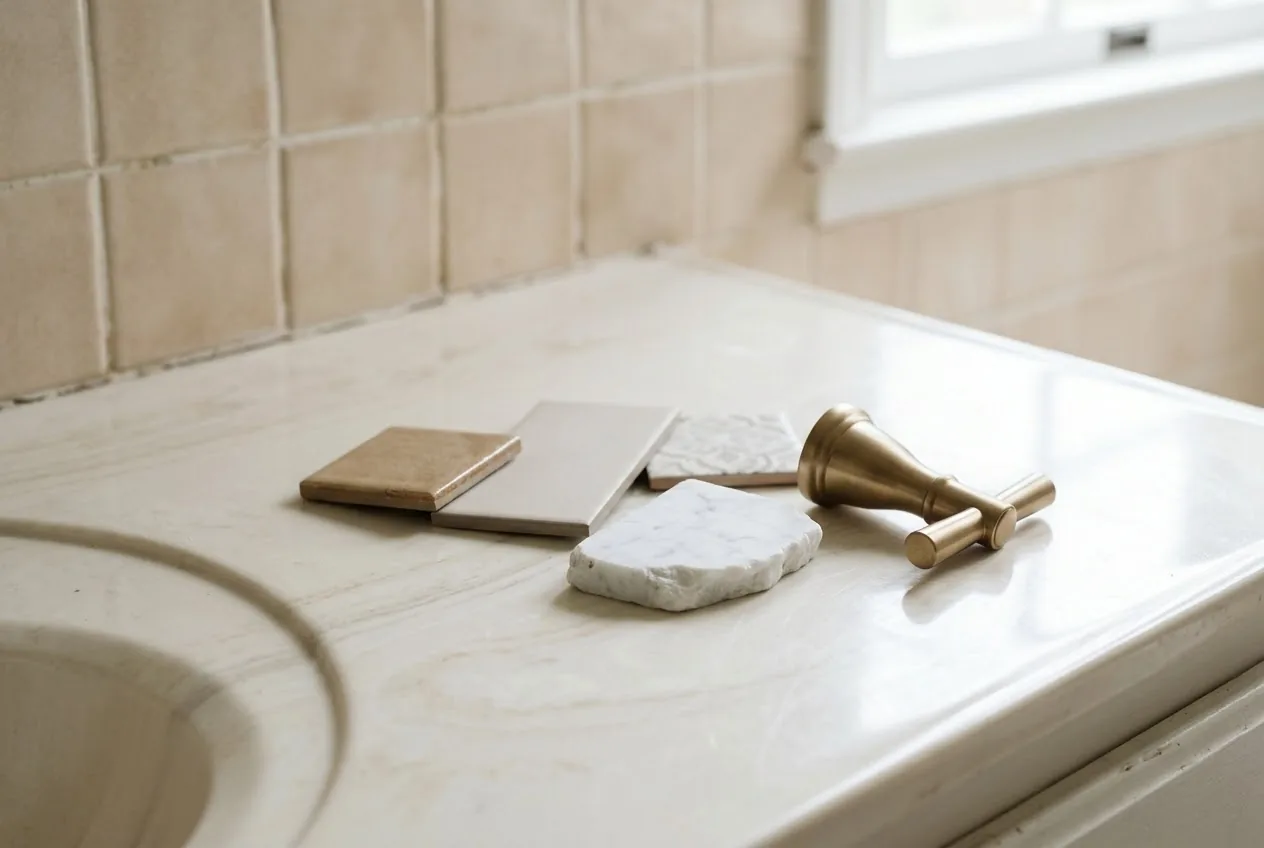
See your own bathroom in a few finished looks before you collect quotes. The studio turns magazine ideas into pictures of your real room that the whole family can agree on.
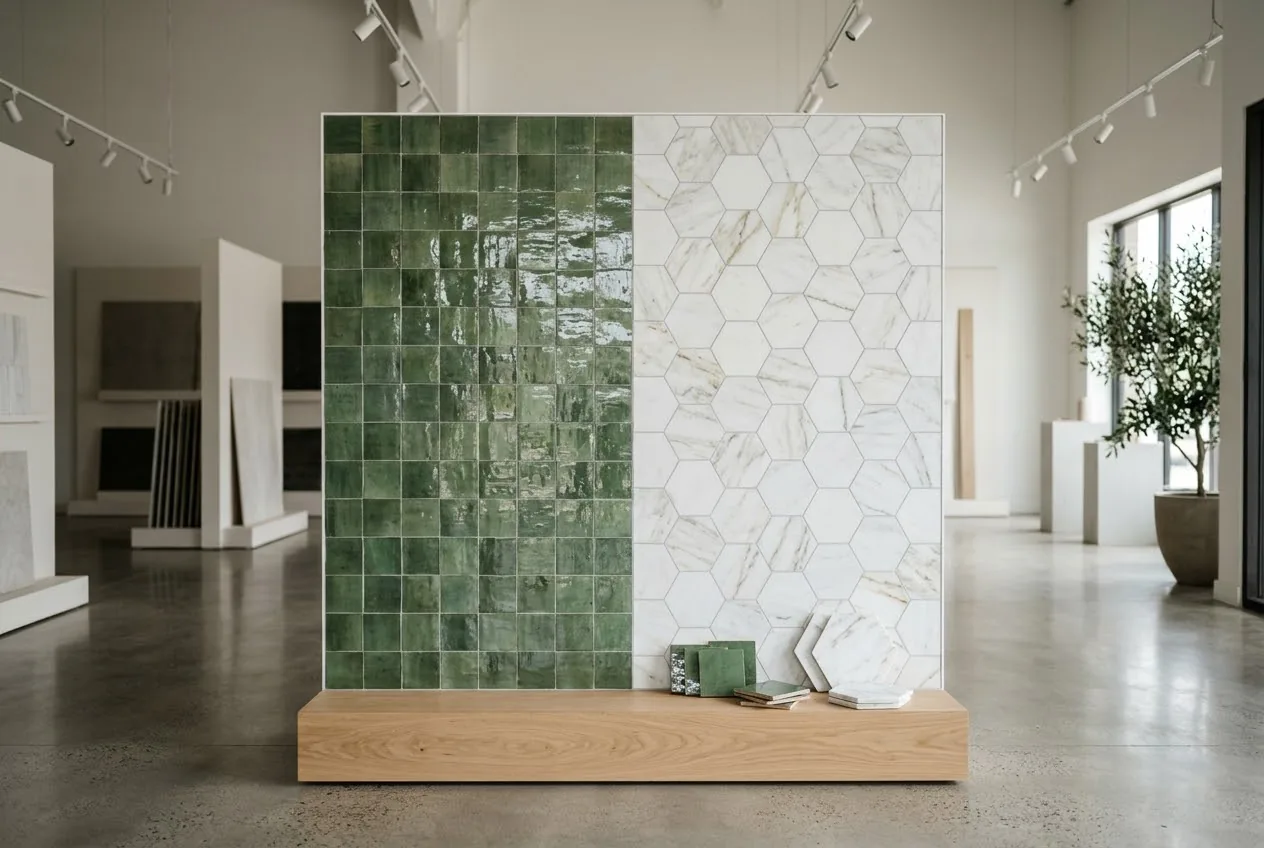
Place the tile a customer is considering onto a photo of their own bathroom. Showroom browsing turns into a confident order when shoppers see zellige or marble on their walls.
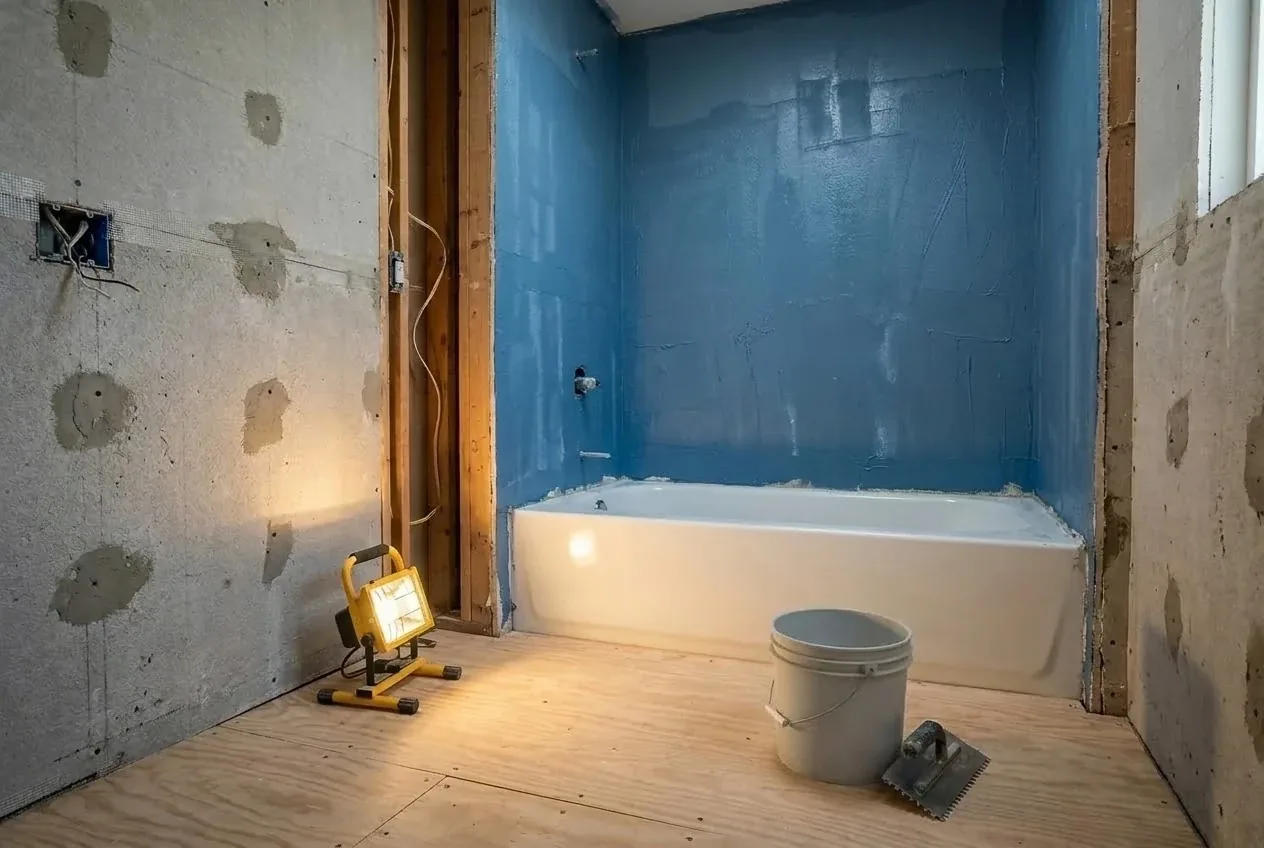
Attach a before and after picture to each estimate. Because the bathroom visualizer keeps drains and fixtures in place, the image matches the scope you are quoting.
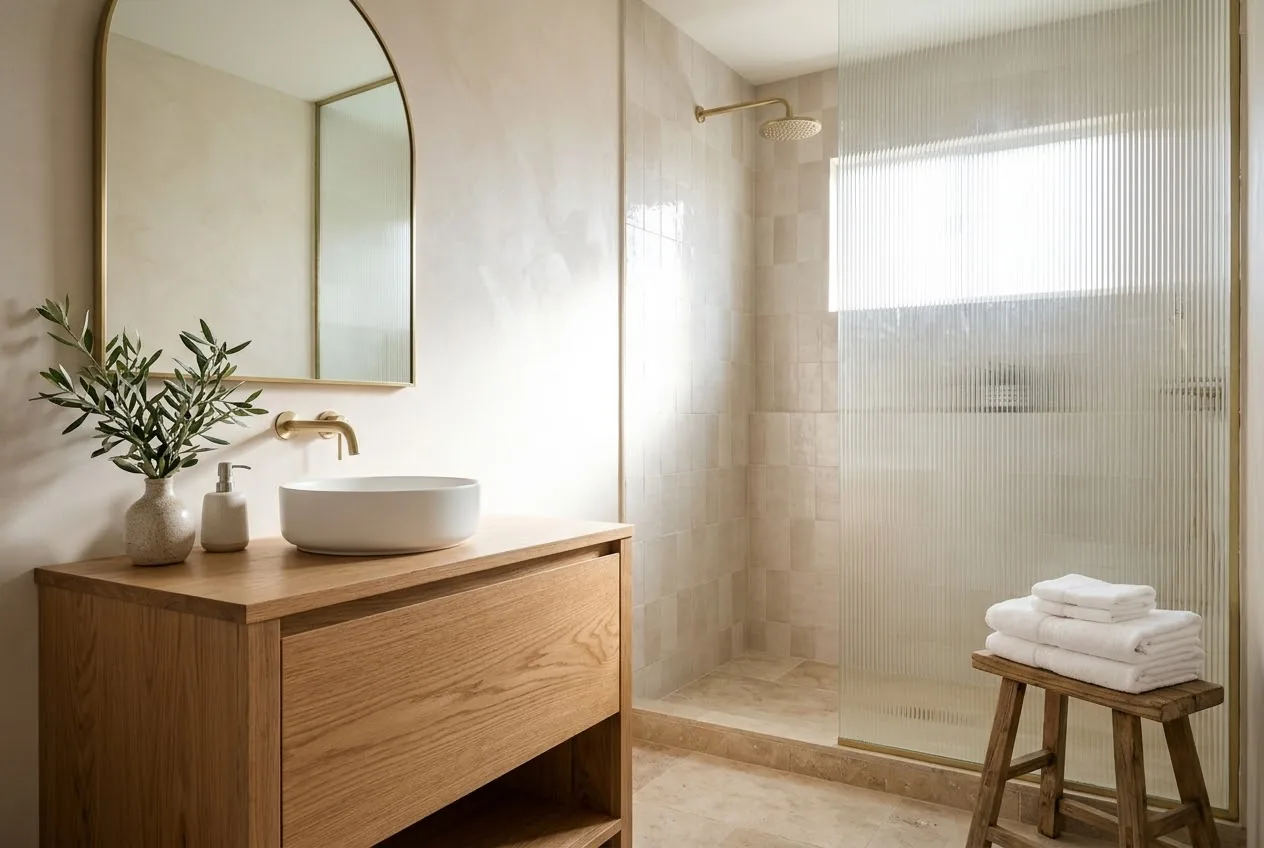
Plan a hotel-style guest bathroom that photographs well, test durable finishes, and keep the refresh to tile, vanity and lighting so the unit is back online quickly.
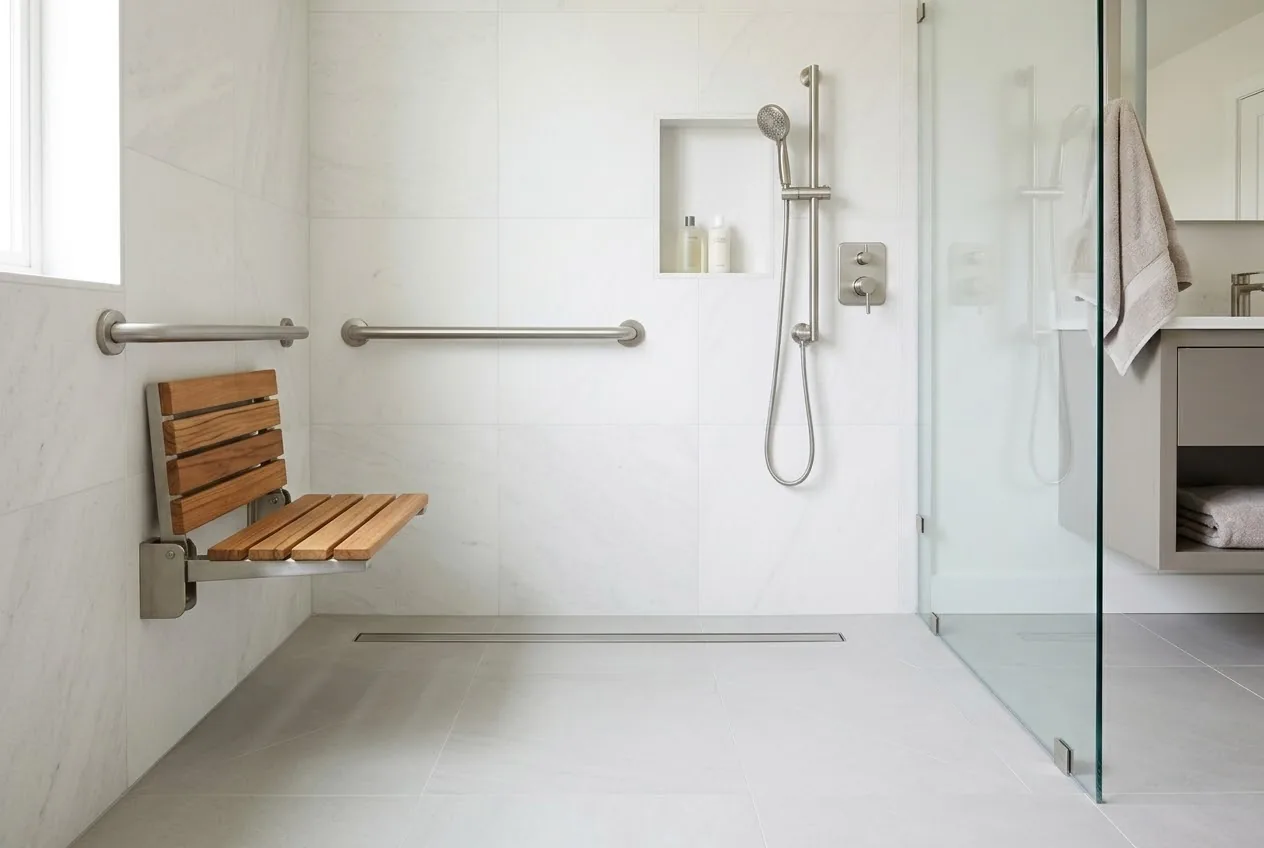
Preview a curbless shower, grab bars, a fold-down seat and slip-resistant tile in the existing bathroom, so families and occupational therapists can agree on changes before work begins.
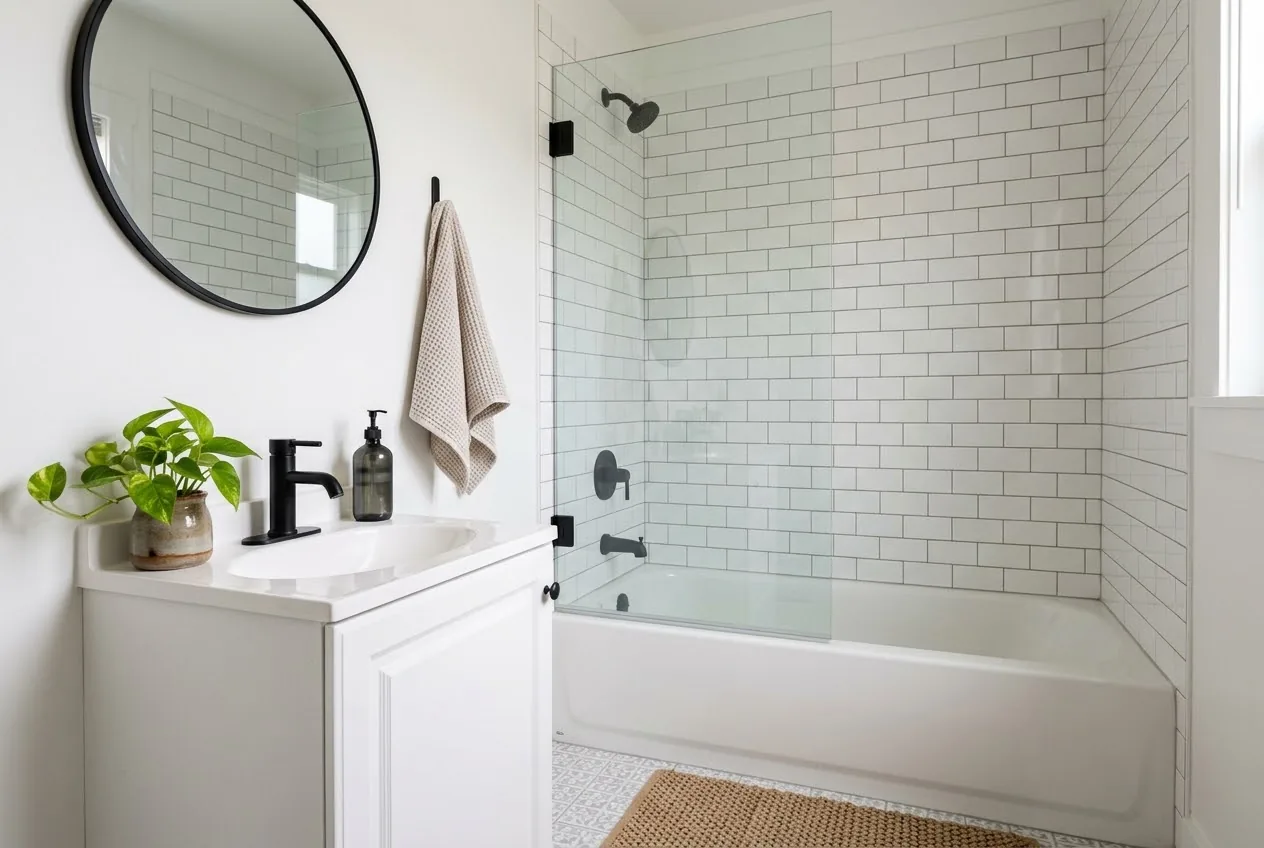
Choose budget-friendly, easy-to-clean finishes for a rental bathroom and check they look fresh in listing photos. One upload compares several tile and vanity options for every unit.
Workflow
Three streamlined steps from your site photo to photorealistic 2K presentations.
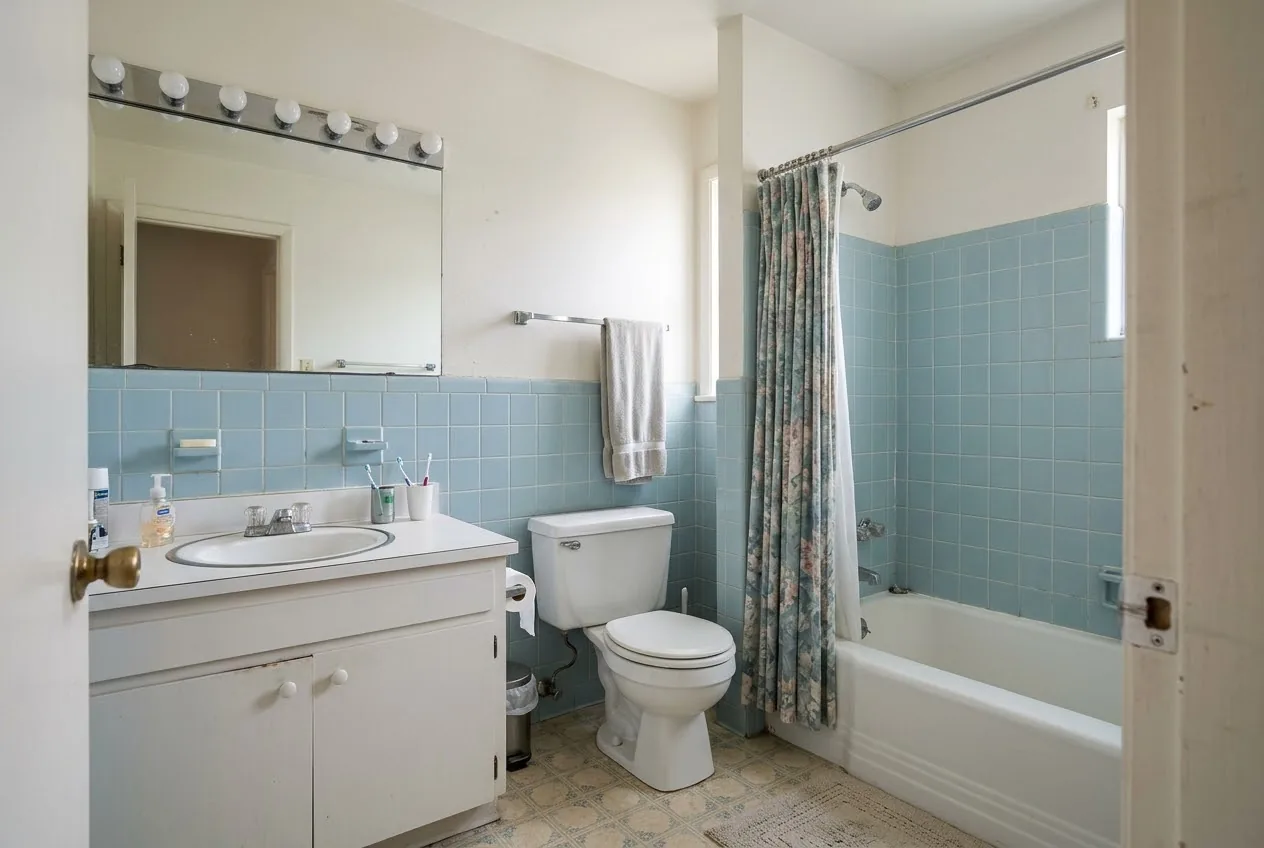
Stand in the doorway, hold the camera level at chest height and capture the vanity, toilet and tub or shower in one daylight shot. PNG, JPG or WebP up to 15 MB works.
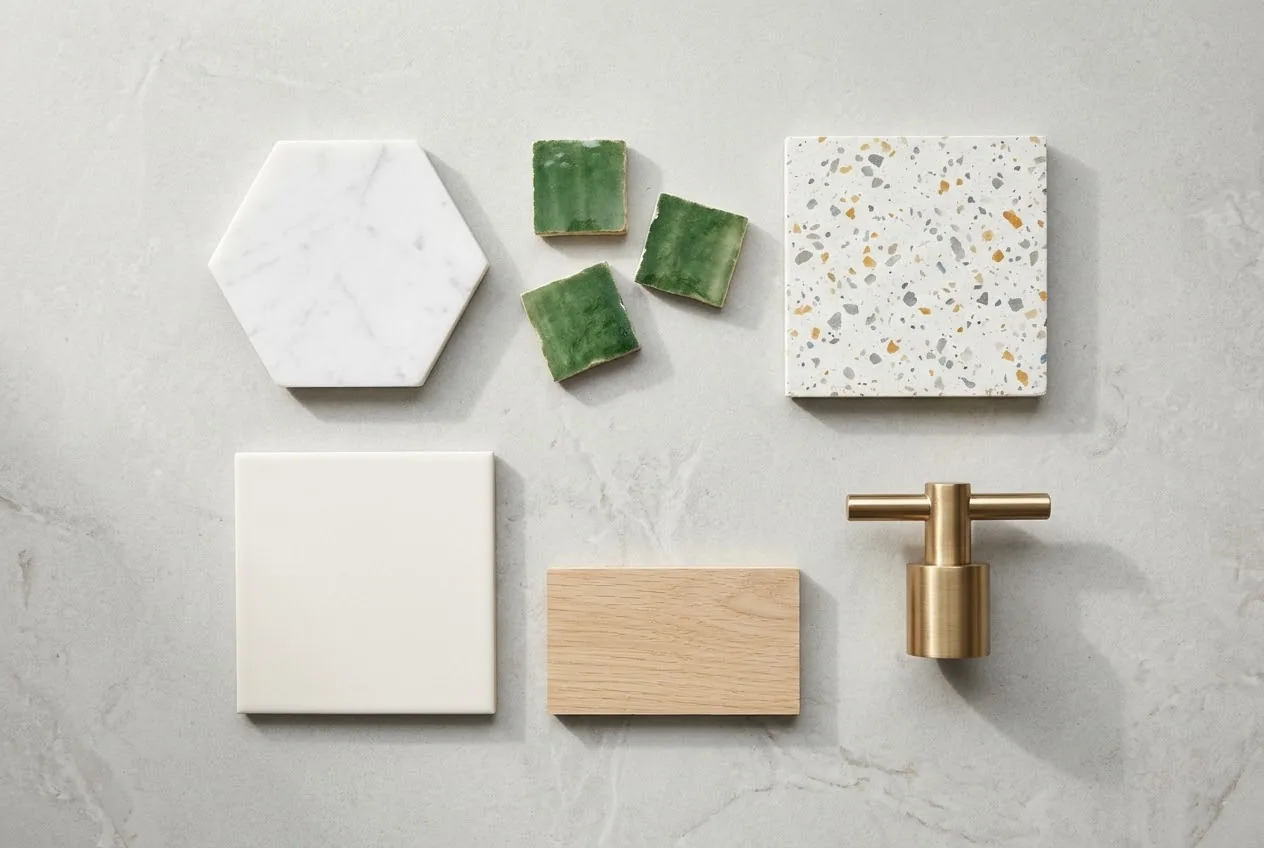
Choose your bathroom type, one of 8 styles, a vanity style and up to three tile and surface finishes, or write your own remodel brief.
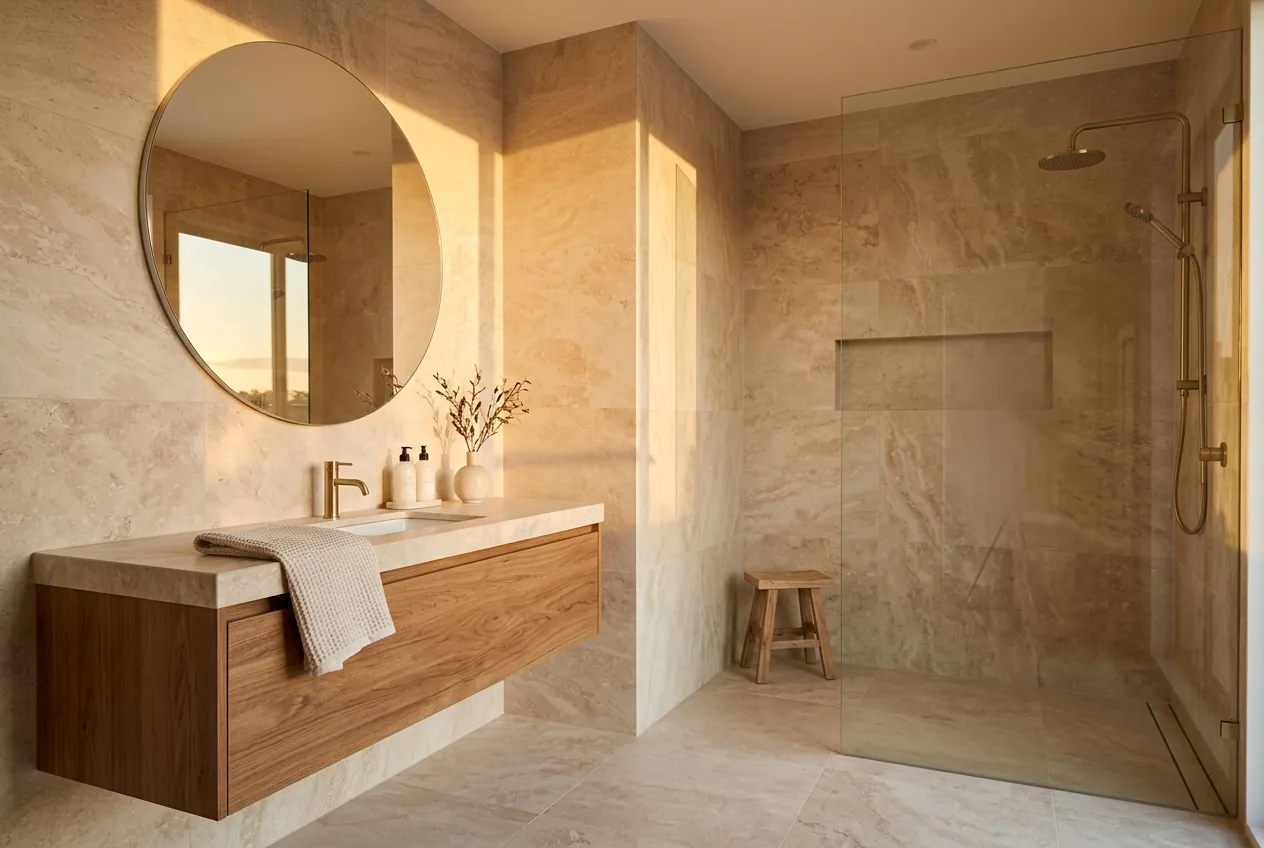
Slide across the result to confirm every fixture sits where it is today, then download a 2K image for your tiler, plumber or family.
AI bathroom remodel reads the photo first: it finds the walls, the window, the door, the toilet, the vanity and the outline of the tub or shower. It then redesigns only the surfaces and fixtures you choose, so the new bathroom lines up with the old one when you drag the slider and every fixture stays on its existing drain.
Bathrooms are small, so the camera position matters. Stand in the doorway, hold the camera level and capture the vanity, the toilet and at least part of the tub or shower. Turn on the lights and open the blind; the result keeps the same lens and framing as your photo.
Small rooms look calm when they repeat one material. Running the same large-format porcelain or microcement across floor and walls makes a compact bathroom feel larger; save pattern for one place, such as a zellige shower wall or a hexagon mosaic floor.
Match metal finishes across the faucet, shower set and lighting, and pick a vanity that contrasts gently with the tile: warm oak on white porcelain, white Shaker on marble, walnut on green tile. Test two versions in the AI bathroom remodel before you order.
Relocating a toilet, drain or shower valve is what turns a bathroom refresh into a major project, because floors and walls have to be opened. A remodel that keeps fixtures where they are (new tile, vanity, faucets, glass and lighting) avoids most of that work, so the studio shows that version by default.
In many homes $5,000 covers a cosmetic refresh of a small bathroom: a new vanity, toilet, faucets, paint, lighting and a few square feet of feature tile. Around $10,000 often stretches to retiling a tub surround or shower. See both scopes in the bathroom visualizer and spend where the change is most visible.
Use the AI bathroom remodel when the layout works and you want to see new tile, a new vanity and new fixtures in the bathroom you already have. Use our Bathroom Floor Plan generator when you need to change the layout: move the toilet, fit a double vanity or check clearances from a top-down drawing.
Plan the layout first if walls or drains will move, then upload a photo of the finished shell or a similar room to the AI bathroom design to choose tile, vanity and lighting with confidence.
Clear answers on structural preservation, commercial downloads, private vaults, and credits.
Upload a photo aboveYes. Upload a photo of your bathroom and the AI bathroom remodel returns a photorealistic redesign of the same room in about 30 seconds, with the toilet, vanity, tub and shower kept in place and the tile, fixtures and style you picked applied.
No. Keep Fixtures & Plumbing is on by default, so drains, the toilet, the vanity, the tub and the shower stay where they are. Switch it off when you want to try a walk-in shower, a double vanity or another layout.
Eight styles: Modern Spa, Classic Marble, Japandi, Scandinavian, Coastal, Retro Mid-Century, Moody Jewel Box and Modern Farmhouse. Add eight tile and surface finishes, six vanity styles and five bathroom types, or describe anything else in Custom Edit.
Often yes for a small bathroom if the fixtures stay where they are: a new vanity, toilet, faucets, paint, lighting and a feature tile wall. Retiling the whole shower or moving plumbing costs more. Use the AI bathroom remodel to see which upgrades matter most before you spend.
For many small and mid-size bathrooms, yes: it usually covers new tile in the tub or shower area, a vanity, fixtures, glass and lighting while the layout stays the same. Moving drains or walls adds significantly. Compare scopes in the bathroom visualizer first.
A chat assistant can describe ideas in words. The AI bathroom remodel edits the photo of your actual bathroom with every fixture locked in place, so you see your own room with new tile, vanity and lighting and can show that picture to a contractor.
Each Fast draft costs 1 credit and each 2K Pro render 4 credits; you only pay credits for results you get. See the pricing page for credit packs and plans.
Yes. Download the image and share it with tilers, plumbers, designers, tile showrooms or buyers. Active subscribers download 2K images without a watermark.
A bathroom visualizer shows new tile, vanities, fixtures and lighting on a picture of a bathroom before you buy them. Ours works on your own photo, so the preview reflects your real room, light and fixture positions.
Change the layout first: fixtures, clearances and a double vanity.
Restyle cabinets, counters and backsplash from a kitchen photo.
Draw supply and drain lines when fixtures need to move.
Try tile, stone or wood floors on any room photo.
Upload a bathroom photo above and see the AI bathroom remodel in seconds, with the toilet, tub and shower exactly where they are today.
Generate Redesign