
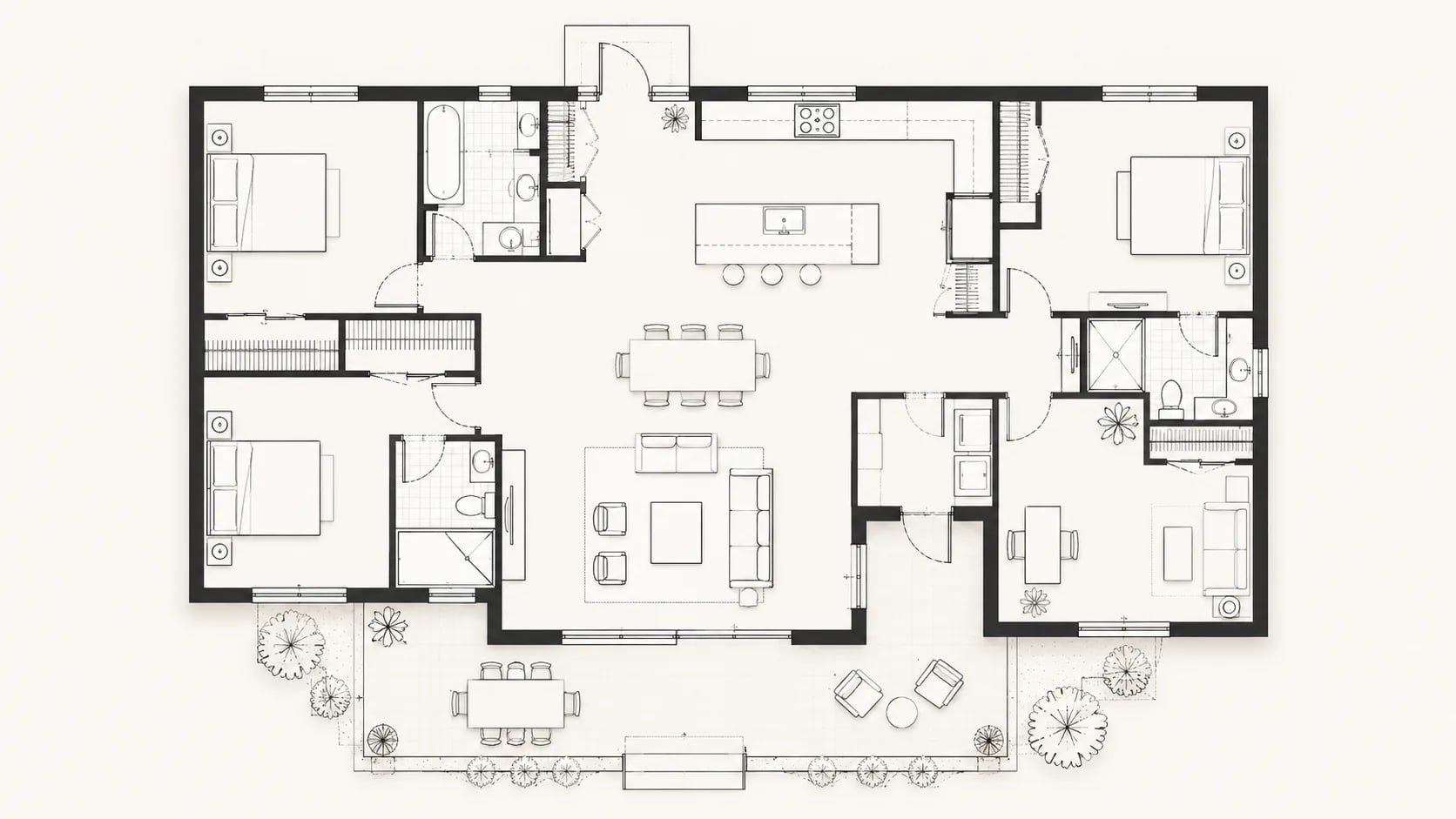

01
Describe the layout
Enter room requirements, area, doors, windows, furniture, and any dimension rules so the generator understands the layout intent.
Type a prompt or upload a sketch, and get a clean layout instantly. No CAD experience required.
AI Floor Plan turns a planning brief into a clear drawing through structured defaults, layout reasoning, and generated linework.
Enter room requirements, area, doors, windows, furniture, and any dimension rules so the generator understands the layout intent.
The page preselects a flat perspective and monochrome linework so the generated drawing stays clear, readable, and dimension friendly.
Review the output, adjust constraints, and generate another layout when the plan needs refinement.
Clear plan drawings help teams clarify layout intent, compare room arrangements, and prepare visual material for early design decisions.
Turn rough spatial requirements into a clear layout before moving into detailed CAD drafting or 3D visualization.
Share a simple top-down drawing with clients to discuss room order, circulation, storage, door swings, and furniture placement without visual clutter.
Test wall changes, room swaps, furniture zones, and better circulation before committing to a renovation direction.
Create a simple plan for listings, rental brochures, and sales decks so viewers understand room relationships quickly.
Use the generated layout as a structured reference for CAD drafting, dimension cleanup, and later technical documentation.
Generate several options for the same brief and compare room proportions, hallway efficiency, and furniture fit.
Use AI Floor Plan to create structured room data, readable annotation, and consistent drawing output.
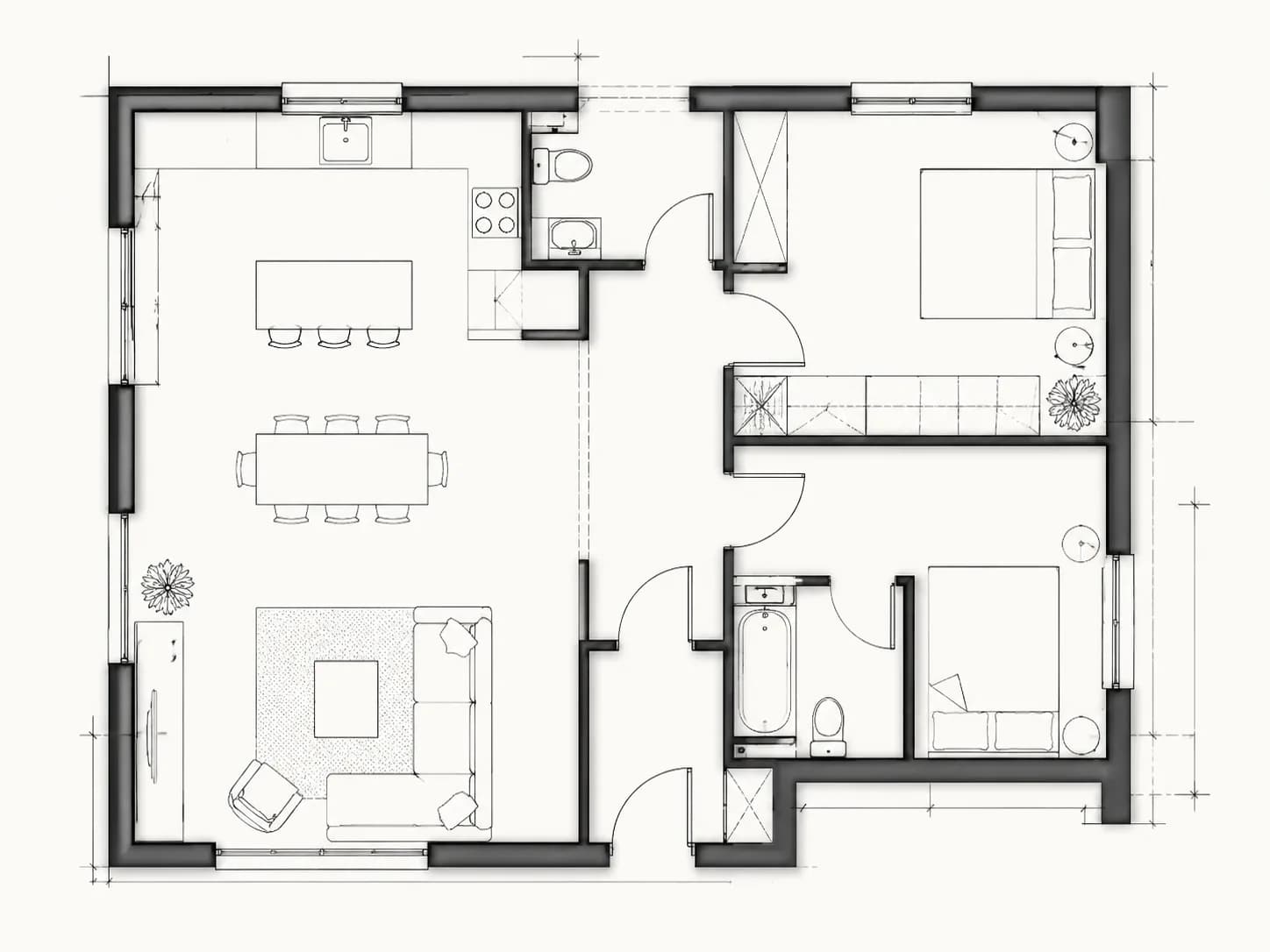
Describe a compact apartment, studio, or small home brief and AI Floor Plan turns the room count, doors, windows, kitchen, bathroom, and furniture needs into a clear drawing.
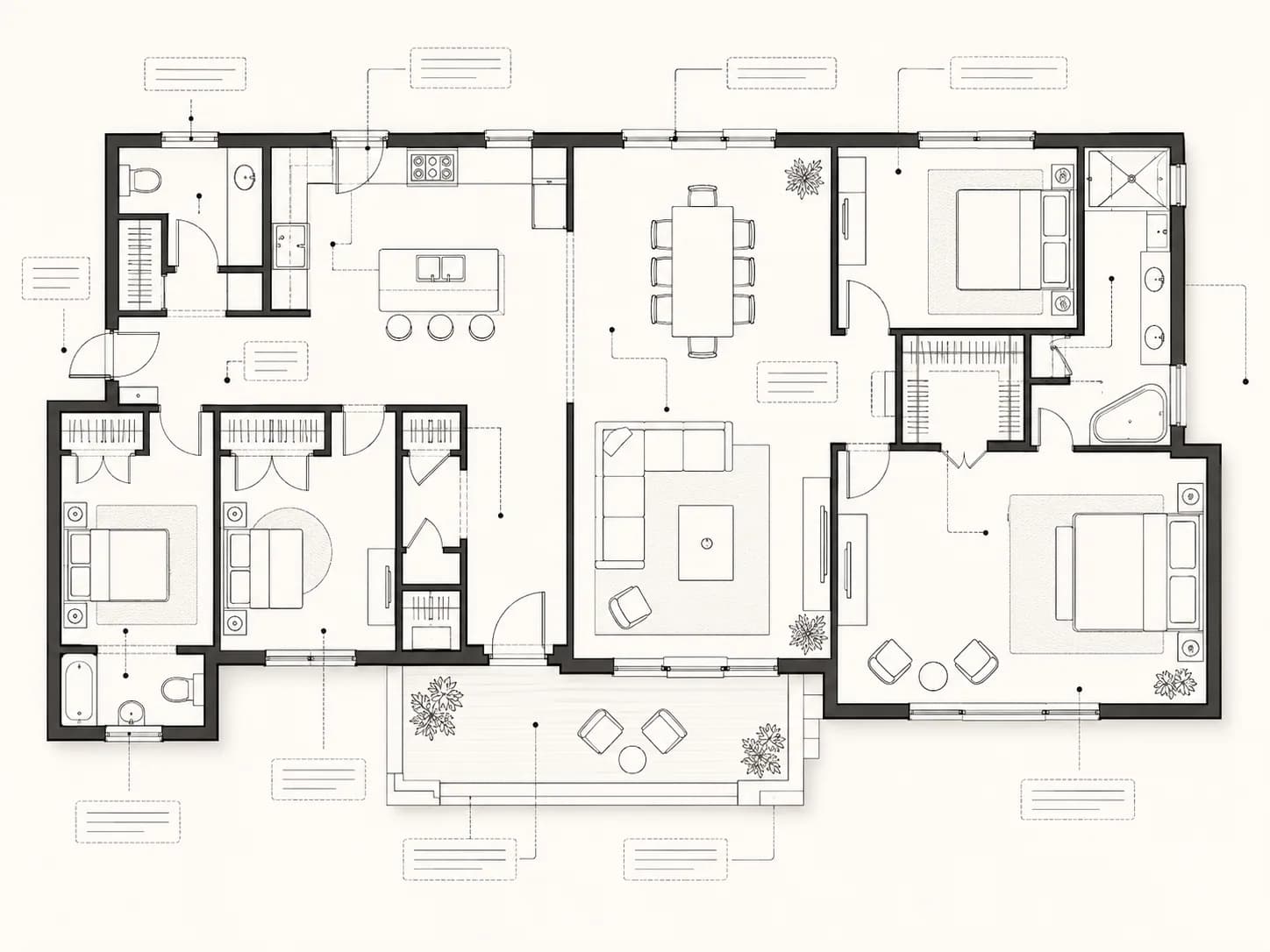
Review room order, circulation, door swings, window positions, furniture fit, and dimension-friendly spacing before the layout moves into detailed drafting.
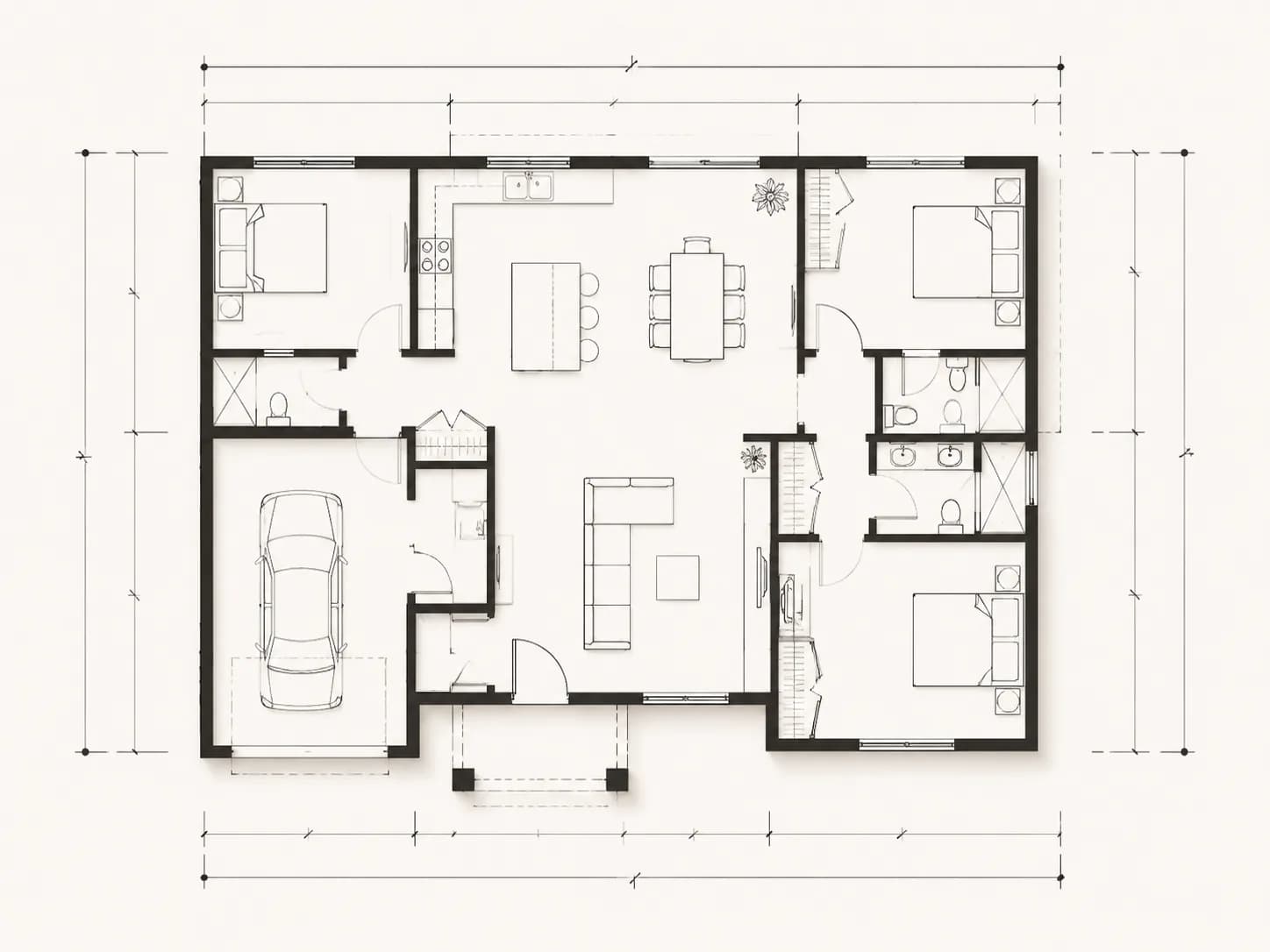
Generate several options for a renovation or redesign, then compare wall changes, storage, kitchen position, bathroom flow, and circulation with practical scene context.
AI Floor Plan helps users create plan drawings quickly while keeping annotations, dimensions, and room labels easy to inspect.
Answers about using AI Floor Plan for fast layout drawings.
It is a top-down drawing that shows rooms, walls, doors, windows, furniture, labels, and dimensions. AI Floor Plan helps create one from a written brief.
No. You can describe the space in plain language, and the generator will translate the brief into a clean layout for review.
Yes. Add area, room sizes, corridor width, door width, or dimension preferences in the prompt so the result includes clearer measurement intent.
You can use generated outputs for concept studies, client discussion, property presentation, and early planning. Technical construction use should still be reviewed by a qualified professional.
This page defaults to monochrome 2D linework, but AI Floor Plan also supports color and blueprint-style floor plan output on the main generator.
Generated results can be previewed and downloaded from the result area after the task completes.
Yes. The drawing is useful for testing room changes, furniture fit, circulation, and storage before moving into detailed renovation documentation.
Most tasks complete in seconds to minutes, depending on model load, layout complexity, and queue status.
Yes. You can start from text alone or upload a sketch, reference layout, or rough room plan so AI Floor Plan has more context.
Your prompts, uploaded sketches, and generated results are handled through your account workspace and are not displayed publicly by default.
Start with a clear brief and generate labeled, dimension-friendly linework in minutes.