
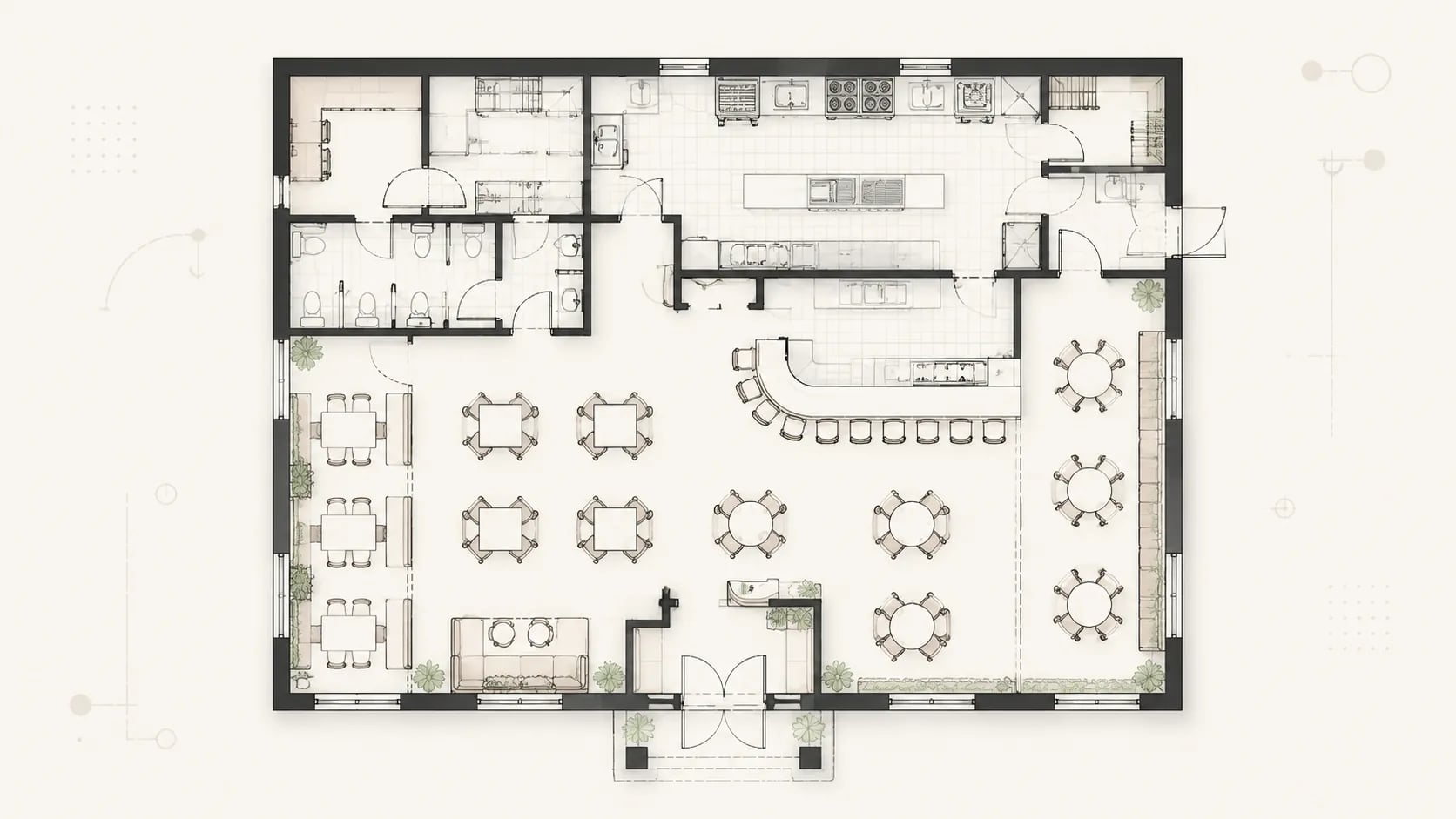

01
Upload or describe the brief
Start from text or a reference sketch, then define seating style, capacity, kitchen needs, bar service, restroom positions, storage, and customer circulation.
Use AI Floor Plan to turn a food service brief into a clear service layout with kitchen access, bar service, customer circulation, and back-of-house efficiency.
AI Floor Plan converts the brief into a practical dining scheme through structured defaults, service logic, and generated 2D output.
Start from text or a reference sketch, then define seating style, capacity, kitchen needs, bar service, restroom positions, storage, and customer circulation.
The generator uses restaurant mode, color 2D output, ISO 128, 1:100 scale, and a 4:3 canvas to prioritize dining zones and service paths.
Review the draft, adjust table spacing or kitchen workflow, regenerate variations, and download the best option for CAD or stakeholder review.
A restaurant floor plan helps teams compare seating options, tune kitchen workflow, plan capacity, and prepare layout material for owners, contractors, and investors.
Test a new tenant shell, entry position, kitchen requirements, restroom location, and expected seating count before lease decisions.
Compare layout changes for better customer flow, table turnover, bar visibility, and staff movement before renovation work begins.
Create a clear drawing for pitch decks, landlord discussions, brand approvals, and early project management reviews.
Map prep, cooking, pass, dish return, storage, and service paths so back-of-house movement supports the seating scheme.
Try booth, bar, communal, private dining, and patio seating mixes to balance capacity, comfort, accessibility, and aisle width.
Use the drawing as a shared reference for managers, designers, contractors, kitchen suppliers, and front-of-house teams.
Plan a restaurant floor plan around dining zones, kitchen output, bar service, restrooms, storage, and staff flow before costly design changes.
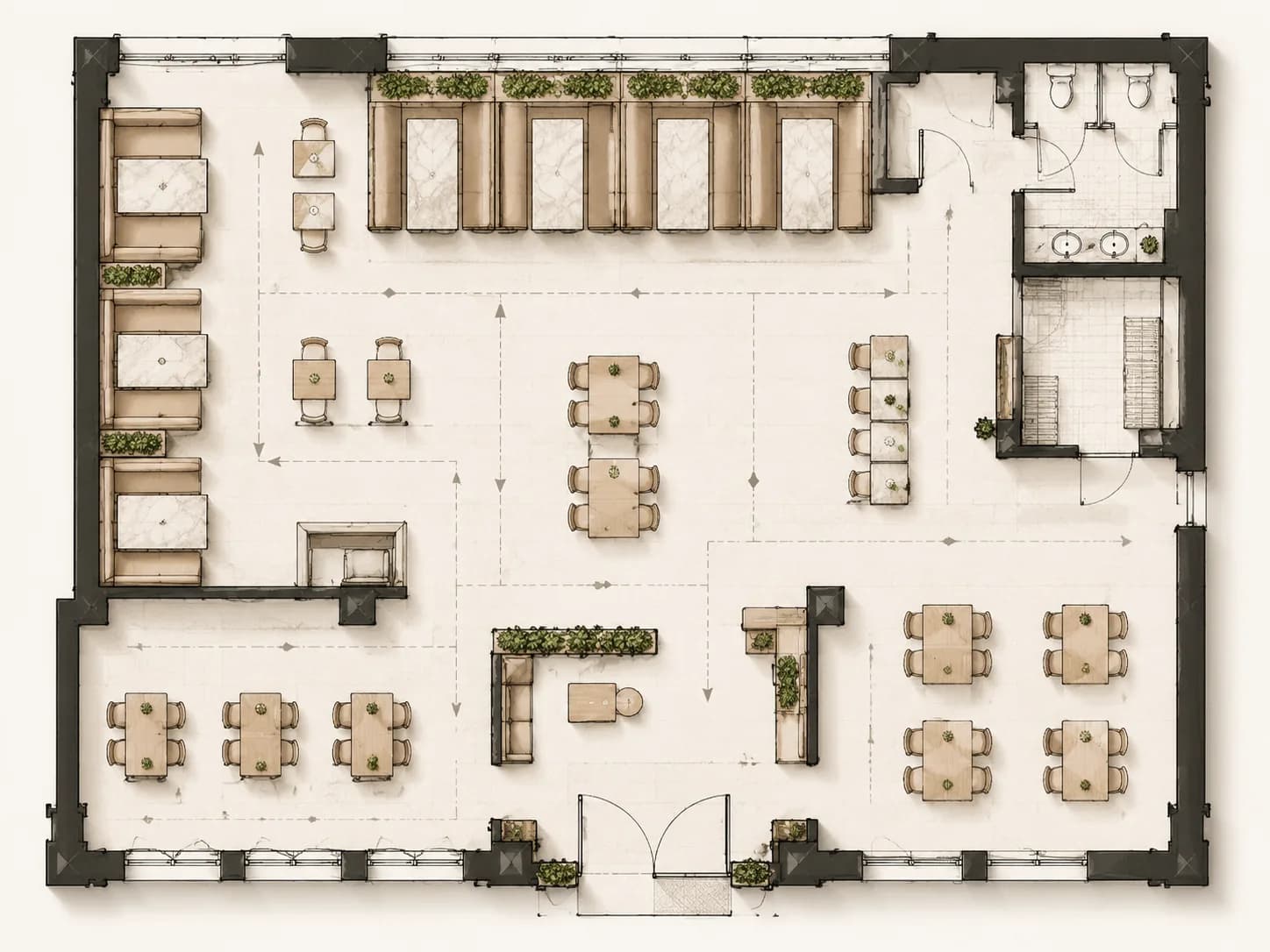
Describe booth seating, two-seat tables, private dining, outdoor seats, or flexible groups so the concept keeps usable aisle clearance and clear guest circulation.
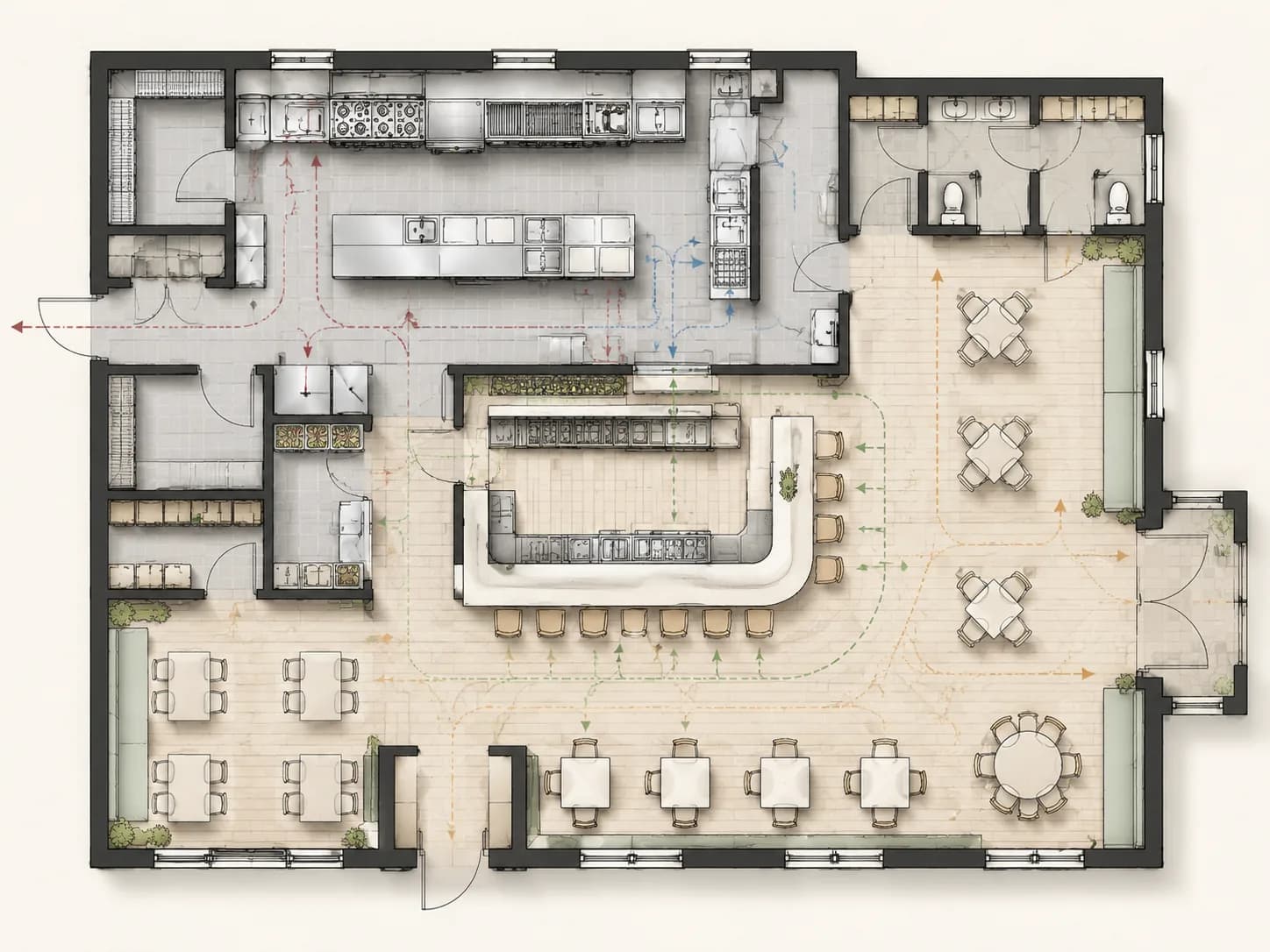
Place the kitchen, pass, bar counter, pickup point, storage, and server stations so food, drinks, and staff routes do not cross awkwardly.
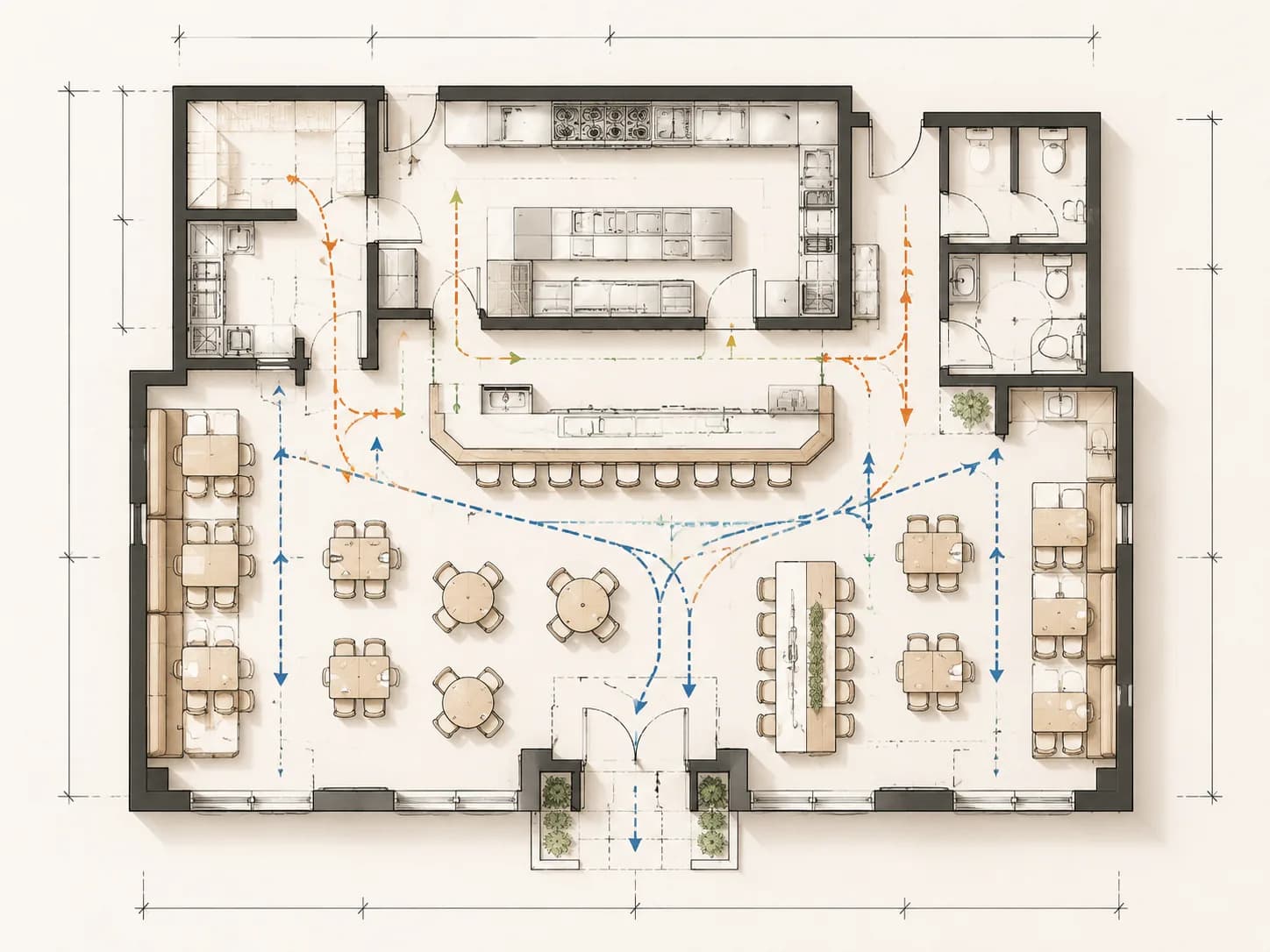
Generate a color-coded draft with 2D symbols, dimension-friendly spacing, and enough structure for CAD cleanup, stakeholder review, and project handoff.
AI Floor Plan keeps each restaurant floor plan generator draft focused on dining capacity, service flow, and readable 2D decisions.
Answers about commercial use, kitchen layouts, seating, dimensions, exports, and workflow.
Yes. A generated plan is useful for concept proposals, landlord discussions, investor decks, and client review. Final construction documents should still be checked by licensed professionals.
Yes. Describe the commercial kitchen, bar counter, dining area, restrooms, storage, queue zone, and service paths so the layout balances front-of-house and back-of-house needs.
Yes. Add table sizes, aisle width, kitchen clearance, door width, room area, or scale preferences to guide dimension-friendly spacing in the generated plan.
No. You can write the brief in plain language and use the output as a structured draft before moving into CAD cleanup or technical documentation.
Yes. Try prompts for a cafe, quick service venue, fine dining room, bar concept, open kitchen bistro, or patio seating concept.
Generated results can be previewed and downloaded from the result area after the task completes.
It is suitable for early construction reference, coordination, and planning conversations. For permitting and construction, verify dimensions, code compliance, equipment, utilities, and accessibility with qualified professionals.
Prompts, uploads, and generated results stay in your account workspace by default and are not displayed publicly.
Most tasks complete in seconds to minutes, depending on layout complexity, model queue, and selected generation settings.
Yes. Upload or describe the existing space, then ask for improved seating density, kitchen access, bar flow, restroom placement, or customer circulation.
Need broader layout options? Open the Floor Plan Generator or refine an existing draft in the Floor Plan Editor.
Start with a dining brief and generate a focused 2D draft with kitchen, bar, restroom, storage, and circulation logic.