
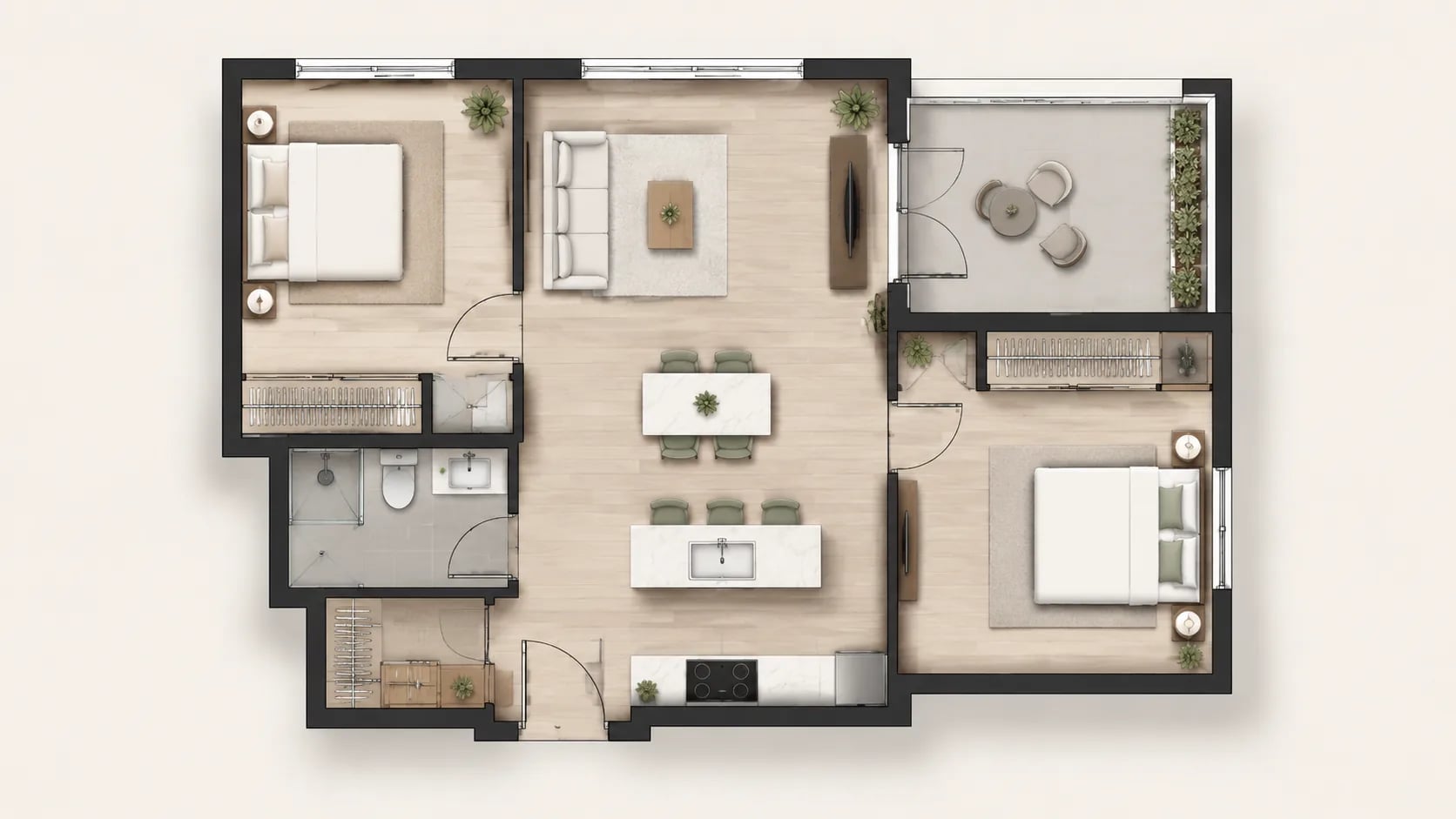

01
Describe the apartment brief
Input bedroom count, living needs, balcony requirements, storage expectations, and furniture constraints.
Describe the apartment goals, and AI Floor Plan will generate clear 2D layouts with bedrooms, living room, kitchen, balcony, and storage logic.
AI Floor Plan converts apartment requirements into practical drawing defaults with room, flow, and storage logic.
Input bedroom count, living needs, balcony requirements, storage expectations, and furniture constraints.
The page uses 2D rendering with color style, ISO 128 standard, 1:100 scale, and 4:3 canvas for practical review.
Adjust prompts for circulation, storage, and circulation routing, then regenerate to compare layout variants.
An apartment floor plan helps compare room priorities, circulation quality, and furniture fit before renovation or rental decisions.
Test room count, circulation, and zoning changes before selecting contractors or finalizing renovation scope.
Generate concept-based comparisons for listed apartments by bedroom layout, kitchen size, and storage usability.
Validate sofa, bed, and kitchen zone placement before buying furniture or moving items.
Create a clean concept drawing to improve presentation for owners, brokers, and renters.
Compare bedroom privacy, shared spaces, and common traffic paths for practical daily living and child-friendly use.
Use the generated layout as a baseline for CAD clean-up, renovation estimates, and construction discussions.
Turn living needs into a practical apartment plan with clear room order, circulation, storage zoning, and readable labeling.
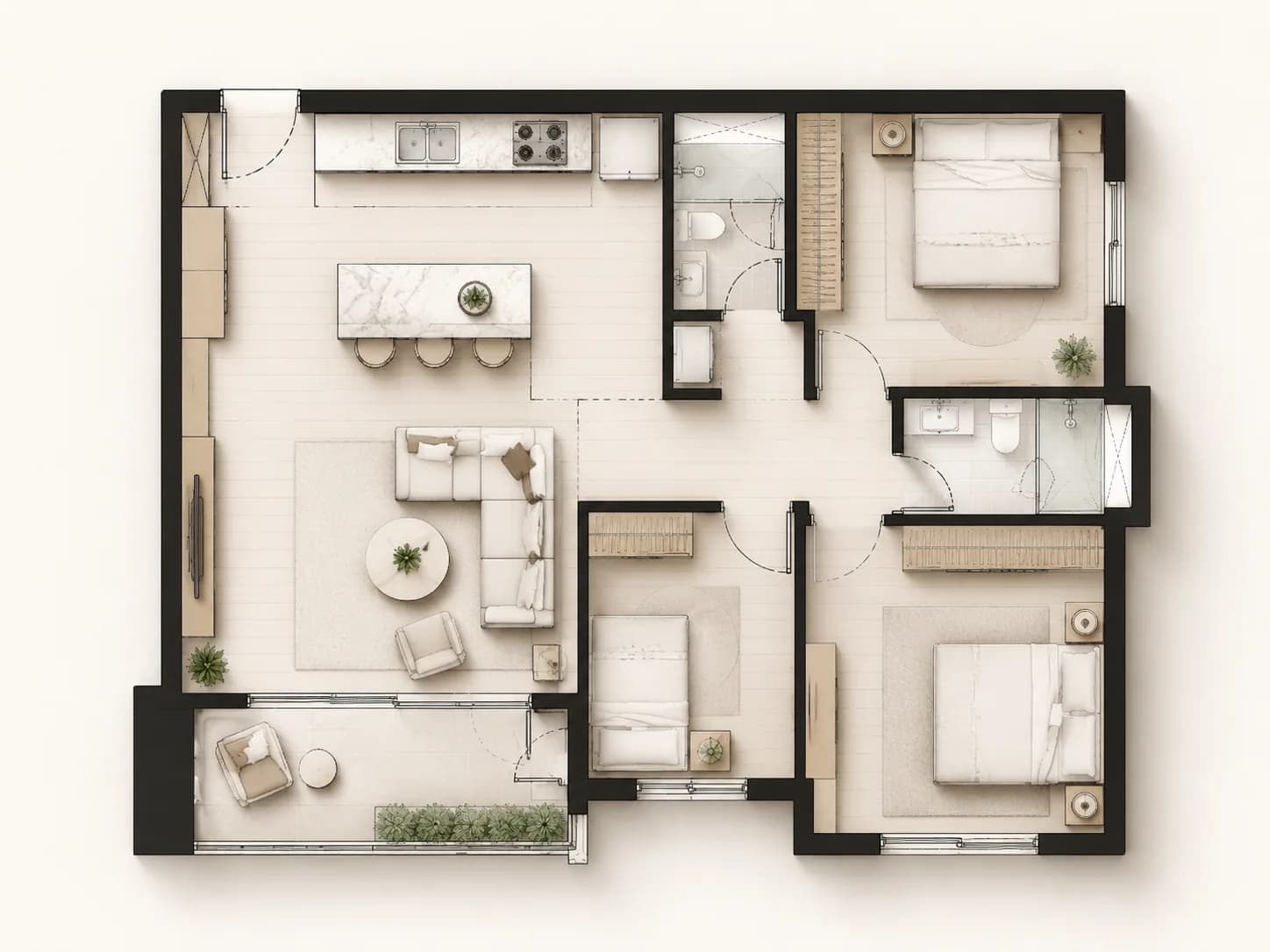
Generate one-bedroom, compact two-bedroom, and family-friendly layouts with balanced bedroom counts, living space, kitchen footprint, and bathroom placement.
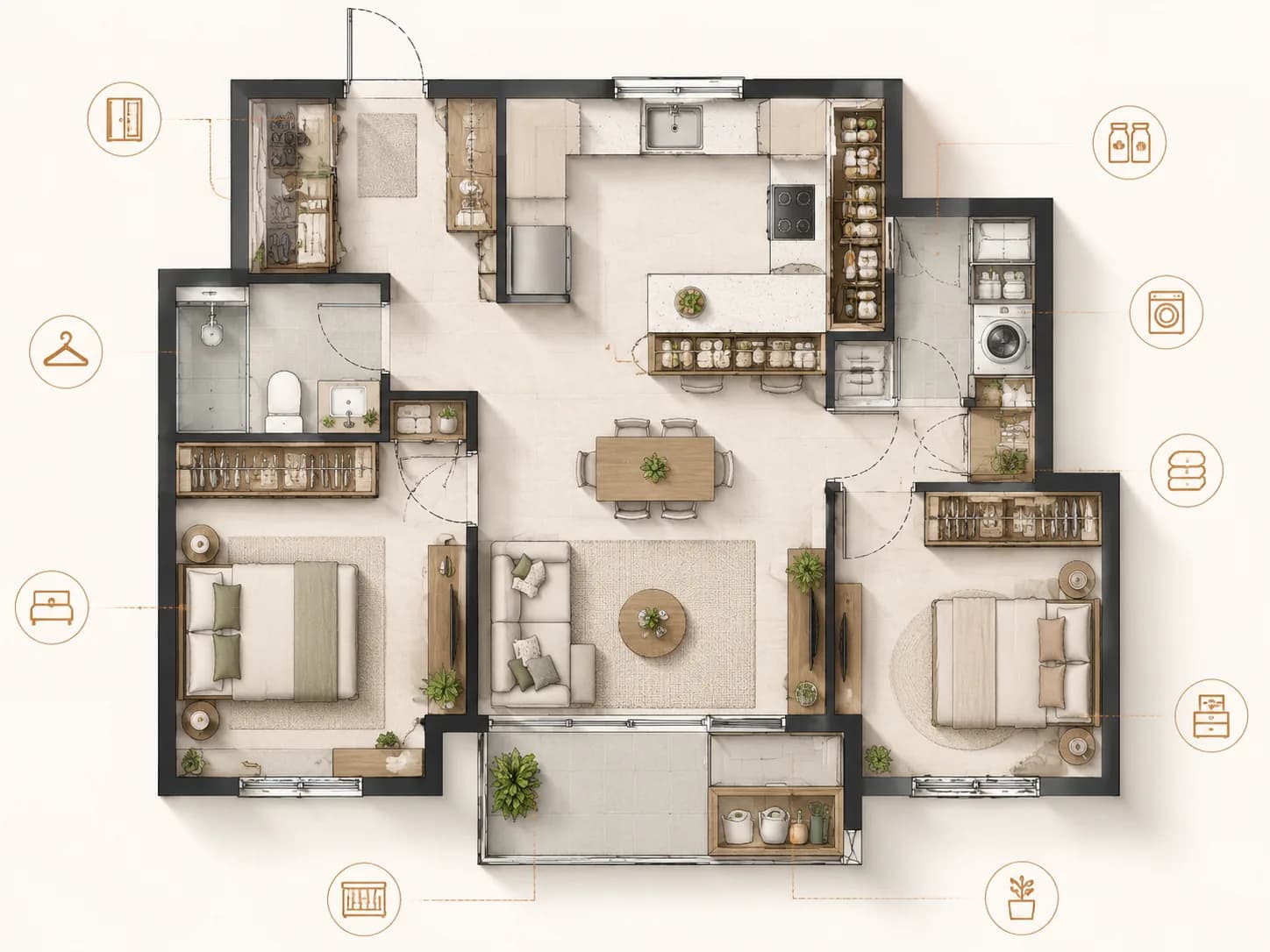
Design wardrobes, pantry, utility shelves, and utility circulation zones so daily routines stay efficient and realistic.
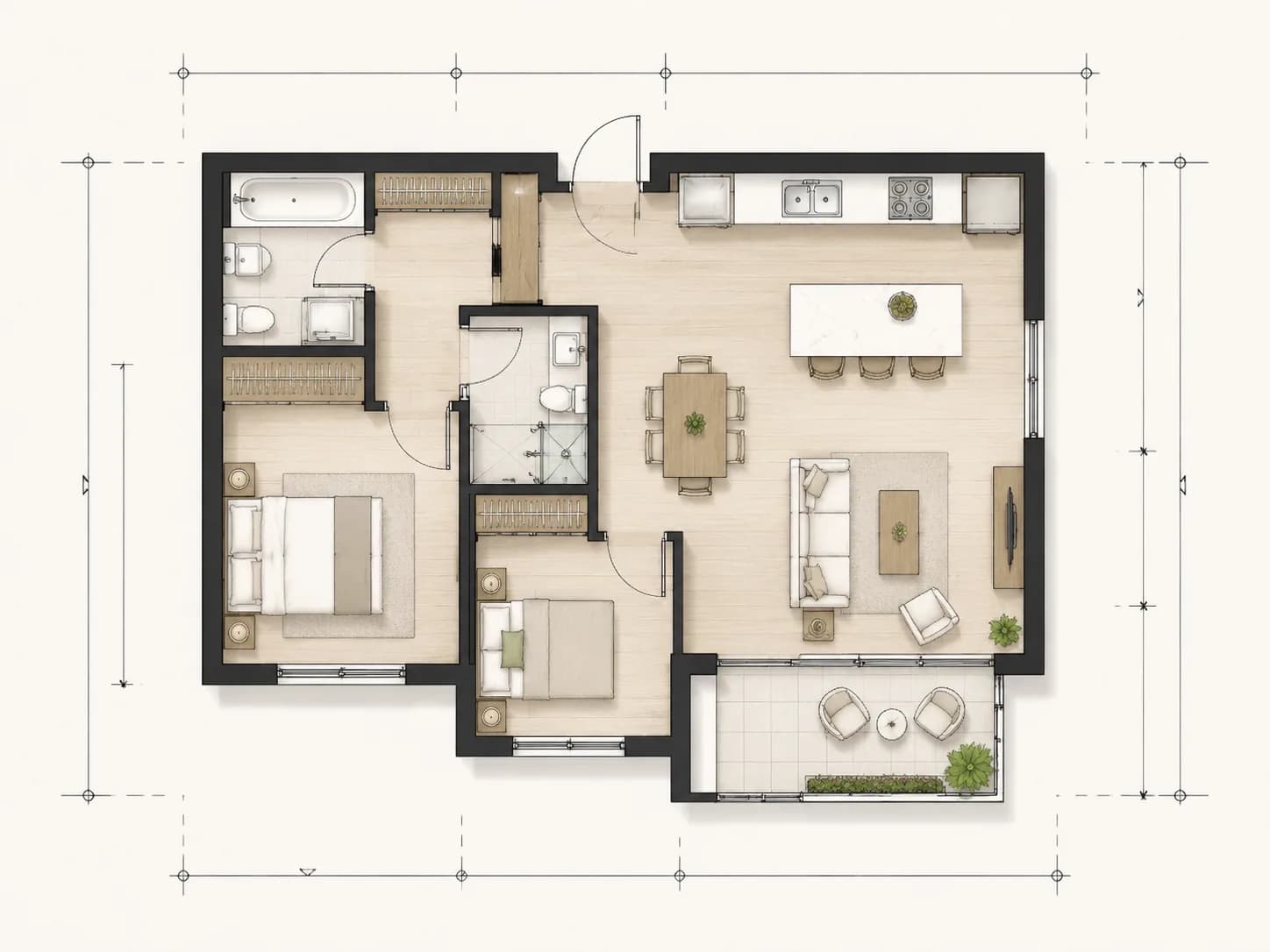
Produce label-rich line drawings for client discussions, handoff, and layout iteration before final CAD or renovation work.
AI Floor Plan helps teams generate apartment layout drafts with consistent room labeling and circulation readability.
Answers about apartment-focused layout drafting and AI-assisted planning.
Yes. The output is suitable for early discussion, rental comparison, client review, and renovation planning before detailed technical drawings.
Yes. Add storage requirements and circulation constraints so the draft keeps bedrooms, kitchen, and living area usable in real life.
Generated tasks can be previewed and downloaded from the result area after completion.
Yes. Add details like balcony depth, kitchen type, and circulation path in your prompt to compare layout choices.
The result is useful for CAD cleanup and technical handoff, but final construction docs should still be reviewed by qualified professionals.
Most tasks complete in seconds to minutes depending on model queue and complexity.
Yes. Use natural language with room counts, area constraints, and style preferences; the model converts it into structured layout draft details.
Yes. Adjust prompt text and generate again to get a cleaner apartment version.
Yes. Use the plan output as a reference for client review, contractor coordination, and design discussion.
Prompt data and generated results stay in your account workspace and are not publicly published by default.
Need broader support? Use the AI Floor Plan Generator, plan fixtures in the Bathroom Floor Plan, or refine results in the Floor Plan Editor.
Start with a brief and generate a practical apartment draft with readable room labels and circulation logic.