
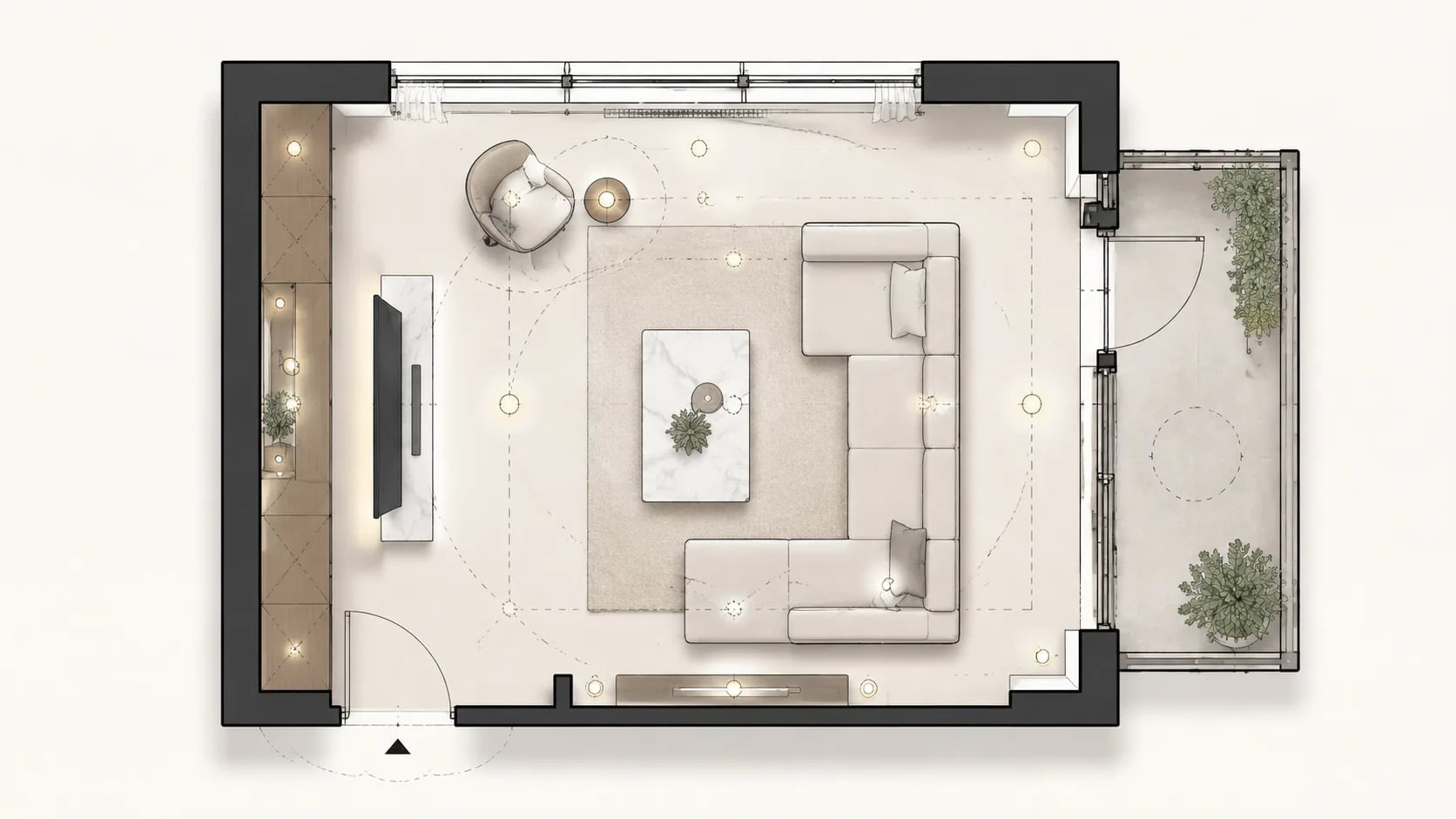

01
Describe the living room
Input room size, sofa style, TV wall position, coffee table needs, windows, balcony door, entry connection, storage goals, and lighting requirements.
Describe the room size, sofa style, TV wall, coffee table, windows, balcony door, entry path, and lighting needs, then AI Floor Plan creates a living room plan for fast review.
AI Floor Plan converts living room requirements into practical 2D drawing defaults with sofa placement, TV wall logic, natural light, and circulation checks.
Input room size, sofa style, TV wall position, coffee table needs, windows, balcony door, entry connection, storage goals, and lighting requirements.
The page uses 2D color rendering, ISO 128 standard, 1:50 scale, and 4:3 canvas for focused room planning review.
Regenerate with changes to sofa shape, TV wall distance, balcony access, storage wall, window light, coffee table spacing, and circulation until the layout is ready.
A room planning draft helps compare furniture placement, TV wall options, natural light, storage, entry flow, and open-plan connections before renovation or client review.
Fit a compact sofa, TV console, coffee table, storage, window access, and clear circulation into a small room arrangement.
Plan sofa zones, dining connections, TV wall orientation, entry paths, balcony access, and shared circulation.
Create a readable furniture layout for rental listings, staging checks, furniture shopping, and property presentations.
Test sectional sofas, play corners, reading chairs, media walls, storage units, window light, and safe walking paths.
Use the draft to discuss rug size, coffee table spacing, accent chairs, side tables, and lighting zones.
Use the generated draft as a baseline for CAD cleanup, furniture schedules, client review, and construction coordination.
Turn a room brief into a focused room planning draft with sofa placement, TV wall logic, coffee table clearance, window light, balcony access, and readable furniture blocks.
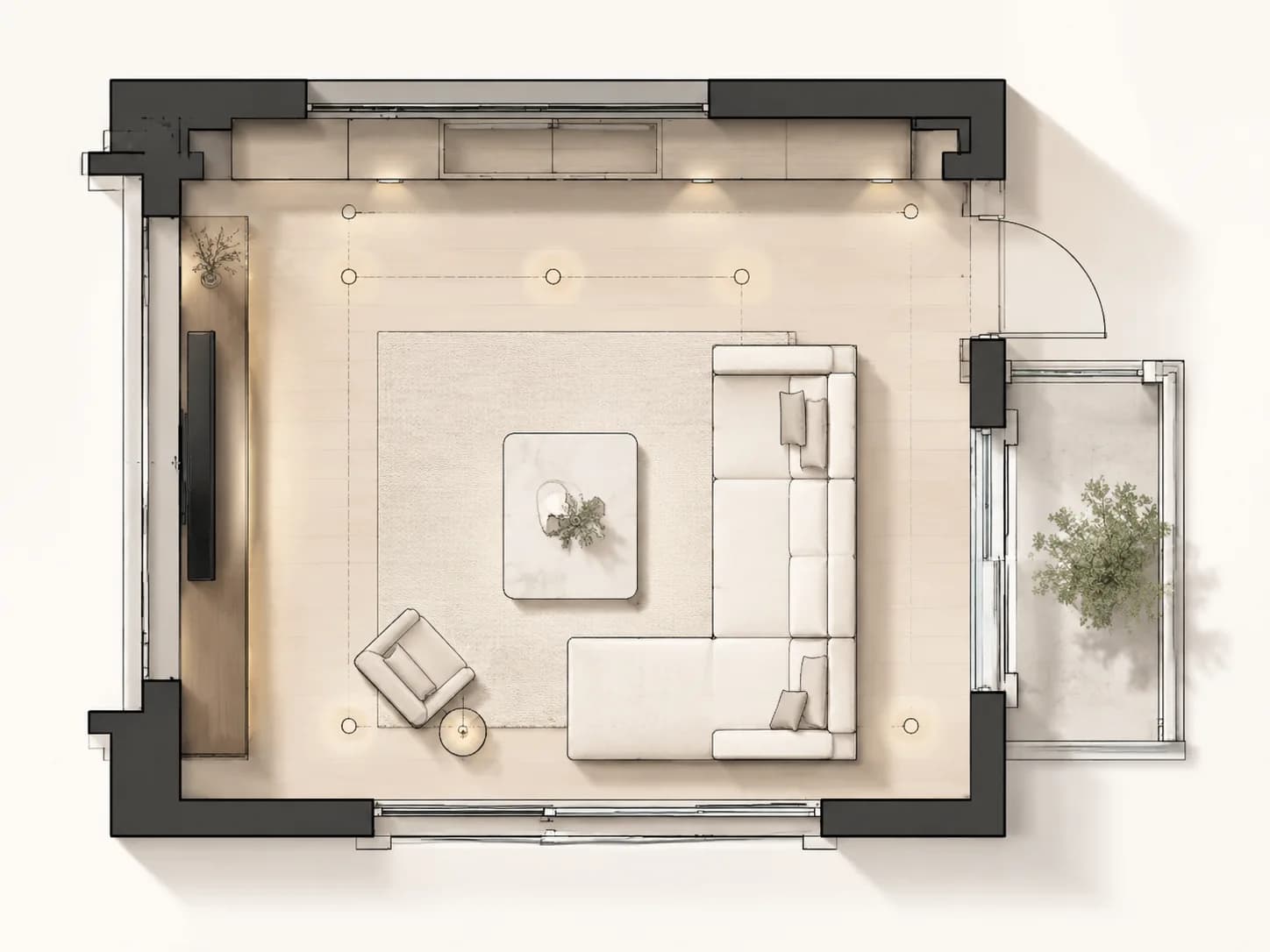
Generate a furniture draft with sofa blocks, media wall, coffee table, reading chair, storage, window position, and clear walking paths.
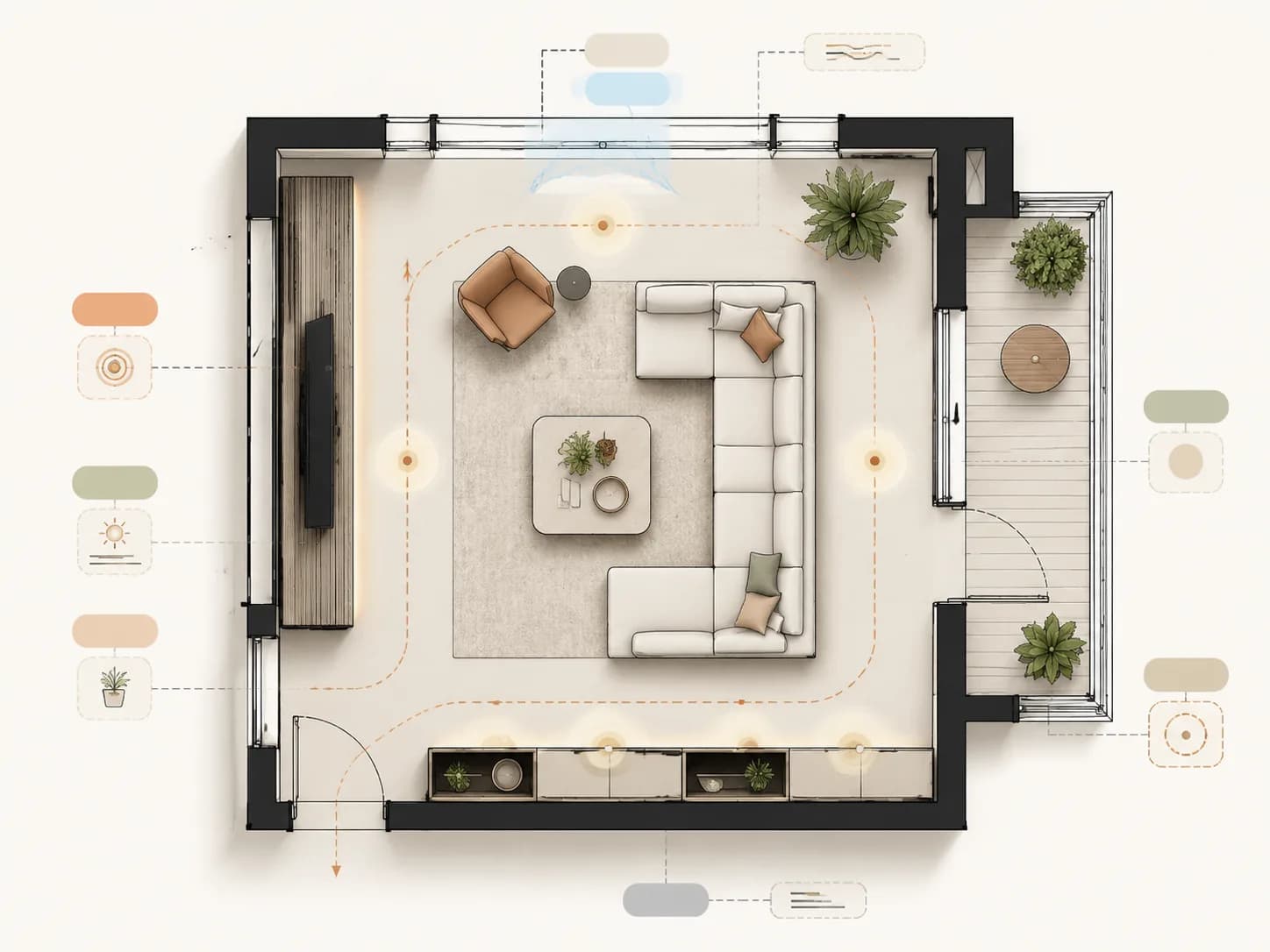
Compare seating groups, TV viewing distance, balcony access, natural light, entry connection, storage walls, and everyday circulation before detailed design.
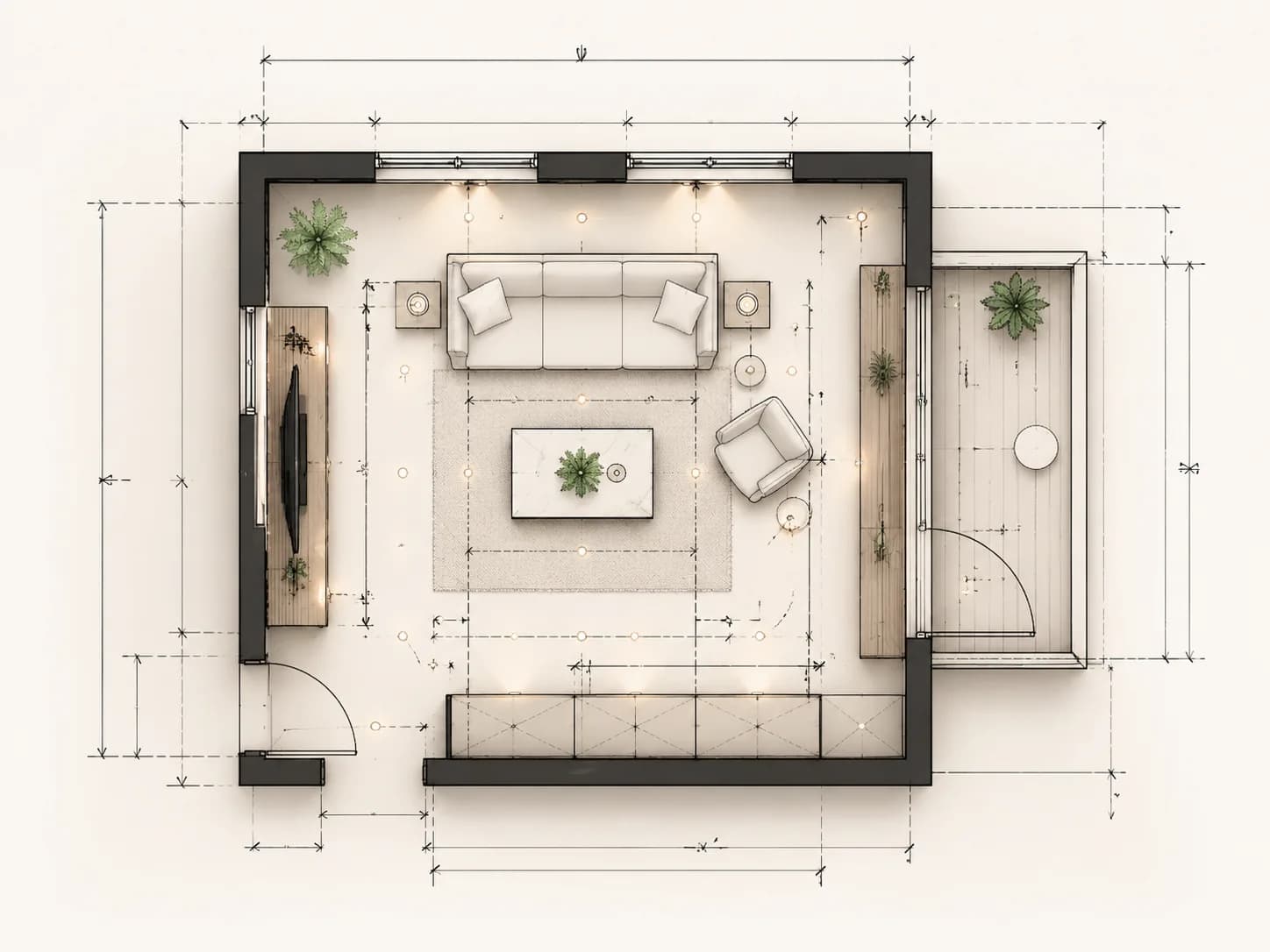
Review sofa clearance, coffee table spacing, TV wall distance, balcony door swing, entry routes, and traffic paths before CAD cleanup.
AI Floor Plan helps teams generate review drafts with readable room layout, furniture placement, and circulation checks.
Answers about living room layout, furniture planning, TV wall position, dimensions, CAD handoff, commercial use, export, and data safety.
It helps you test sofa placement, TV wall position, coffee table spacing, windows, balcony doors, storage, lighting zones, and circulation before renovation or staging.
No. Write simple room dimensions, furniture needs, and constraints. AI Floor Plan turns that brief into a structured room layout draft.
Yes. Add sofa shape, TV wall location, viewing distance, coffee table size, storage wall, accent chairs, and entry path so the draft is more realistic.
Yes. Include window orientation, balcony access, door swing, natural light direction, and fixed walls so the generated layout respects site limits.
Yes. Ask for sofa clearance, coffee table spacing, TV viewing distance, entry circulation, balcony door clearance, and walking paths for CAD cleanup.
Yes. Describe the dining connection, sofa boundary, TV wall, entry route, circulation spine, and shared lighting so the plan reflects an open layout.
Yes. The output is useful for client review, staging proposals, property listings, renovation discussion, furniture shopping, and internal design coordination.
Yes. When generation finishes, previews and downloads are available in the result area with project history.
It is suitable for early construction discussion and design coordination. Final construction documents should be checked by qualified professionals.
Prompts, uploads, and generated results stay in your account workspace and are not publicly published by default.
Need a full home layout too? Open the Apartment Plan, compare a Bedroom Floor Plan, or refine results in the Floor Plan Editor.
Start with room size, sofa, TV wall, coffee table, window light, balcony access, and circulation, then generate a review ready draft.